
Create Stunning QR Codes
with Pixel-Perfect Control
The most powerful QR code generation API. Design branded, artistic QR codes with custom shapes, gradients, logos, frames, and text overlays. Export in 4K resolution.
✨ Key Features
🎯 Use Cases
🚀 Quick Start
Generate your first branded QR code in seconds. Copy the example below:
curl -X POST "https://qr-branding-api.p.rapidapi.com/api/qr/generate" \
-H "X-RapidAPI-Key: YOUR_RAPIDAPI_KEY" \
-H "X-RapidAPI-Host: qr-branding-api.p.rapidapi.com" \
-H "Content-Type: application/json" \
-d '{
"content": "https://mywebsite.com",
"moduleShape": "circle",
"primaryColor": "#6366f1"
}'
content field is required. All other parameters have sensible defaults. Start simple and add customizations as needed.
🔐 Authentication
This API is accessed through RapidAPI. All authentication is handled automatically by RapidAPI when you subscribe to the API.
X-RapidAPI-Key: YOUR_RAPIDAPI_KEY X-RapidAPI-Host: qr-branding-api.p.rapidapi.com
Generate Custom QR
The primary endpoint. Send a JSON configuration object to generate a fully customized QR code image. Returns a Base64-encoded image.
Complete Example Request
This example showcases all available customization options:
{
// === REQUIRED ===
"content": "https://mybrand.com",
// === OUTPUT SETTINGS ===
"eccLevel": "H",
"pixelsPerModule": 20,
"quietZone": true,
"outputWidth": 1024,
"outputHeight": 1024,
"fileFormat": "png",
"responseType": "base64",
// === QR SHAPE (MASK) ===
"qrShape": "circle",
"qrShapeRadius": 0,
// === COLORS & GRADIENTS ===
"primaryColor": "#6366f1",
"secondaryColor": "#ec4899",
"foregroundStyle": "linearGradient",
"gradientType": "linear",
"gradientDirection": "diagonal",
"gradientAngle": 45,
"gradientColors": ["#FF0000", "#00FF00", "#0000FF"],
"gradientOnEyes": false,
"backgroundColor": "#ffffff",
"transparentBackground": false,
// === MODULE SHAPES & PATTERNS ===
"moduleShape": "circle",
"moduleScale": 0.85,
"moduleRotation": 0,
"moduleStyle": "solid",
"moduleOutlineWidth": 2,
"modulePattern": "standard",
"moduleSizeVariation": 0,
// === FINDER PATTERNS (EYES) ===
"finderOuterShape": "circle",
"finderInnerShape": "circle",
"finderOuterColor": "#6366f1",
"finderInnerColor": "#ec4899",
"finderBorderRadius": 10,
"finderInnerScale": 0.43,
"finderStyle": "concentric-circles",
"finderConcentricRings": 3,
"finderInnerPattern": "none",
// Individual Eye Overrides
"eye1": {
"outerShape": "circle",
"innerShape": "circle",
"outerColor": "#6366f1",
"innerColor": "#ec4899",
"rotation": 0
},
"eye2": null,
"eye3": null,
// === FRAME ===
"frame": {
"enabled": true,
"shape": "speechbubble",
"color": "#1e3a5f",
"secondaryColor": "#4cc9f0",
"gradientType": "linear",
"fillColor": "#f8fafc",
"width": 8,
"cornerRadius": 25,
"style": "solid",
"padding": 20,
"speechBubbleDirection": "bottom",
"speechBubbleSize": 20
},
// === LOGO ===
"logoUrl": "https://example.com/logo.png",
"logoShape": "circle",
"logoBorderWidth": 3,
"logoBorderColor": "#ffffff",
"cleanBehindLogo": true,
"logoSizePercent": 18,
"logoPadding": 5,
"logoShadow": true,
"logoBackground": "solid",
"logoBackgroundColor": "#ffffff",
// === VISUAL EFFECTS ===
"effects": {
"shadow": true,
"shadowColor": "#00000040",
"shadowOffsetX": 5,
"shadowOffsetY": 5,
"shadowBlur": 10,
"glow": false,
"glowColor": "#00FF00",
"glowIntensity": 10,
"glowRadius": 15,
"edgeFade": false,
"edgeFadePercent": 25,
"edgeFadeType": "size",
"emboss": false,
"embossDepth": 3,
"noise": false,
"noiseIntensity": 0.1
},
// === CIRCULAR TEXT ===
"circularText": {
"topText": "SCAN ME",
"bottomText": "MY BRAND",
"color": "#000000",
"fontSize": 20,
"bold": true,
"letterSpacing": 5,
"margin": 10,
"radius": 0
},
// === SCAN CORNERS ===
"scanCorners": {
"enabled": true,
"color": "#6366f1",
"style": "brackets",
"length": 15,
"thickness": 3,
"offset": 10
},
// === CENTER TEXT STRIP ===
"centerText": {
"text": "BRAND",
"color": "#000000",
"backgroundColor": "#ffffff",
"backgroundOpacity": 1.0,
"orientation": "horizontal",
"height": 40,
"fontSize": 16,
"bold": true
},
// === CTA TEXT ===
"ctaText": "SCAN ME",
"ctaColor": "#000000",
"ctaFontSize": 24,
"ctaPosition": "bottom",
"ctaFontFamily": null
}
content is required. All other parameters have sensible defaults. Include only what you want to customize.
Response (Base64 Mode)
When responseType: "base64" (default), you receive a JSON response:
{
"success": true,
"qrBase64": "iVBORw0KGgoAAAANSUhEUgAA...",
"format": "png",
"contentType": "image/png",
"sizeBytes": 24680
}
Response Fields
| Field | Type | Description |
|---|---|---|
| success | bool | Whether the generation succeeded |
| qrBase64 | string | Base64-encoded file data |
| format | string | File extension (png, jpg, svg, pdf, etc.) |
| contentType | string | MIME type for the file |
| sizeBytes | int | File size in bytes |
Response (Binary Mode)
When responseType: "binary", you receive the file directly:
// Binary file data returned directly // Content-Disposition: attachment; filename="qrcode.png" // Content-Type: image/png (or image/svg+xml, application/pdf, etc.)
<img> tag:
<img src="data:{contentType};base64,{qrBase64}" />
responseType: "binary", the response is a direct file download. In JavaScript, handle it as a Blob:
const blob = await response.blob();
Example: Download PDF
curl -X POST "https://qr-branding-api.p.rapidapi.com/api/qr/generate" \
-H "X-RapidAPI-Key: YOUR_RAPIDAPI_KEY" \
-H "X-RapidAPI-Host: qr-branding-api.p.rapidapi.com" \
-H "Content-Type: application/json" \
-d '{
"content": "https://mywebsite.com",
"fileFormat": "pdf",
"responseType": "binary",
"moduleShape": "circle",
"primaryColor": "#6366f1"
}' --output qrcode.pdf
Example: Get SVG as Base64
curl -X POST "https://qr-branding-api.p.rapidapi.com/api/qr/generate" \
-H "X-RapidAPI-Key: YOUR_RAPIDAPI_KEY" \
-H "X-RapidAPI-Host: qr-branding-api.p.rapidapi.com" \
-H "Content-Type: application/json" \
-d '{
"content": "https://mywebsite.com",
"fileFormat": "svg",
"responseType": "base64",
"primaryColor": "#f72585"
}'
📤 Multipart Logo Upload
Instead of using logoUrl or logoBase64, you can upload your logo directly as a binary file using multipart/form-data. This is ideal when your logo isn't publicly accessible.
Multipart Request Structure
| Field | Type | Description |
|---|---|---|
| config REQ | text (JSON string) | The complete QR configuration as a JSON string |
| logoFile | file (binary) | Logo image file (PNG, JPG, etc.). Takes priority over logoUrl/logoBase64. Max 10 MB. |
| backgroundFile | file (binary) | Background image file (PNG, JPG, etc.). Alternative to backgroundImageUrl/backgroundImageBase64. Takes priority over URL/Base64 background options. Max 10 MB. |
cURL Example
curl -X POST "https://qr-branding-api.p.rapidapi.com/api/qr/generate" \
-H "X-RapidAPI-Key: YOUR_RAPIDAPI_KEY" \
-H "X-RapidAPI-Host: qr-branding-api.p.rapidapi.com" \
-F 'config={"content":"https://mysite.com","moduleShape":"circle","primaryColor":"#f72585"}' \
-F "logoFile=@/path/to/logo.png"
📦 Basic Parameters
| Parameter | Type | Default | Description |
|---|---|---|---|
| content REQ | string | — | The data to encode. Can be any text: URLs, WiFi strings, vCards, plain text, etc. |
| eccLevel | string | "H" |
Error correction level. Higher levels allow more damage/obstruction.
L
M
Q
H
|
| pixelsPerModule | int | 20 | Base resolution. Higher = sharper. Range: 5-100 |
| quietZone | bool | true | Add a white margin (4 modules) around the QR for better scanning. DEPRECATED This parameter is a no-op. The quiet zone is always included automatically by QRCoder. |
📐 Output & Resolution
Control the final image size, format, and response type for different use cases.
| Parameter | Type | Default | Description |
|---|---|---|---|
| outputWidth | int | 0 | Final image width in pixels. Use 3840 for 4K. 0 = auto (based on pixelsPerModule). |
| outputHeight | int | 0 | Final image height in pixels. Usually equals outputWidth for square QRs. 0 = auto. |
| fileFormat | string | "png" |
Output image/document format.
png
jpg
jpeg
webp
svg
pdf
|
| quality | int | 90 | Compression quality for JPEG/WebP output. Range: 0-100. Higher = better quality, larger file. Ignored for PNG, SVG, PDF. |
| responseType | string | "base64" |
How to receive the generated QR code.
base64
binary
|
Response Types Explained
| Type | Response | Use Case |
|---|---|---|
| base64 | JSON with Base64-encoded image string | Web apps, embedding in HTML, storing in databases |
| binary | Direct file download (PNG, SVG, PDF, etc.) | Direct file save, print workflows, design tools |
Format Comparison
| Format | Type | Best For | Features |
|---|---|---|---|
| PNG | Raster | Web, transparency needed | ✅ Transparency, ✅ Logos, ✅ All shapes |
| JPG | Raster | Photos, smaller file size | ❌ Transparency, ✅ Logos, ✅ All shapes |
| SVG | Vector | Scalable graphics, print | ✅ Infinite scale, ❌ Logos*, ⚠️ Basic shapes only |
| Document | Print, professional sharing | ✅ Print-ready, ✅ Logos, ✅ All shapes | |
| WebP | Raster | Web, modern apps | ✅ Small file size, ✅ Logos, ✅ All shapes |
🎨 Colors & Gradients
| Parameter | Type | Default | Description |
|---|---|---|---|
| primaryColor | hex | "#000000" | Main foreground color for QR modules. Use hex format: #RRGGBB |
| secondaryColor | hex | null | Gradient end color. Required when using gradient styles. |
| foregroundStyle | string | "solid" |
Fill style for modules.
solid
linearGradient
radialGradient
|
| gradientType | string | "linear" |
Type of gradient when using gradient foregroundStyle.
linear
radial
|
| gradientDirection | string | "vertical" |
Direction for gradients.
vertical
horizontal
diagonal
diagonal-reverse
radial
custom
|
| gradientAngle | float | 0 | Custom gradient angle in degrees when gradientDirection is "custom". Range: 0-360. |
| gradientColors | array | null | Multi-color gradient. Array of hex colors, e.g., ["#FF0000", "#00FF00", "#0000FF"]. Overrides primaryColor/secondaryColor. |
| gradientStops | array | null | Custom gradient stop positions. Array of floats from 0.0 to 1.0, e.g., [0.0, 0.3, 1.0]. Must match the length of the gradientColors array. When null, stops are evenly distributed. |
| gradientOnEyes | bool | false | Apply the gradient to finder patterns (eyes) as well. When false, eyes use solid colors. |
🔵 QR Shape (Mask)
Transform the overall shape of your QR code. Perfect for creating circular QR codes like Spotify or Pepsi style.
| Parameter | Type | Default | Description |
|---|---|---|---|
| qrShape | string | "square" |
Overall shape/mask of the QR code.
square
circle
roundedsquare
|
| qrShapeRadius | int | 0 | Corner radius when qrShape is "roundedsquare". Range: 0-50. |
qrShape: "circle") work great with moduleShape: "circle" and concentric finder patterns for a cohesive look.
⬡ Module Shapes
Transform the individual data modules of your QR code into unique shapes.
| Parameter | Type | Default | Description |
|---|---|---|---|
| moduleShape | string | "square" |
Shape of each QR data module.
square
circle
roundedsquare
diamond
star
heart
hexagon
leaf
cross
dot
mosaic
clipped
clippedsmooth
pointed
pointedinward
pointedsmooth
pill
rounded
roundedinward
rounded-in
roundedpointed
rounded-pointed
circlestripe
circle-zebra
circlestripevertical
circle-zebra-vertical
japanese
octagon
shield
arrow
drop
vertical-line
horizontal-line
edgecut
teardrop
plus
|
| moduleScale | float | 0.85 | Scale of each module relative to cell size. Range: 0.5-1.0. Lower values = more spacing between modules. |
| moduleRotation | float | 0 | Rotation angle of modules in degrees. Range: 0-360. Great for diagonal effects. |
| moduleStyle | string | "solid" |
Rendering style of modules.
solid
outline
dotted
|
| moduleOutlineWidth | int | 2 | Stroke width when moduleStyle is "outline". Range: 1-5. |
| moduleSizeVariation | float | 0 | Random size variation. Range: 0-0.5. Higher = more varied module sizes. |
| moduleBlendMode | string | "normal" |
Blend mode for QR modules. Controls how modules composite with the background.
normal
multiply
screen
overlay
|
Module Patterns
Advanced module rendering patterns inspired by social media QR codes.
| Parameter | Type | Default | Description |
|---|---|---|---|
| modulePattern | string | "standard" |
Pattern style for rendering modules.
standard
vertical-lines
horizontal-lines
diagonal-lines
dots-random
dots-gradient
|
vertical-lines for YouTube-style QR codes, horizontal-lines for Twitter-style, and dots-random for Instagram-style. Always use eccLevel: "H" for maximum reliability.
👁️ Eye Customization
The three finder patterns (corners) can be styled globally or individually with advanced styles like concentric circles. Individual eye settings override global defaults.
Global Eye Defaults
| Parameter | Type | Default | Description |
|---|---|---|---|
| finderOuterShape | string | "square" |
Default shape for the outer frame of all finder patterns.
square
circle
roundedsquare
diamond
octagon
target
double
|
| finderInnerShape | string | "square" |
Default shape for the inner pupil of all finder patterns.
square
circle
roundedsquare
diamond
star
dot
|
| finderOuterColor | hex | null | Default outer frame color. Falls back to primaryColor if not set. |
| finderInnerColor | hex | null | Default inner pupil color. Falls back to primaryColor if not set. |
| finderBorderRadius | int | 0 | Corner radius for square/roundedSquare finder shapes. Range: 0-50. Higher = more rounded corners. |
| finderInnerScale | float | 0.43 | Scale of inner finder relative to outer. Range: 0.25-0.55. Lower = smaller inner, more padding from outer edge. |
Advanced Finder Styles
Create unique finder patterns like concentric circles (Pepsi style) or target patterns.
| Parameter | Type | Default | Description |
|---|---|---|---|
| finderStyle | string | "standard" |
Advanced rendering style for finder patterns.
standard
concentric-circles
target
logo
|
| finderConcentricRings | int | 3 | Number of rings when finderStyle is "concentric-circles". Range: 2-5. |
| finderInnerPattern | string | "none" |
Decorative pattern inside the finder center.
none
cross
star
dot
|
Individual Eye Overrides
| Parameter | Type | Description |
|---|---|---|
| eye1 | object | Top-Left finder pattern override. |
| eye2 | object | Top-Right finder pattern override. |
| eye3 | object | Bottom-Left finder pattern override. |
Eye Object Structure
{
"outerShape": "circle", // Optional: "square" | "circle" | "roundedSquare" | etc.
"innerShape": "circle", // Optional: "square" | "circle" | "roundedSquare" | etc.
"outerColor": "#ff0000", // Optional: Hex color for outer frame
"innerColor": "#0000ff", // Optional: Hex color for inner pupil
"rotation": 45, // Optional: Rotation in degrees (0-360)
"iconUrl": "https://...", // Optional: Custom icon URL for finder center
"iconBase64": "iVBORw..." // Optional: Base64 icon for finder center
}
🖼️ Background Options
Customize the QR code background with solid colors, transparency, or images.
| Parameter | Type | Default | Description |
|---|---|---|---|
| backgroundColor | hex | "#FFFFFF" | Background color in hex format. |
| transparentBackground | bool | false | Make the background fully transparent. Requires PNG format for best results. |
| backgroundImageUrl | string | null | URL to a background/watermark image. Image will be stretched to fill. |
| backgroundImageBase64 | string | null | Base64-encoded background image. Can include or omit the data URI prefix. |
| backgroundOpacity | float | 1.0 | Opacity of the background image. Range: 0.0 - 1.0 |
| backgroundBlendMode | string | "behind" |
How the background image blends with the QR code.
behind
blend
behind = image rendered behind QR modules. blend = image overlaid/blended with QR.
|
| backgroundFit | string | "fill" |
How the background image fits within the QR canvas.
fill
fit
stretch
tile
center
|
| backgroundPosition | string | "center" |
Position of the background image. Only applies when backgroundFit is "fit" or "center".
center
top
bottom
left
right
|
| backgroundBlur | int | 0 | Blur radius applied to the background image. Range: 0-50. Higher values = more blur. |
🔲 Frame Options
Wrap the QR code in a decorative frame. Supports multiple shapes including speech bubbles, badges, and shields with gradient options.
| Parameter | Type | Default | Description |
|---|---|---|---|
| frame.enabled | bool | false | Enable the decorative frame. |
| frame.shape | string | "rectangle" |
Frame shape style.
rectangle
speechbubble
badge
shield
|
| frame.color | hex | "#000000" | Frame border color (primary color for gradients). |
| frame.secondaryColor | hex | null | Secondary color for gradient frames. |
| frame.gradientType | string | "none" |
Gradient type for the frame border.
none
linear
radial
|
| frame.fillColor | hex | null | Background fill color inside the frame (different from QR background). |
| frame.blendMode | string | "normal" |
Blend mode for the frame over background.
normal
multiply
screen
overlay
...
|
| frame.width | int | 10 | Border thickness in pixels. |
| frame.cornerRadius | int | 20 | Rounded corner radius. Use 0 for sharp corners. |
| frame.style | string | "solid" |
Border line style.
solid
dashed
dotted
double
|
| frame.padding | int | 20 | Space between the QR and the frame. Auto-adjusted when cornerRadius is large. |
Speech Bubble Options
When using frame.shape: "speechbubble", configure the pointer direction.
| Parameter | Type | Default | Description |
|---|---|---|---|
| frame.speechBubbleDirection | string | "bottom" |
Direction of the speech bubble pointer.
bottom
top
left
right
|
| frame.speechBubbleSize | int | 20 | Size of the speech bubble pointer in pixels. Range: 0-100. |
🏷️ Logo Integration
Embed a logo in the center of your QR code. The logo is automatically sized to ~22% of the QR area.
| Parameter | Type | Default | Description |
|---|---|---|---|
| logoUrl | string | null | URL to the logo image. Must be publicly accessible. |
| logoBase64 | string | null | Base64-encoded logo image. Supports data URI format. |
| logoShape | string | "square" |
Logo clipping shape.
square
circle
|
| logoBorderWidth | int | 0 | Border thickness around the logo. 0 = no border. |
| logoBorderColor | hex | "#FFFFFF" | Color of the logo border. |
| cleanBehindLogo | bool | true | Remove QR modules behind the logo for a cleaner look. Requires eccLevel: "H" for reliable scanning. |
| logoSizePercent | int | 18 | Logo size as percentage of QR code. Range: 5-40. Smaller = safer for scanning. |
| logoPadding | int | 5 | Internal padding around the logo in pixels. |
| logoShadow | bool | false | Add a drop shadow effect behind the logo. |
| logoBackground | string | "none" |
Background style behind the logo.
none
solid
blur
|
| logoBackgroundColor | hex | "#FFFFFF" | Color of the logo background when logoBackground is "solid". |
cleanBehindLogo: true, always use eccLevel: "H" (High error correction) to ensure the QR remains scannable.
✨ Visual Effects
Apply stunning visual effects to your QR code including shadows, neon glow, edge fading, and 3D emboss effects.
Shadow Effect
| Parameter | Type | Default | Description |
|---|---|---|---|
| effects.shadow | bool | false | Enable drop shadow effect on the QR code. |
| effects.shadowColor | hex | "#00000040" | Shadow color with alpha (RRGGBBAA format supported). |
| effects.shadowOffsetX | int | 5 | Horizontal shadow offset in pixels. |
| effects.shadowOffsetY | int | 5 | Vertical shadow offset in pixels. |
| effects.shadowBlur | int | 10 | Shadow blur radius. Range: 0-50. |
Neon Glow Effect
| Parameter | Type | Default | Description |
|---|---|---|---|
| effects.glow | bool | false | Enable neon glow effect around the QR modules. |
| effects.glowColor | hex | "#00FF00" | Glow color (neon effect color). |
| effects.glowIntensity | int | 10 | Glow brightness intensity. Range: 1-20. |
| effects.glowRadius | int | 15 | Glow expansion radius. Range: 1-50. |
Edge Fade Effect
Create a dispersing/fading effect where modules gradually fade toward the edges (like Instagram QR style).
| Parameter | Type | Default | Description |
|---|---|---|---|
| effects.edgeFade | bool | false | Enable edge fade/dispersion effect. |
| effects.edgeFadePercent | int | 25 | Percentage of QR affected by fade. Range: 10-50. |
| effects.edgeFadeType | string | "size" |
How modules fade at edges.
size
opacity
both
|
Additional Effects
| Parameter | Type | Default | Description |
|---|---|---|---|
| effects.emboss | bool | false | Enable 3D emboss/elevation effect. |
| effects.embossDepth | int | 3 | Depth of the 3D effect. Range: 1-10. |
| effects.noise | bool | false | Add subtle noise/texture to the QR. |
| effects.noiseIntensity | float | 0.1 | Noise intensity. Range: 0.0-1.0. |
| effects.blur | bool | false | Enable gaussian blur effect. |
| effects.blurRadius | int | 5 | Blur radius in pixels. Range: 1-20. |
| effects.colorFilter | string | "none" |
Apply color filter.
none
grayscale
sepia
invert
high-contrast
|
Path Effects
Advanced stroke effects for outline-style modules and decorative patterns.
| Parameter | Type | Default | Description |
|---|---|---|---|
| effects.dashEffect | bool | false | Enable dashed line effect for outline modules. |
| effects.dashLength | float | 5 | Length of dash segments. |
| effects.dashGap | float | 3 | Gap between dash segments. |
| effects.cornerEffect | bool | false | Enable corner rounding for paths. |
| effects.cornerRadius | float | 5 | Radius for corner smoothing. |
| effects.wiggleEffect | bool | false | Enable random distortion/wiggle effect for organic look. |
| effects.wiggleSegmentLength | float | 3 | Segment length for wiggle calculation. |
| effects.wiggleDeviation | float | 2 | Maximum deviation for wiggle effect. |
| effects.dotEffect | bool | false | Enable dotted line effect for outline modules. |
| effects.dotSize | float | 2 | Size of dots in dotted effect. |
| effects.dotSpacing | float | 4 | Spacing between dots. |
Advanced Connectivity
Create organic, liquid, or connected designs by linking adjacent modules.
| Parameter | Type | Default | Description |
|---|---|---|---|
| connectedStyle | string | "none" |
Connection style between neighbor modules.
none
fluid
sharp
round
|
| connectionThreshold | float | 0.5 | How much modules stretch to touch neighbors (0.0-1.0). |
| cornerRounding | int | 0 | Radius for smoothing connections. |
| isolatedModuleShape | string | null | Shape for modules without neighbors (e.g., "leaf", "circle"). Inherits moduleShape if null. |
Custom SVG Shapes
Extreme customization using standard SVG path data strings.
| Parameter | Type | Default | Description |
|---|---|---|---|
| customModuleSvg | string | null | SVG path data (d="M...") for data modules. |
| customFinderOuterSvg | string | null | SVG path data for finder outer ring. |
| customFinderInnerSvg | string | null | SVG path data for finder inner center. |
🔄 Circular Text
Add curved text around the QR code, perfect for "SCAN ME" badges like the circular QR designs.
| Parameter | Type | Default | Description |
|---|---|---|---|
| circularText.topText | string | null | Text displayed in a curve above the QR (e.g., "SCAN ME"). |
| circularText.bottomText | string | null | Text displayed in a curve below the QR. |
| circularText.color | hex | "#000000" | Text color. |
| circularText.fontSize | int | 20 | Font size in points. |
| circularText.fontFamily | string | null | Font family name (system fonts). |
| circularText.bold | bool | true | Use bold font weight. |
| circularText.letterSpacing | int | 5 | Space between characters. Range: 0-50. |
| circularText.margin | int | 10 | Distance from the QR edge. |
| circularText.radius | int | 0 | Custom curve radius. 0 = automatic based on QR size. |
📐 Scan Corners
Add decorative corner markers around the QR code, similar to camera viewfinder corners.
| Parameter | Type | Default | Description |
|---|---|---|---|
| scanCorners.enabled | bool | false | Enable decorative scan corners. |
| scanCorners.color | hex | "#000000" | Color of the corner markers. |
| scanCorners.style | string | "lines" |
Style of corner markers.
lines
brackets
dots
|
| scanCorners.length | int | 15 | Length of corner lines as % of QR size. Range: 5-25. |
| scanCorners.thickness | int | 3 | Line thickness. Range: 1-10. |
| scanCorners.offset | int | 10 | Distance from the QR edge. Range: 0-50. |
✍️ Text Overlays
Center Text Strip
Add a text band that cuts through the center of the QR code.
| Parameter | Type | Default | Description |
|---|---|---|---|
| centerText.text | string | — | Text to display across the QR. |
| centerText.color | hex | "#000000" | Text color. |
| centerText.backgroundColor | hex | "#FFFFFF" | Strip background color. |
| centerText.orientation | string | "horizontal" |
Direction of the text strip.
horizontal
vertical-rotated
vertical-stacked
|
| centerText.height | int | 40 | Thickness of the strip in pixels. |
| centerText.fontSize | int | 16 | Font size in points. |
| centerText.bold | bool | true | Use bold font weight. |
| centerText.backgroundOpacity | float | 1.0 | Opacity of the centerText background strip. Range: 0.0 - 1.0. Use lower values for a semi-transparent text band. |
| centerText.paddingX | int | 10 | Horizontal padding (in pixels) for the centerText strip. Controls spacing between text and strip edges. |
Footer/Header CTA (Call to Action)
Add promotional text above or below the QR code.
| Parameter | Type | Default | Description |
|---|---|---|---|
| ctaText | string | null | Text displayed near the QR (e.g., "SCAN ME", "Visit our website"). |
| ctaColor | hex | "#000000" | CTA text color. |
| ctaFontSize | int | 24 | CTA font size in points. Text is always bold. |
| ctaPosition | string | "bottom" |
Position of the CTA text.
bottom
top
|
| ctaFontFamily | string | null | Custom font family name (system fonts only). |
📚 List Templates
Retrieve the list of available pre-designed QR templates. Returns template metadata without the full configuration.
Query Parameters
| Parameter | Type | Description |
|---|---|---|
| category OPT | string | Filter templates by category (e.g., "Technology", "Luxury", "Fun") |
Response
{
"success": true,
"count": 12,
"categories": ["Artistic", "Corporate", "Events", "Fun", "Luxury", "Nature", "Social", "Technology"],
"templates": [
{
"id": "cyber-neon",
"name": "Cyber Neon",
"category": "Technology",
"description": "Futuristic neon style with hexagon modules and cyan-pink gradient"
},
{
"id": "professional-blue",
"name": "Professional Blue",
"category": "Corporate",
"description": "Clean corporate style with blue gradient, ideal for business"
},
...
]
}
🎨 Generate from Template
Generate a QR code using a pre-designed template. You can customize the content, logo, output format, and CTA text while keeping the template's visual style intact.
URL Parameters
| Parameter | Type | Description |
|---|---|---|
| templateId REQ | string | The template identifier (e.g., "cyber-neon", "minimalist") |
Request Body
| Parameter | Type | Default | Description |
|---|---|---|---|
| content REQ | string | — | The data to encode (URL, text, etc.) |
| fileFormat OPT | string | "png" | Output format: png, jpg, svg, pdf, etc. |
| responseType OPT | string | "base64" | Response type: base64 or binary |
| outputWidth OPT | int | 0 | Output width in pixels (0 = auto) |
| outputHeight OPT | int | 0 | Output height in pixels (0 = auto) |
| logoUrl OPT | string | null | URL of logo to embed in QR center |
| logoBase64 OPT | string | null | Base64-encoded logo image |
| backgroundImageUrl OPT | string | null | URL of background image (for Background Integration templates) |
| backgroundImageBase64 OPT | string | null | Base64-encoded background image |
| ctaText OPT | string | null | Call-to-action text below QR (e.g., "SCAN ME") |
Example Request
curl -X POST "https://qr-branding-api.p.rapidapi.com/api/qr/templates/cyber-neon" \
-H "X-RapidAPI-Key: YOUR_RAPIDAPI_KEY" \
-H "X-RapidAPI-Host: qr-branding-api.p.rapidapi.com" \
-H "Content-Type: application/json" \
-d '{
"content": "https://mycompany.com",
"logoUrl": "https://mycompany.com/logo.png",
"ctaText": "SCAN ME",
"fileFormat": "png",
"outputWidth": 1024
}'
Multipart Upload (with Logo File)
curl -X POST "https://qr-branding-api.p.rapidapi.com/api/qr/templates/premium-gold" \
-H "X-RapidAPI-Key: YOUR_RAPIDAPI_KEY" \
-H "X-RapidAPI-Host: qr-branding-api.p.rapidapi.com" \
-F 'config={"content":"https://luxury-brand.com","ctaText":"DISCOVER MORE"}' \
-F "logoFile=@/path/to/logo.png"
Response
{
"success": true,
"qrBase64": "iVBORw0KGgoAAAANSUhEUgAA...",
"format": "png",
"contentType": "image/png",
"sizeBytes": 24680
}
Error: Template Not Found
{
"success": false,
"error": {
"code": "TEMPLATE_NOT_FOUND",
"message": "Template 'unknown-template' not found. Use GET /api/qr/templates to see available templates.",
"field": "templateId"
}
}
🎨 Pattern Gallery
Visual reference for all available patterns. Use these shape names in your API requests.
Module Shapes (moduleShape)
Shape of individual data modules in the QR code.
 square
 circle
 roundedsquare
 diamond
 star
star
 heart
heart
 hexagon
 leaf
leaf
 cross
cross
 dot
dot
 mosaic
 clipped
 clippedsmooth
 pointed
 pointedinward
 pointedsmooth
pill
roundedinward
pointedsmooth
pill
roundedinward
 roundedpointed
 circlestripe
 japanese
 octagon
 shield
 arrow
arrow
 drop
drop
Finder Outer Shapes (finderOuterShape)
Shape of the outer frame of the three corner finder patterns (eyes).
 square
 circle
 roundedsquare
 diamond
 octagon
target
octagon
target
 double
Finder Inner Shapes (finderInnerShape)
Shape of the inner dot/center of the finder patterns (eyeballs).
 square
 circle
 roundedsquare
 diamond
 star
dot
star
dot
customModuleSvg, customFinderOuterSvg, and customFinderInnerSvg
parameters for completely unique designs.
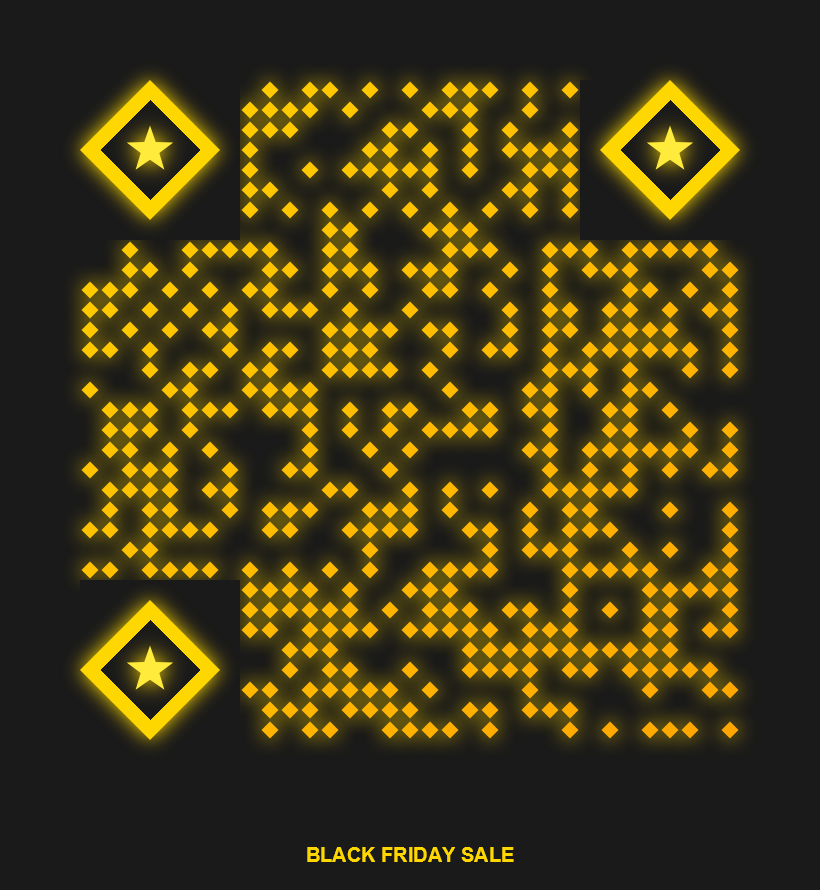
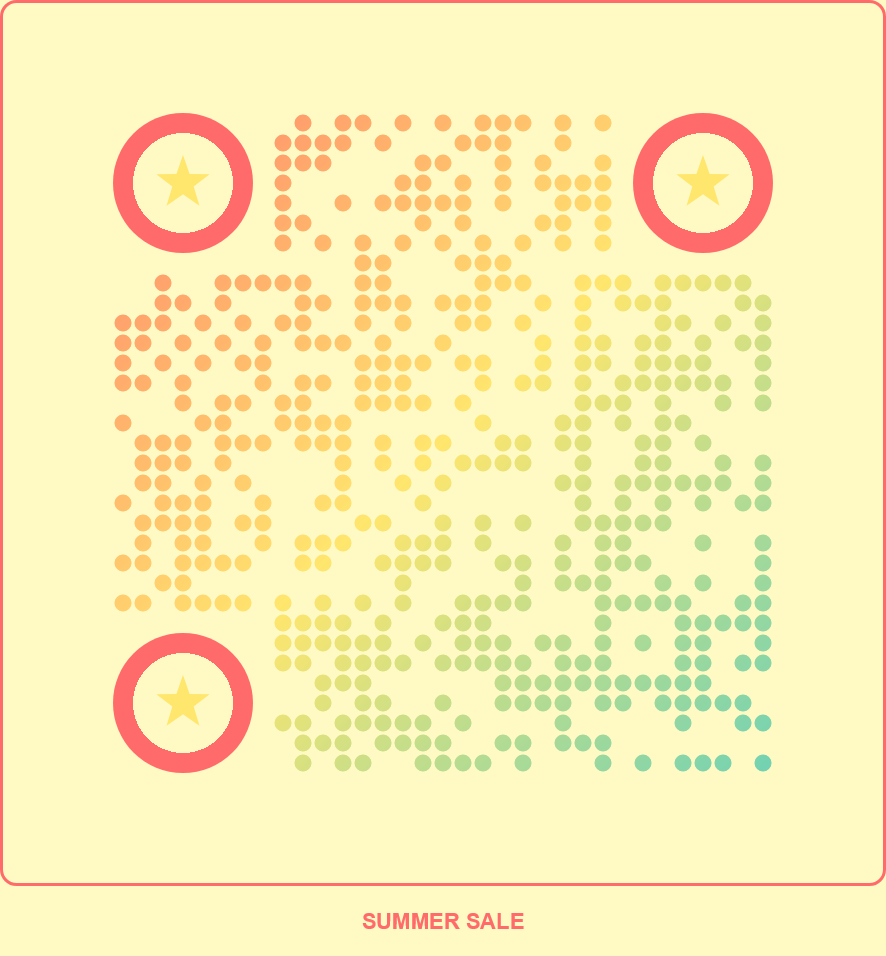
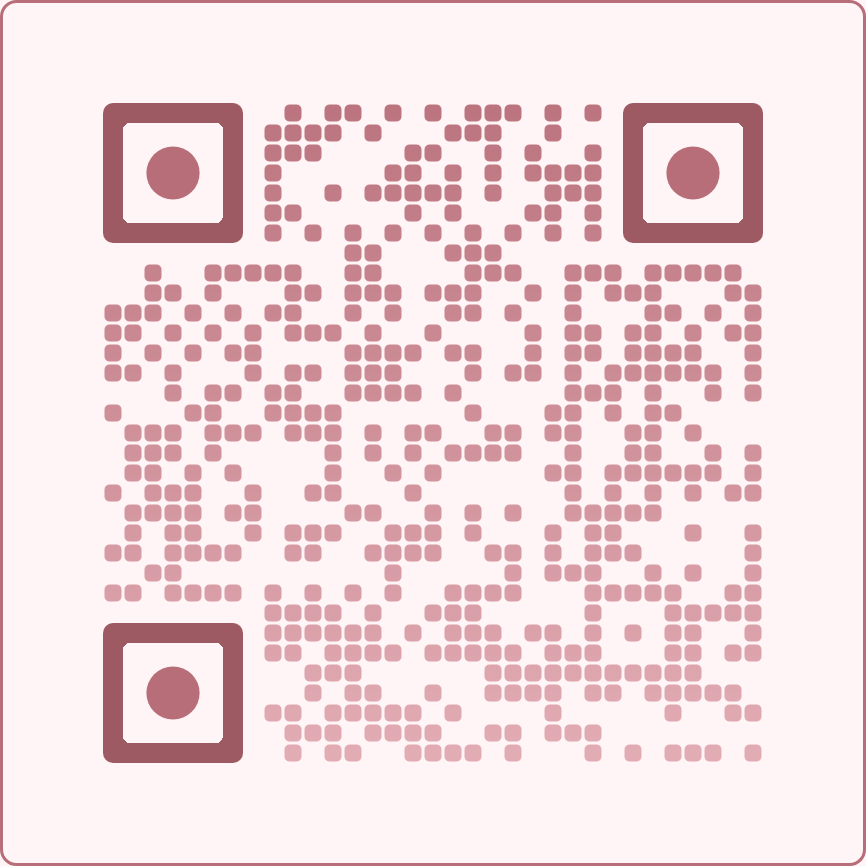
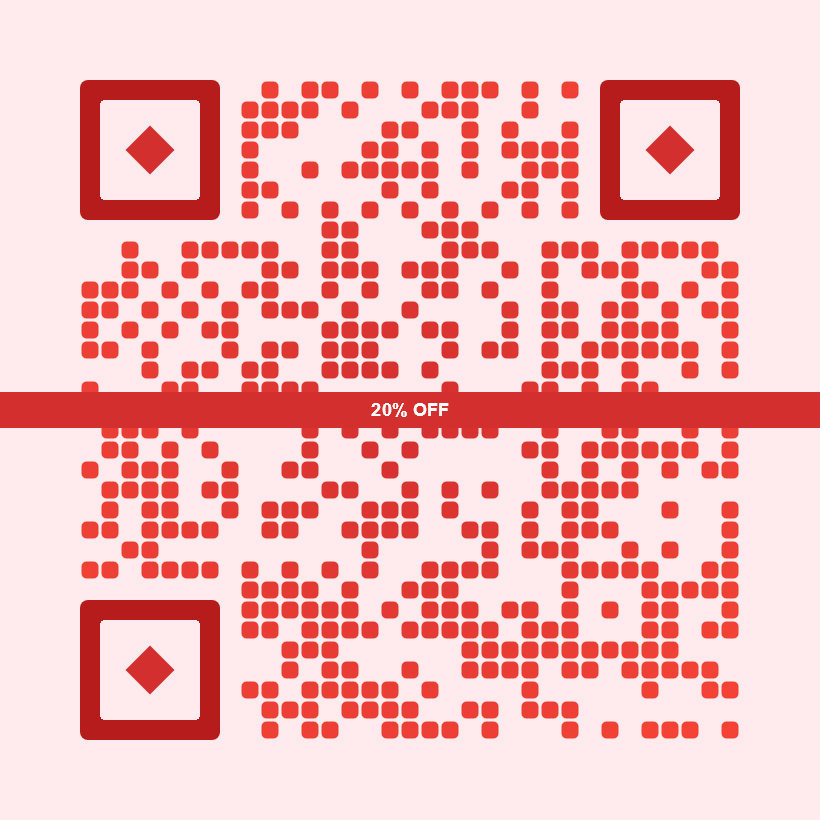
🖼️ Template Gallery
Browse our curated collection of pre-designed QR templates. Each template is ready to use with the POST /api/qr/templates/{templateId} endpoint. Click on any template to see its ID.
Art & Design
outline-sketch
scattered-dots
rotated-grid
dotted-border
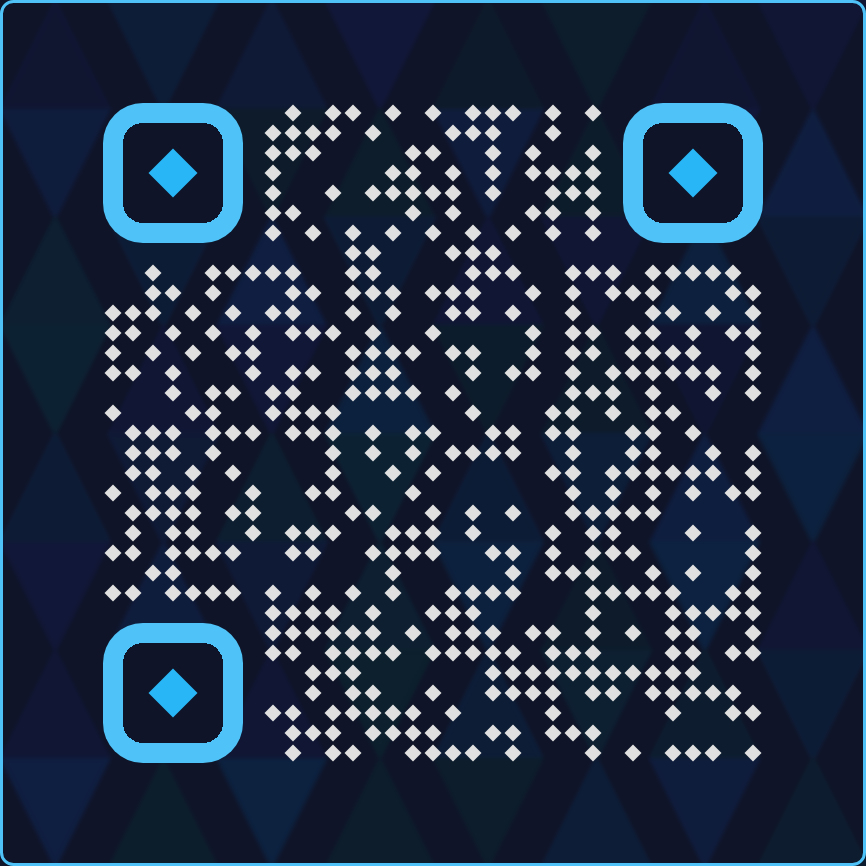
geometric-dark
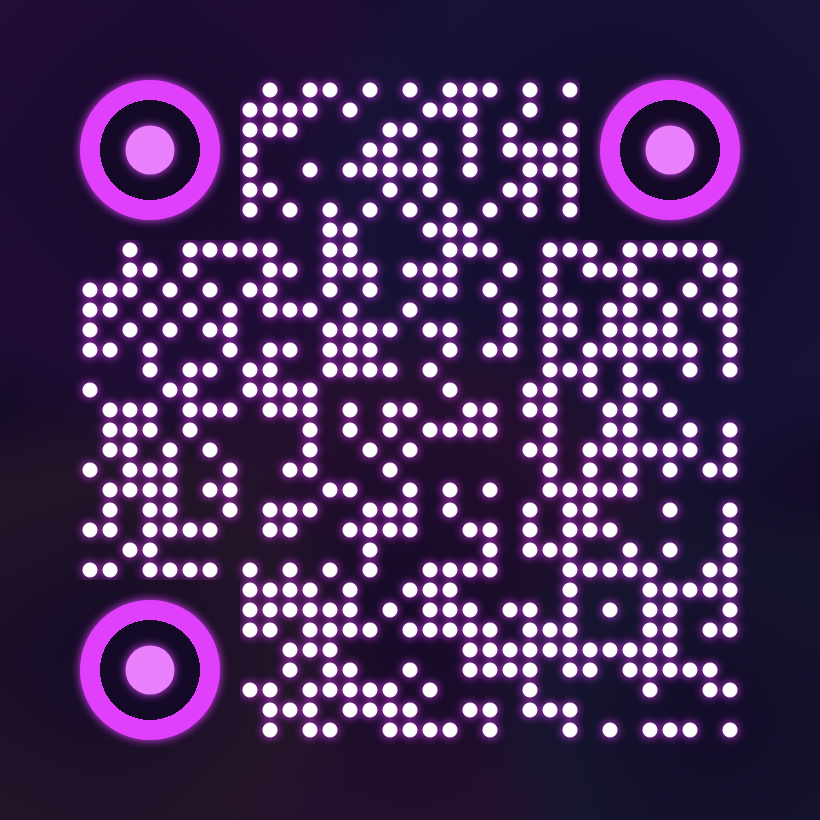
gradient-art
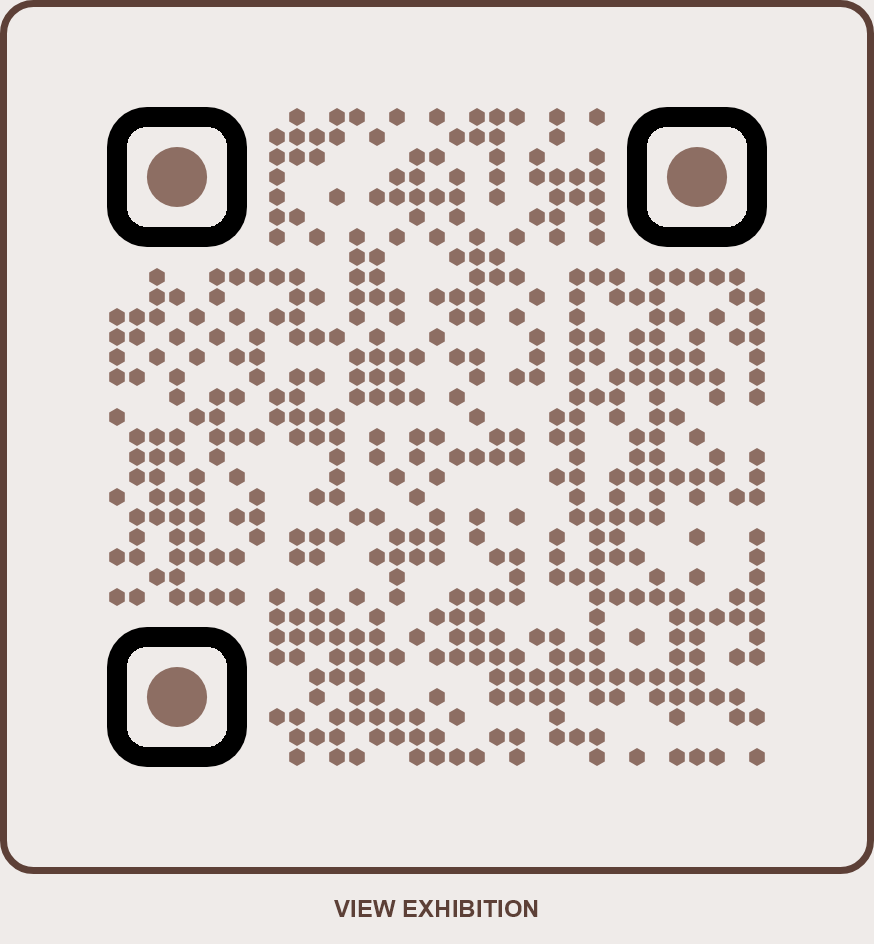
art-gallery
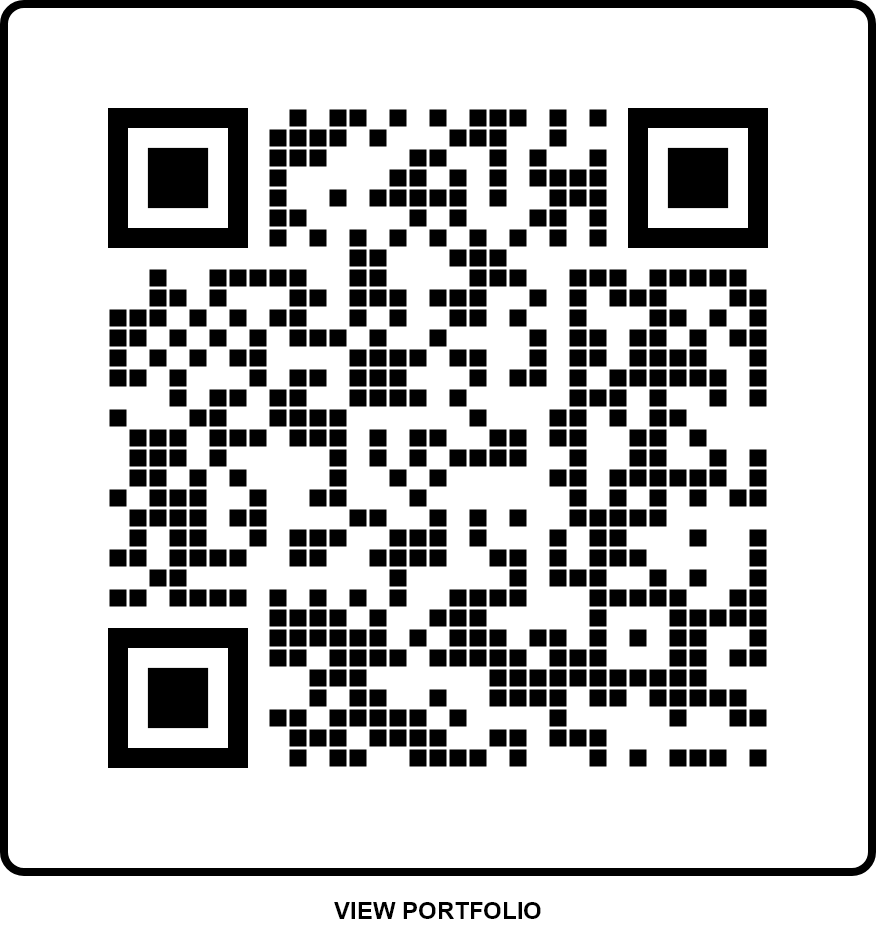
photography-studio
Artistic
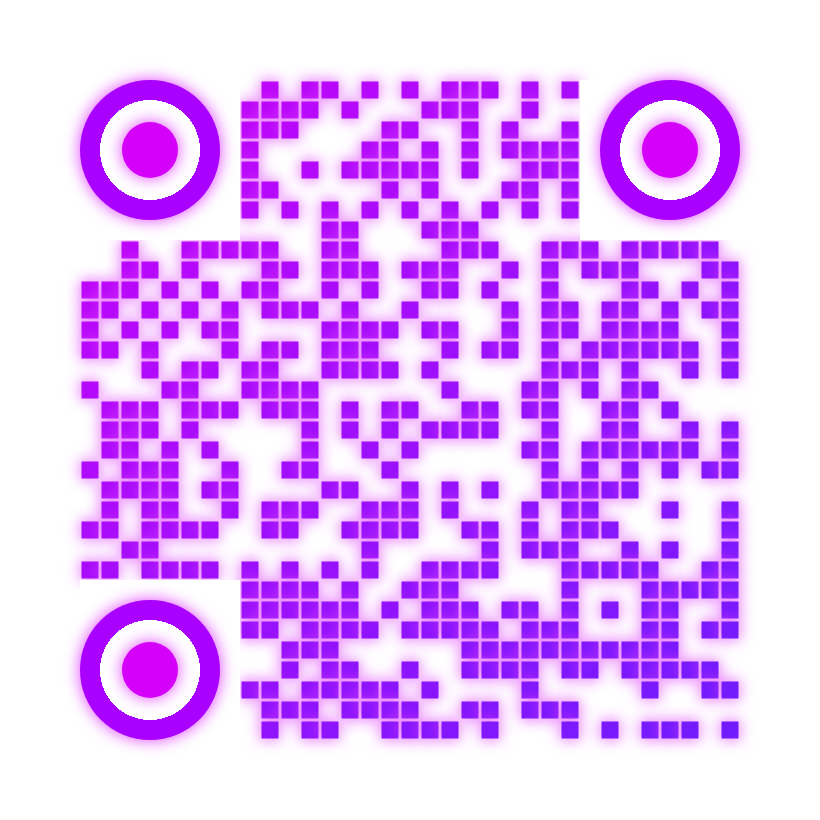
fluid-pink
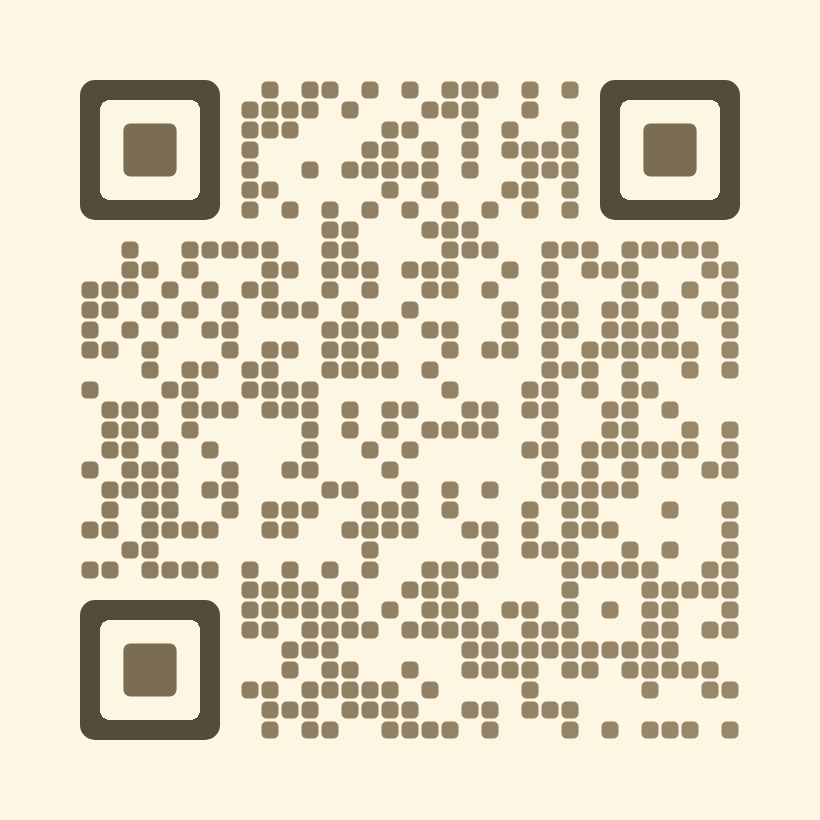
watercolor-dream
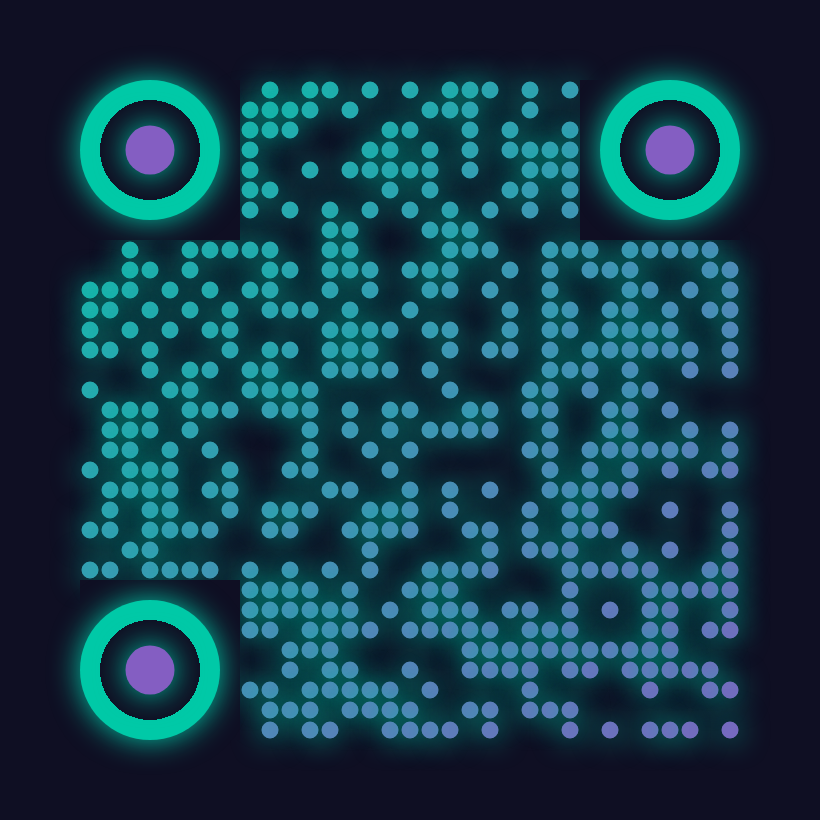
aurora-borealis
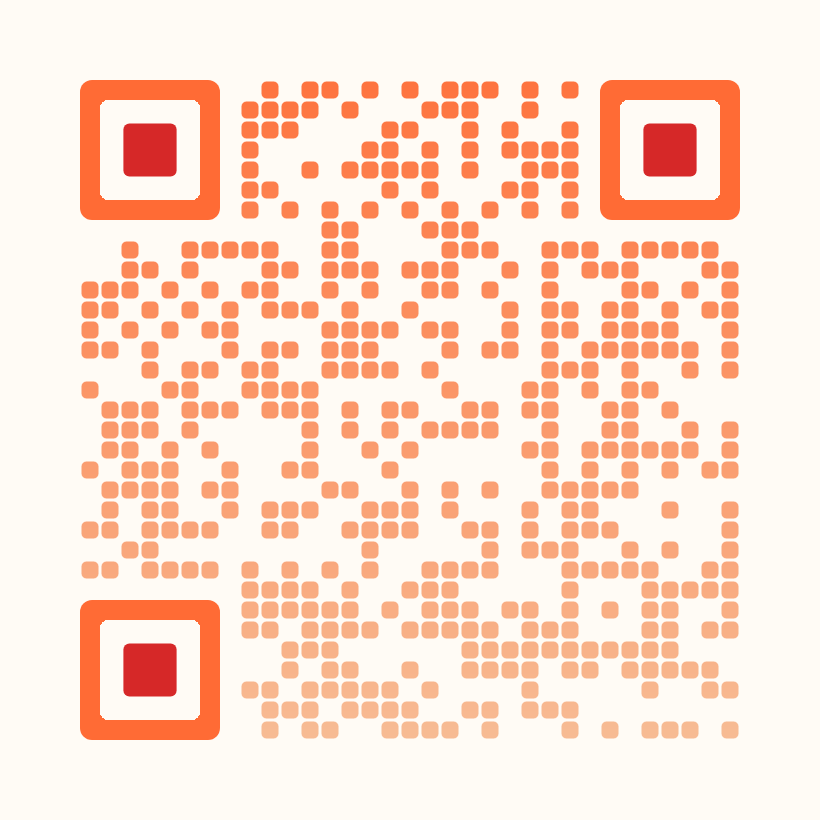
sunset
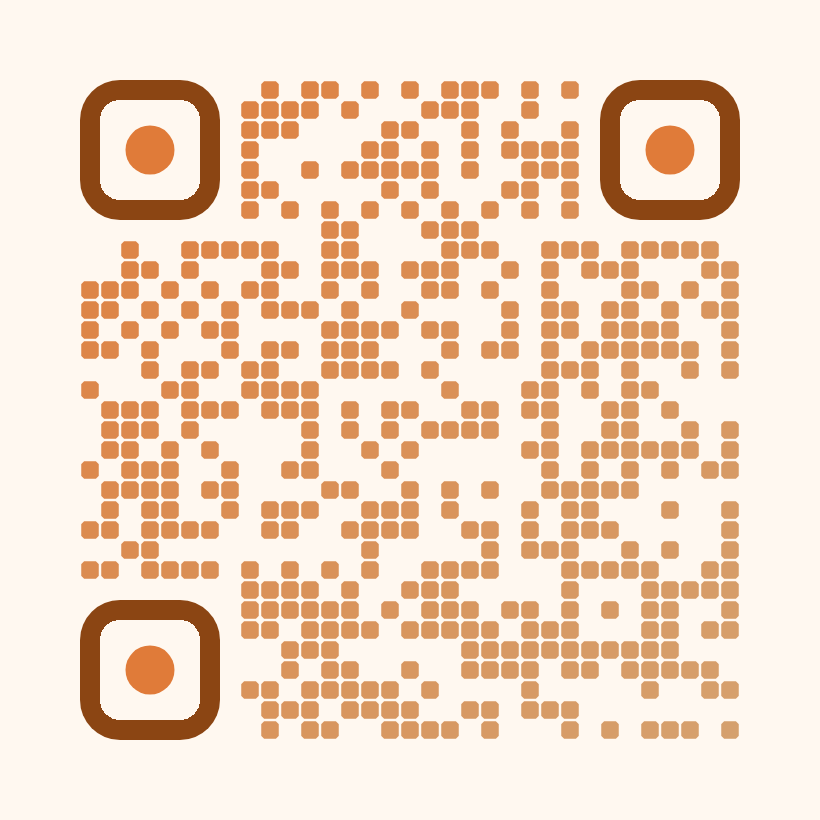
mosaic-art
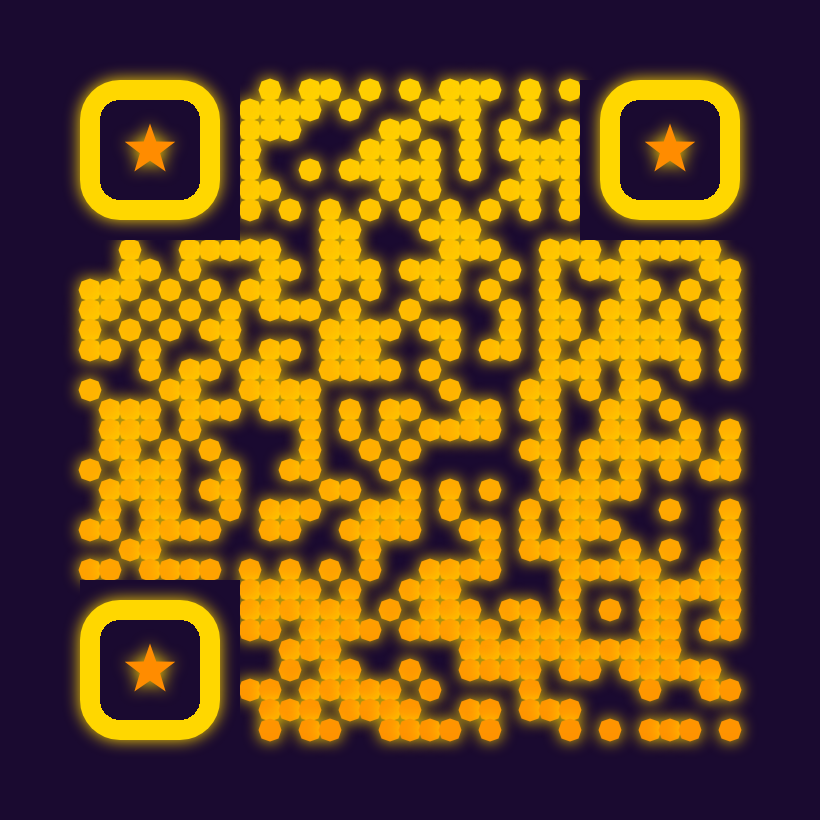
pointed-star
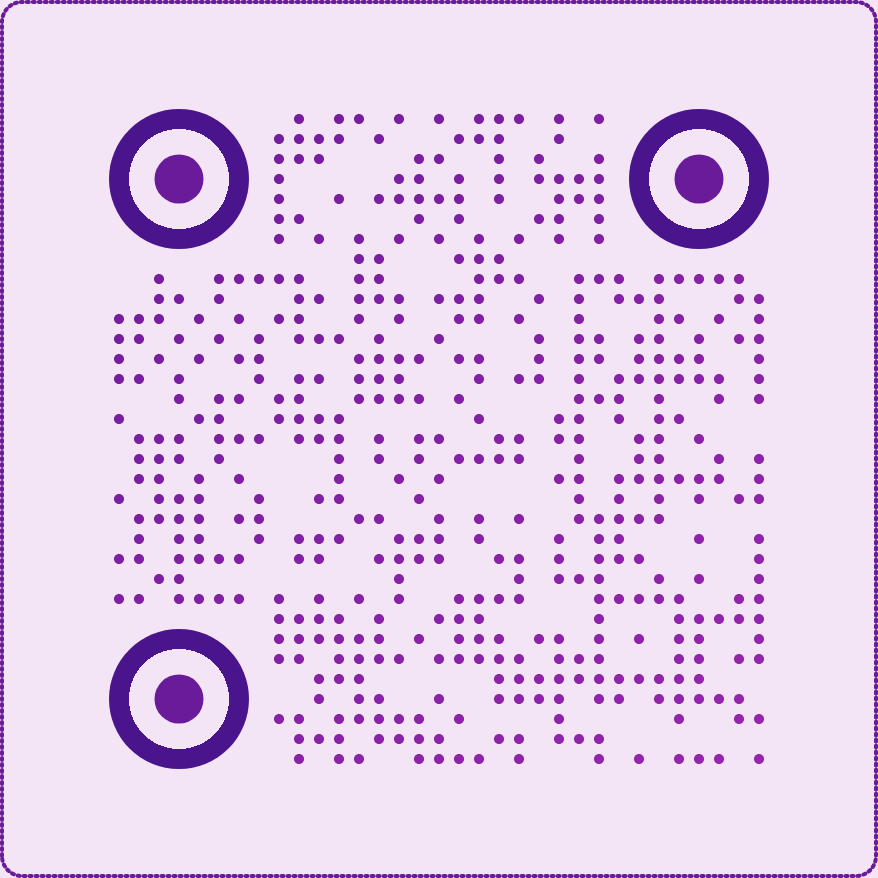
dotted-frame
Automotive
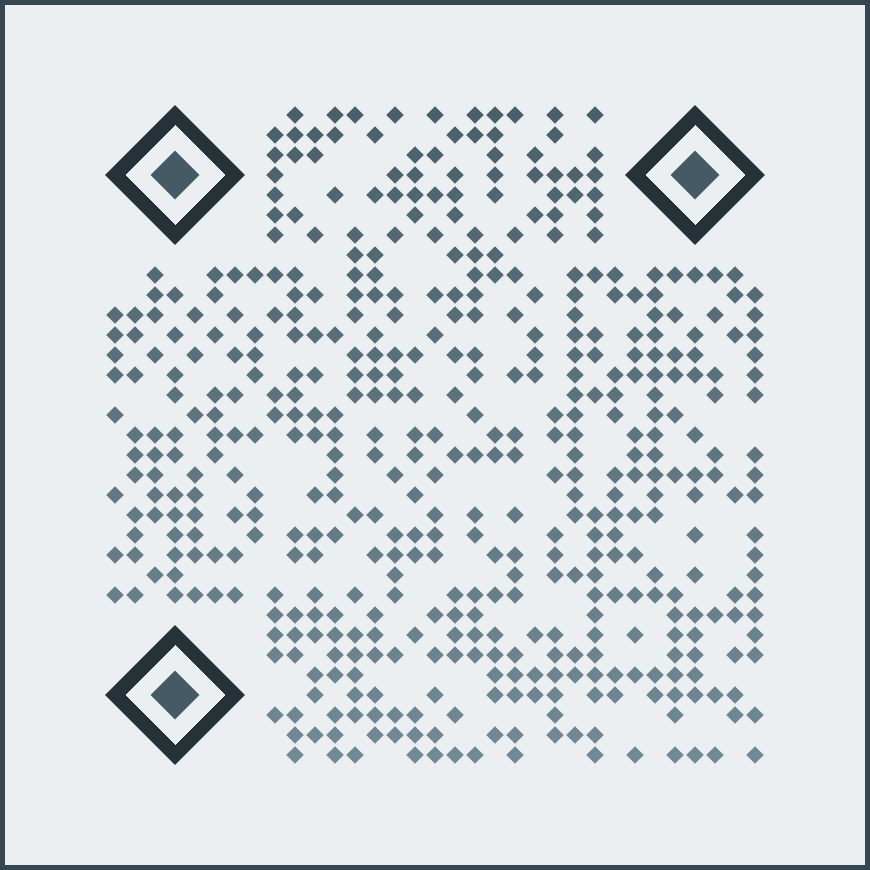
car-dealership
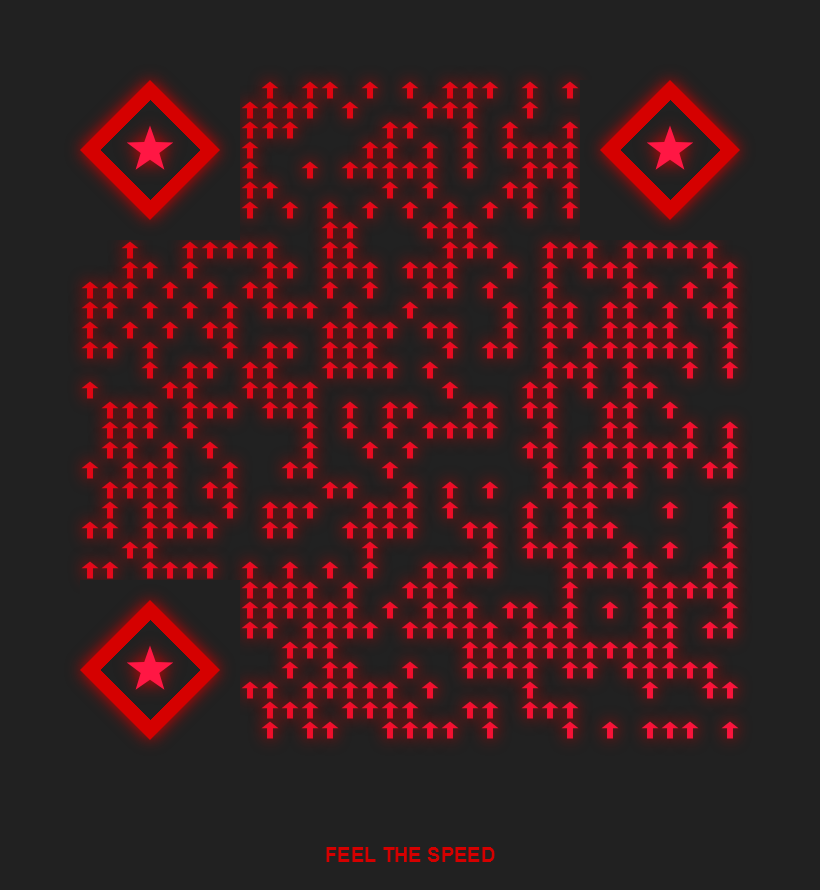
racing-speed
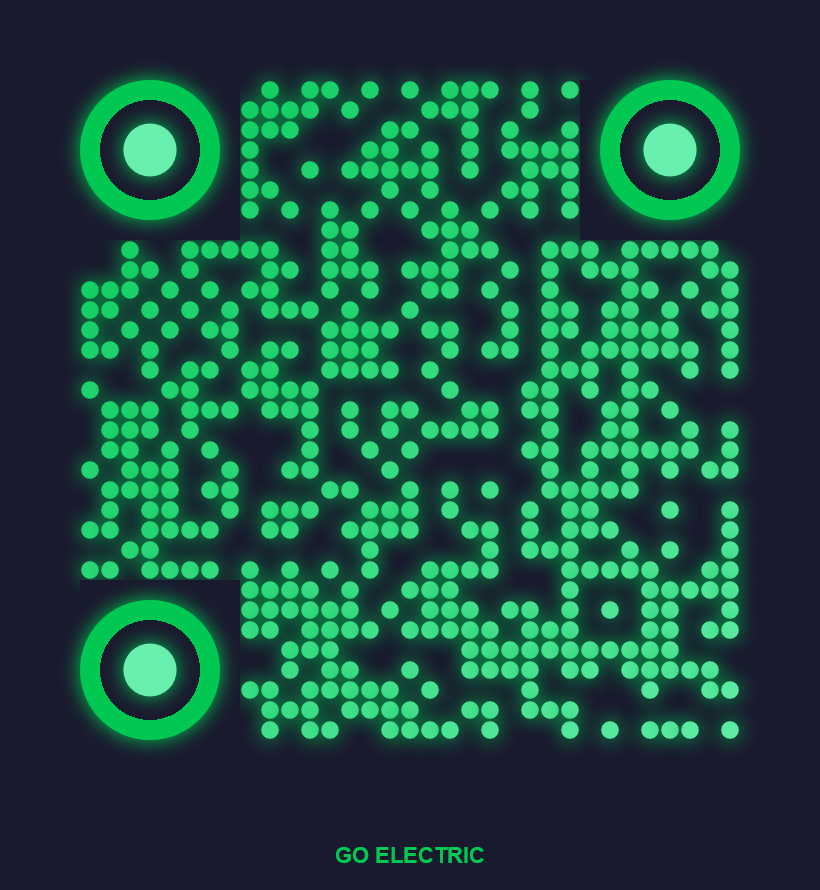
electric-vehicle
Background
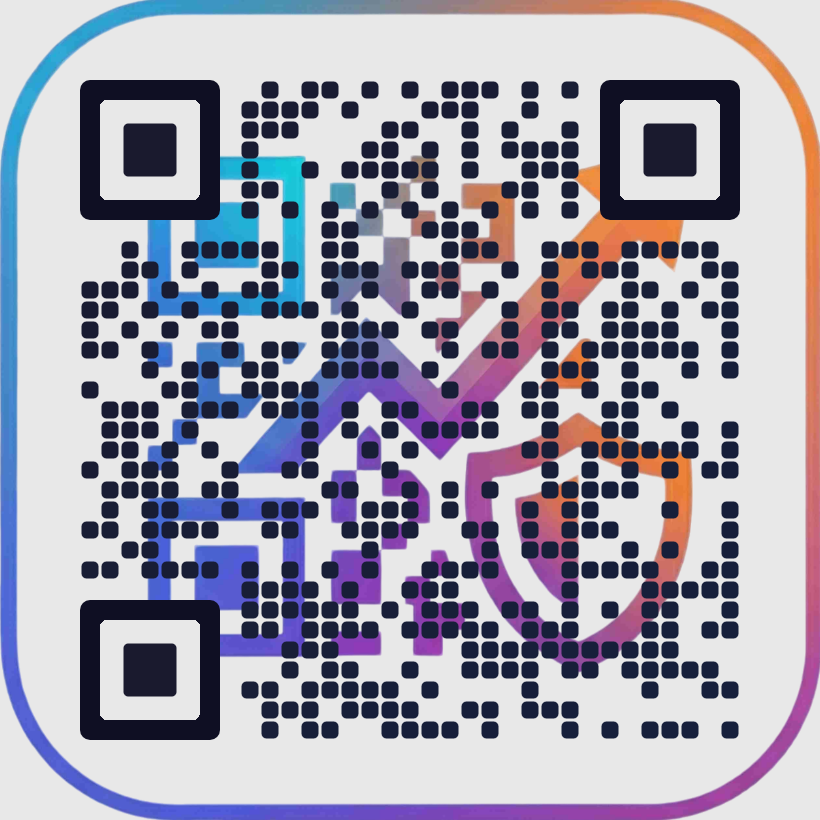
watermark-brand
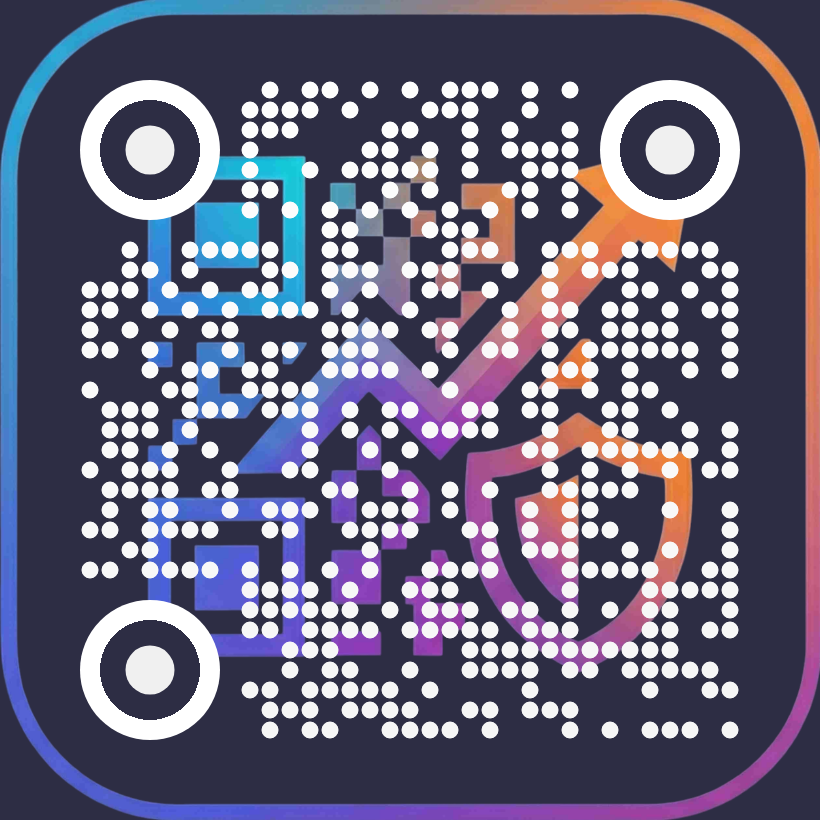
vivid-canvas
Business
transparent-overlay
Corporate
professional-blue
corporate-red
enterprise-gray
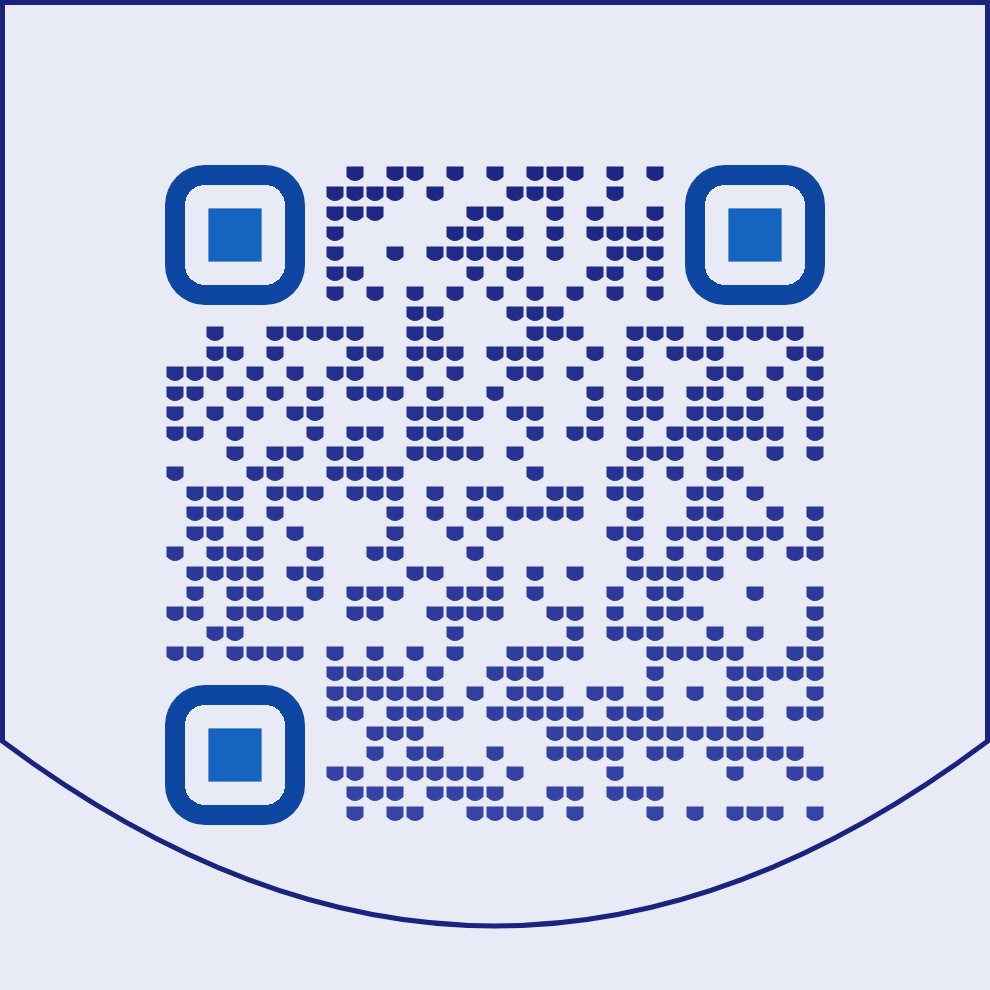
shield-badge
Culture
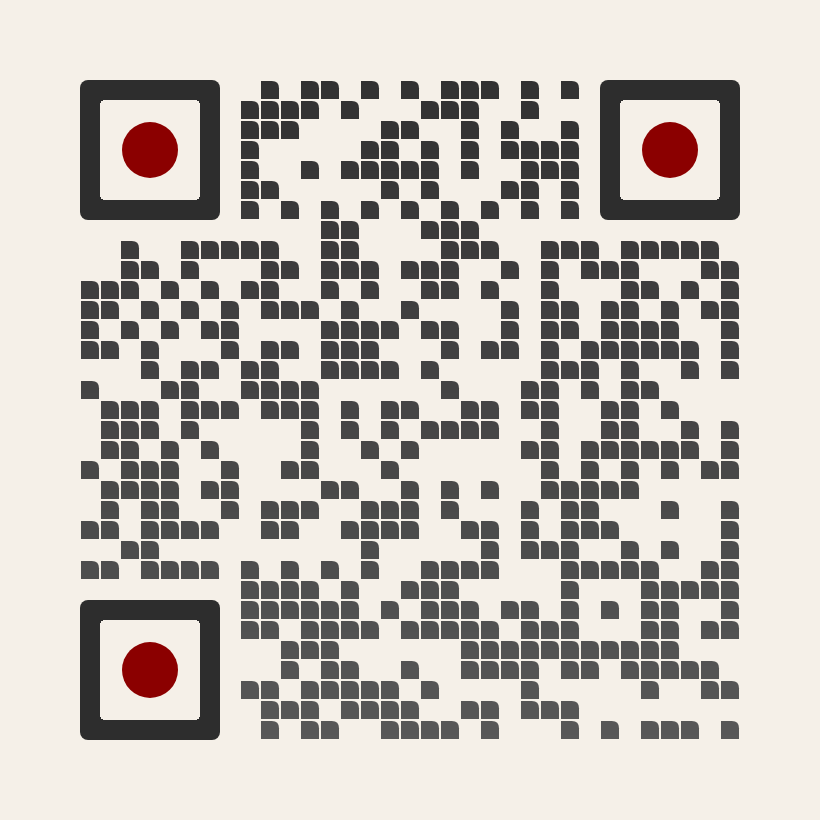
japanese-zen
Education
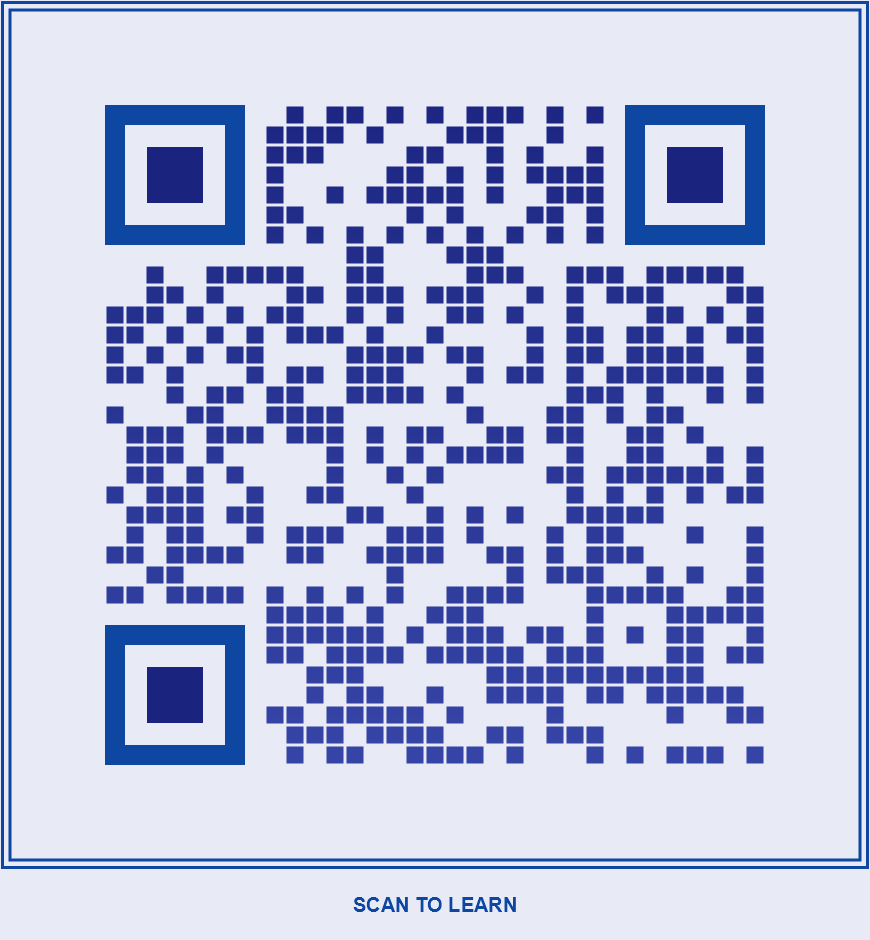
university-classic
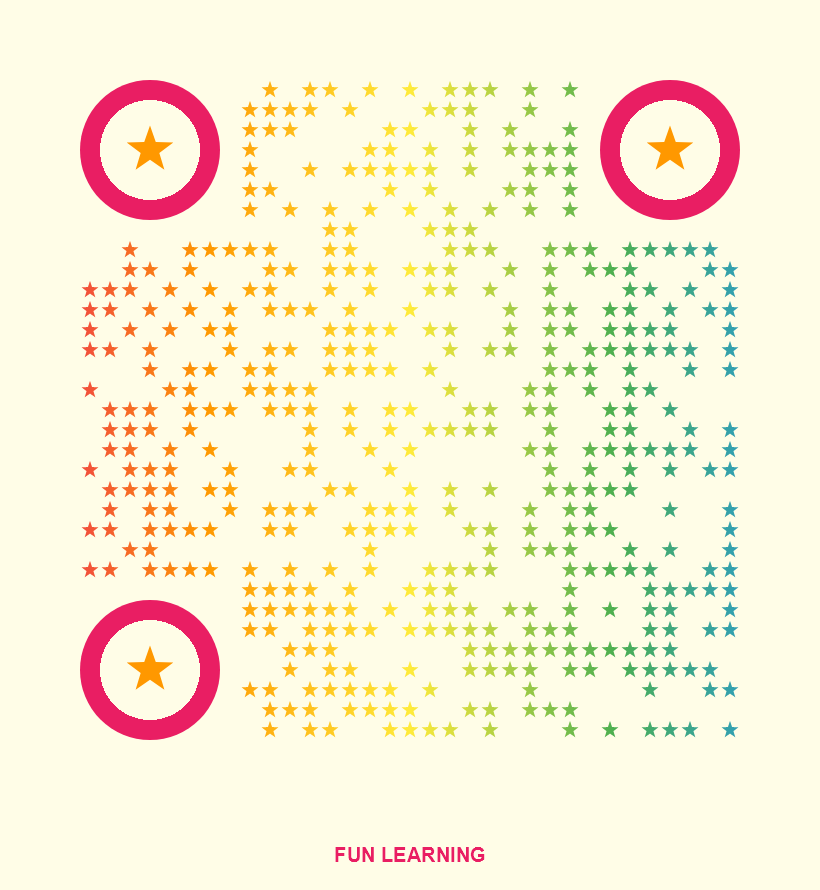
kids-learning
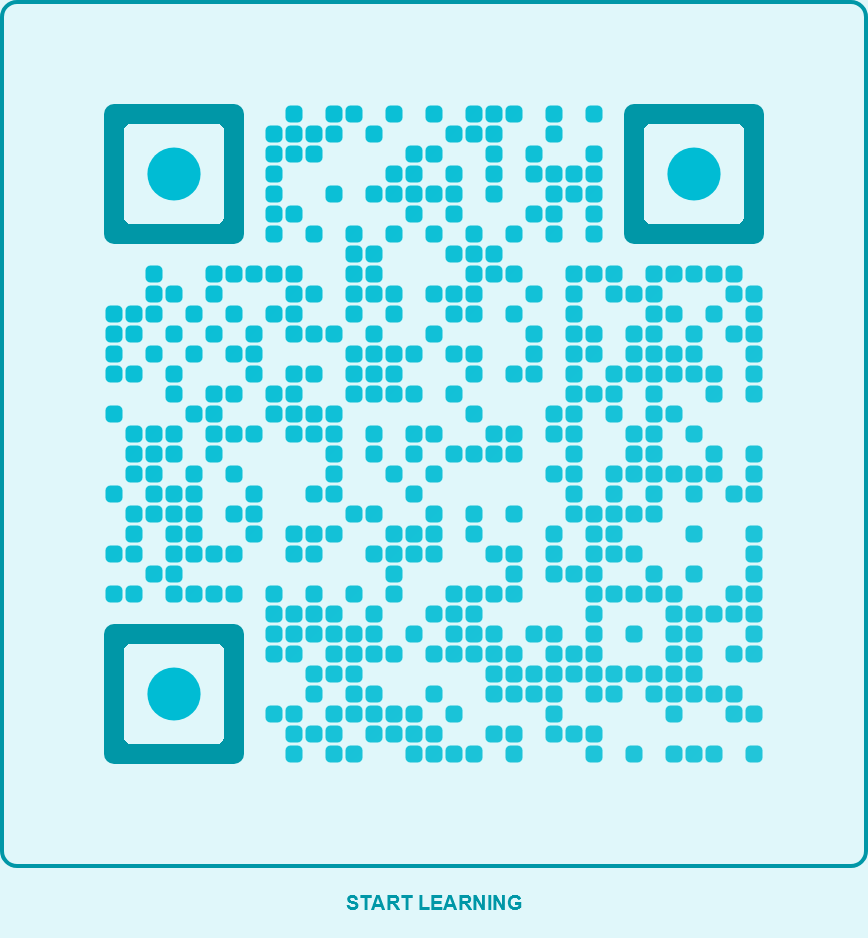
online-course
Events
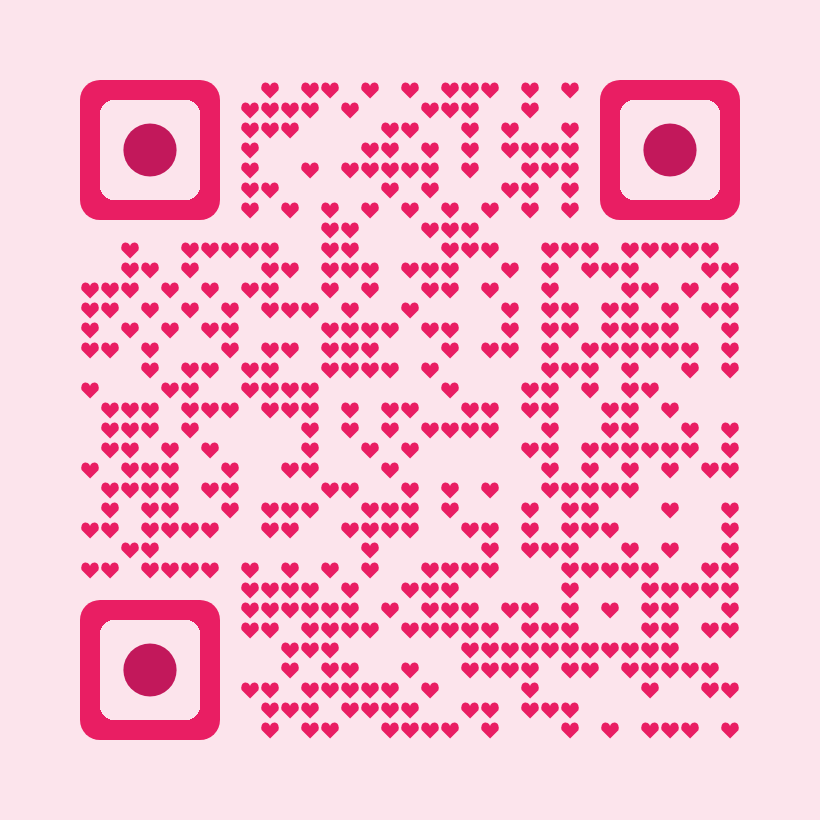
valentine-heart
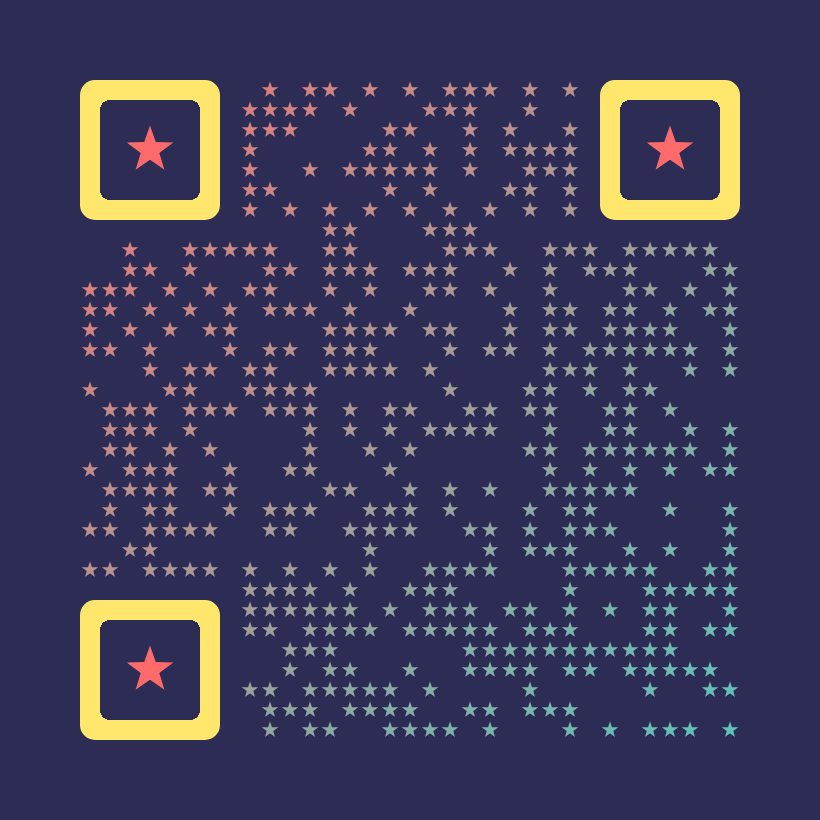
party-confetti
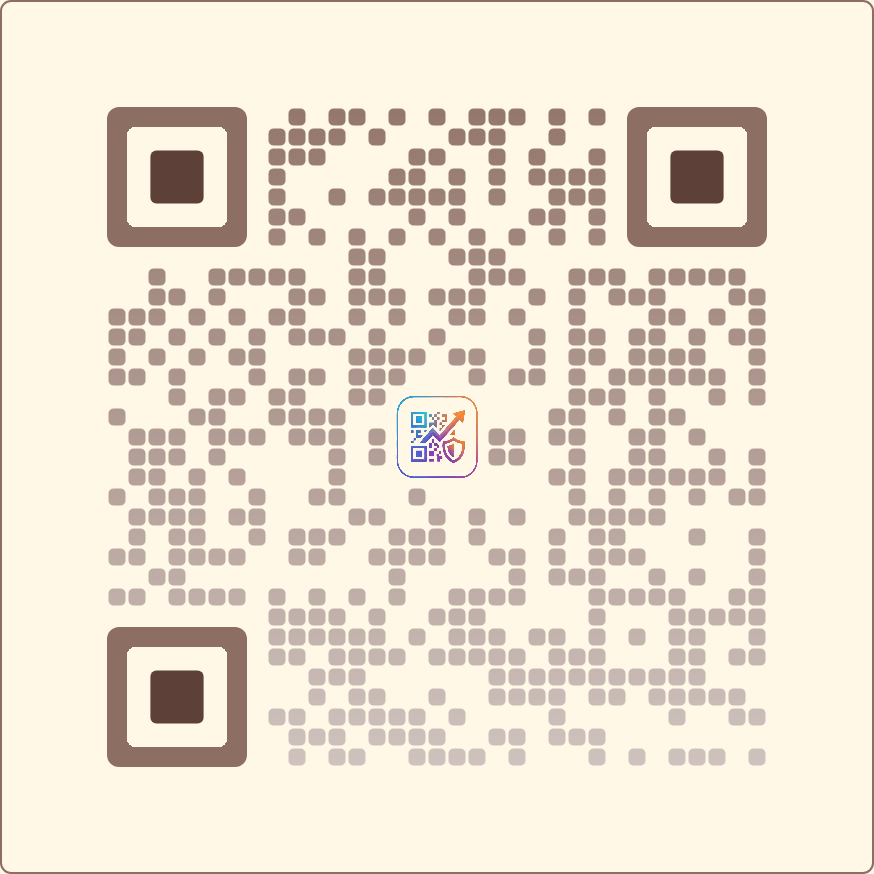
wedding-elegant
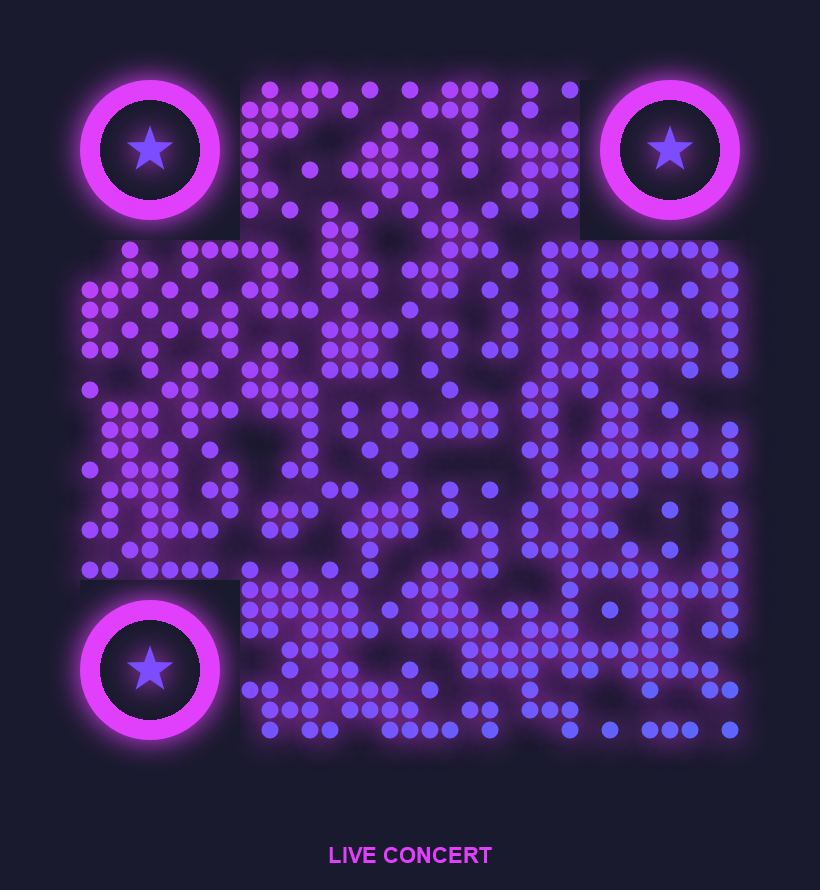
concert-ticket
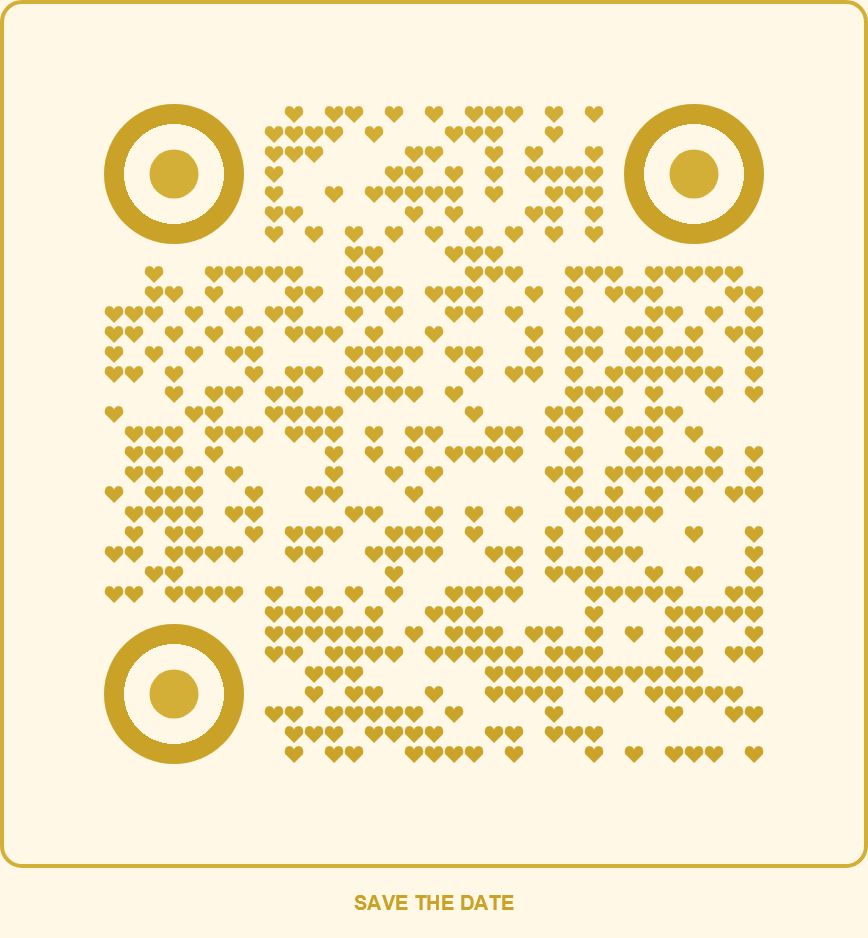
wedding-invitation
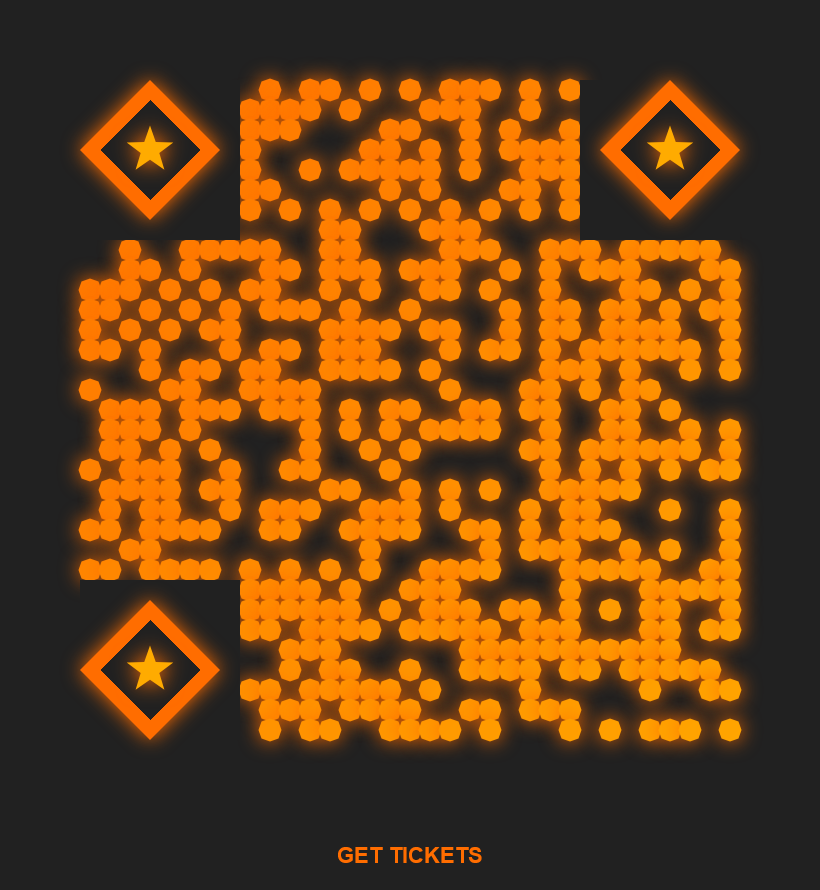
sports-event
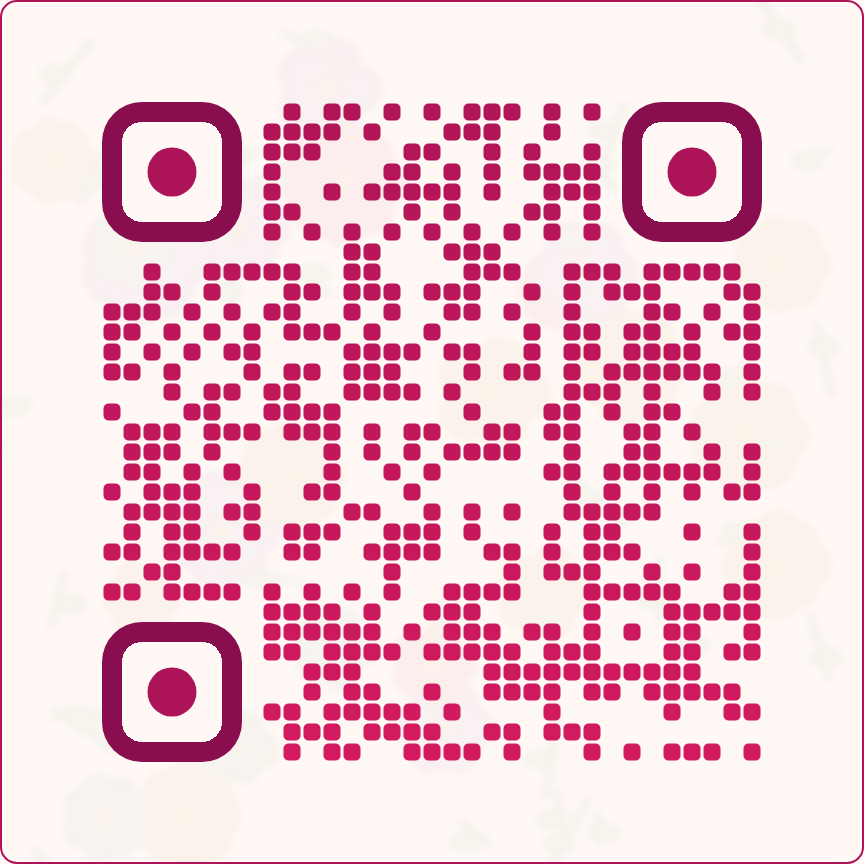
floral-event
Finance
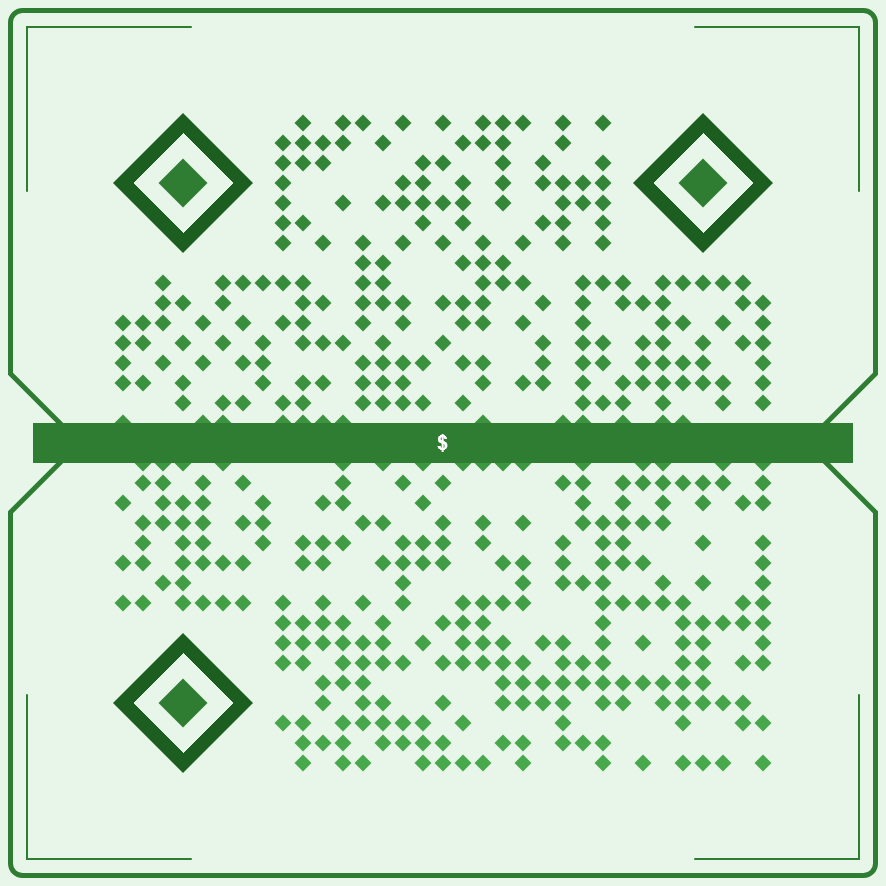
payment-wallet
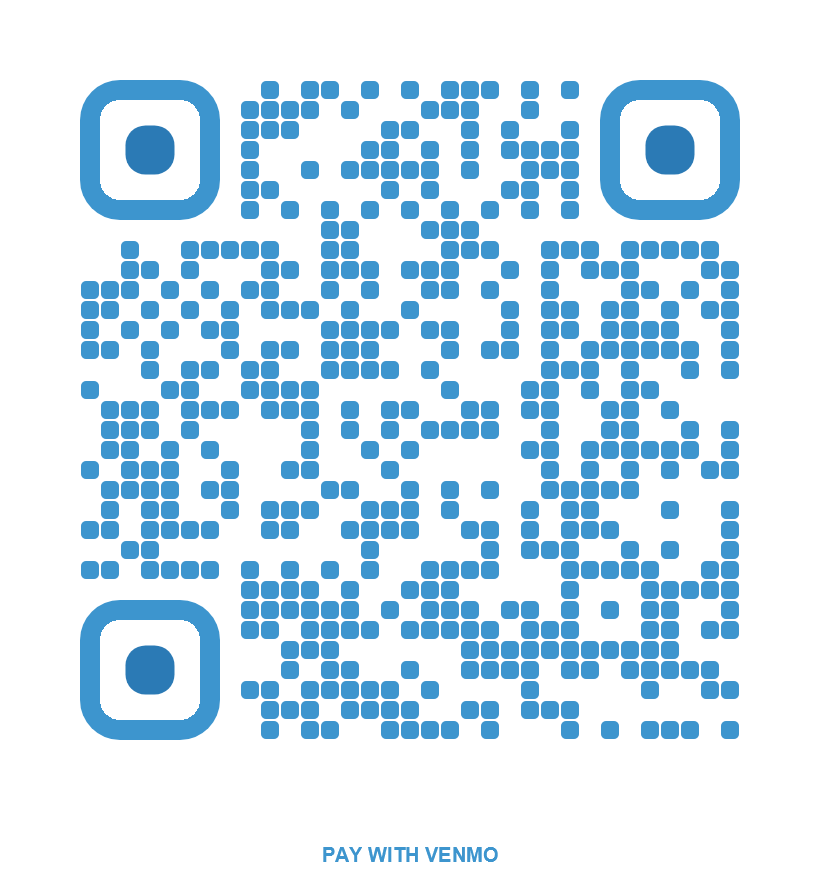
venmo-send
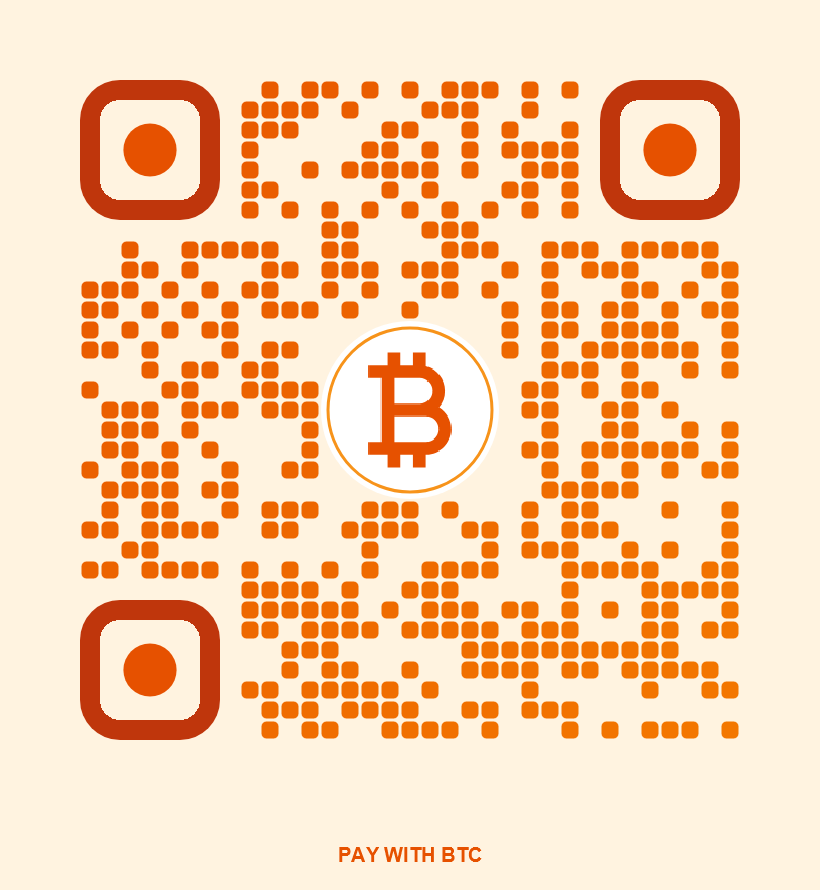
bitcoin-pay
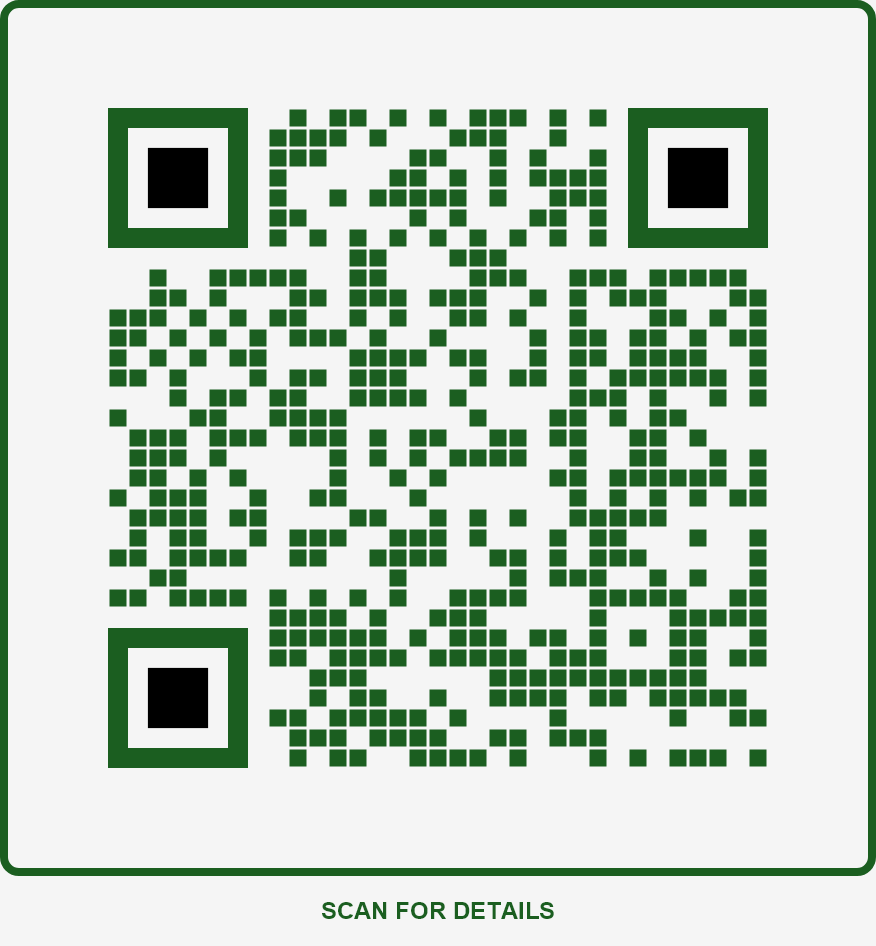
accounting-pro
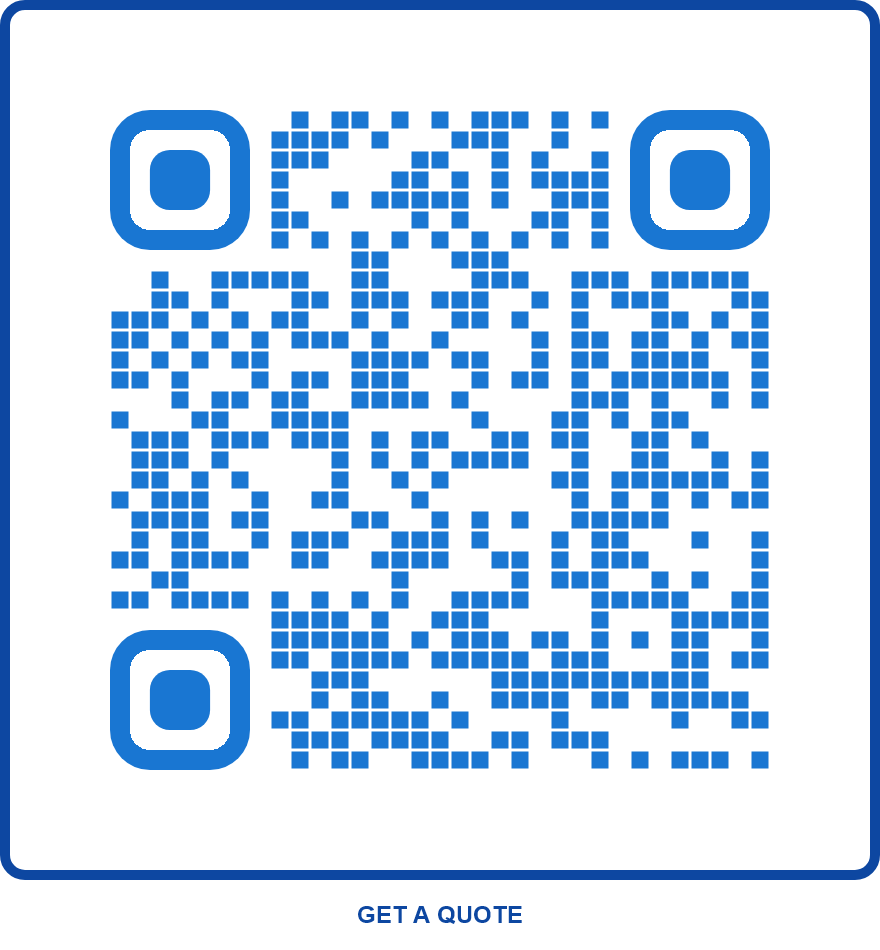
insurance-trust
Food & Drink
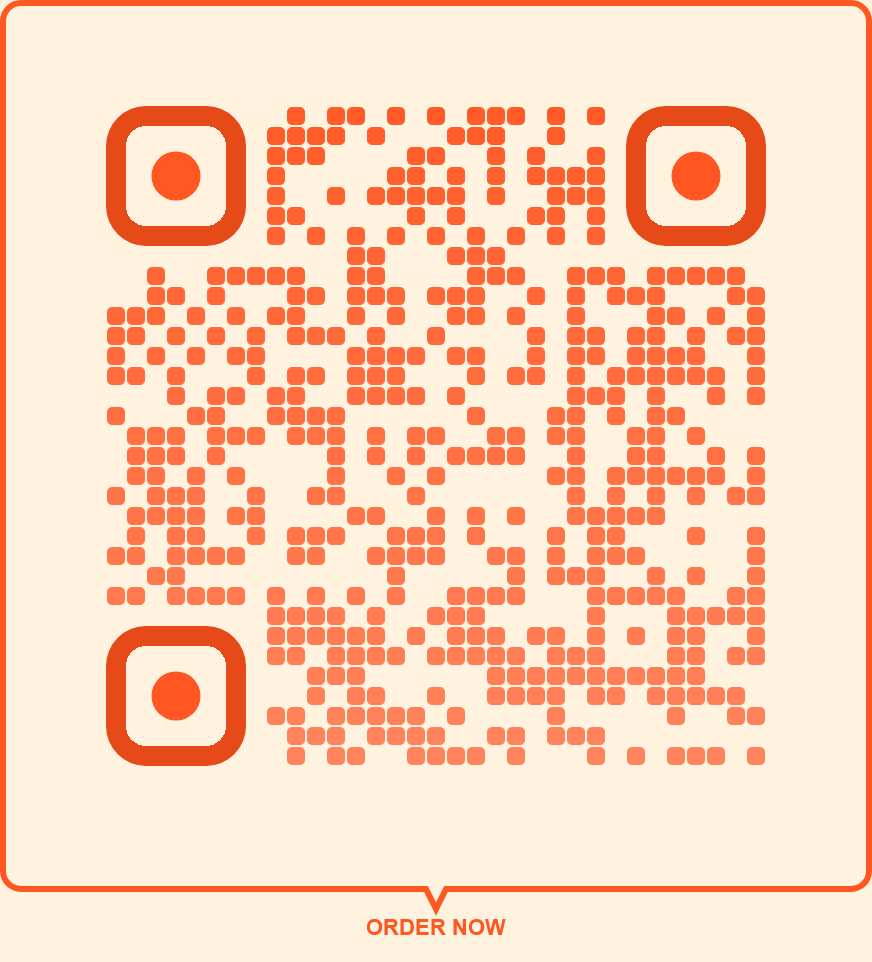
food-delivery
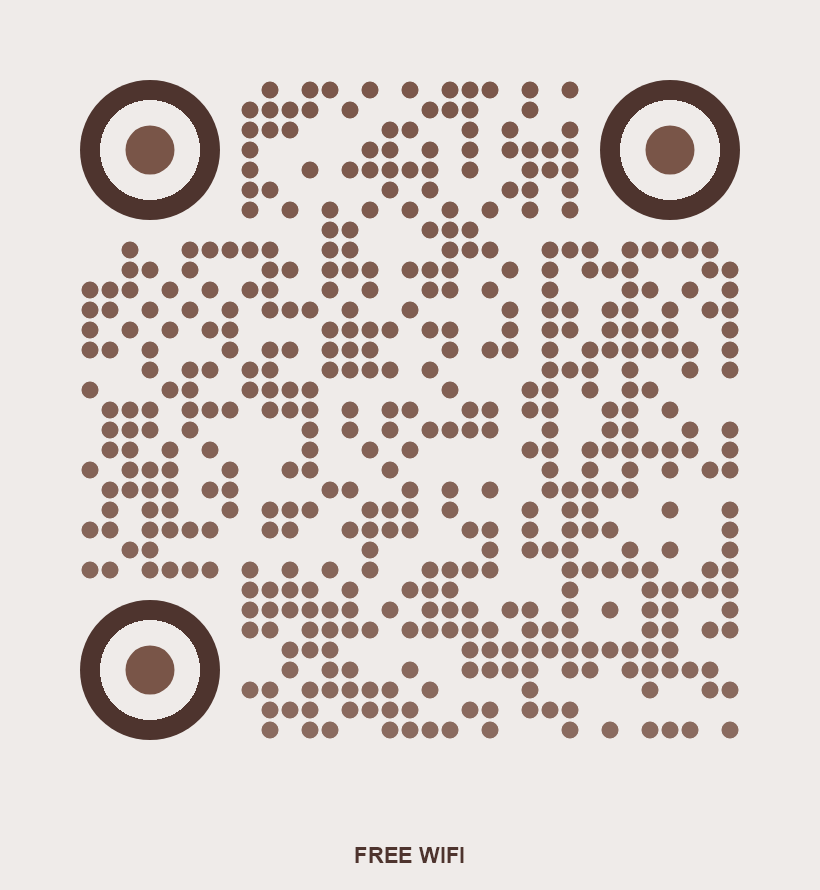
wifi-cafe
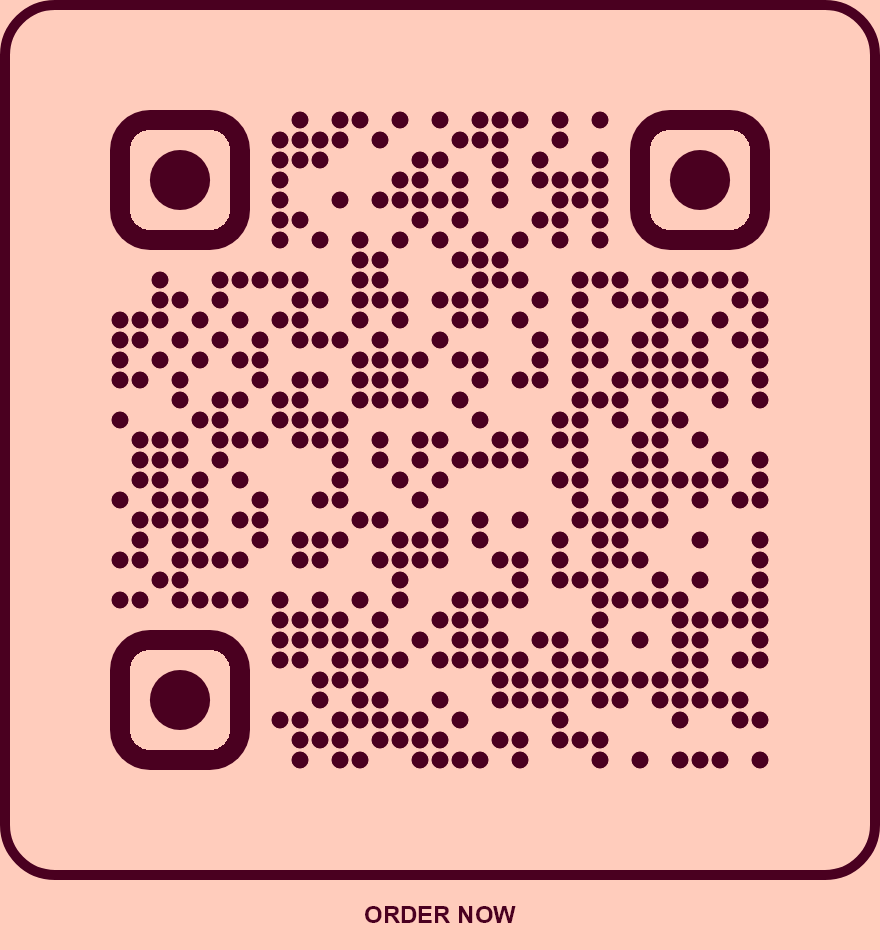
bakery-sweet
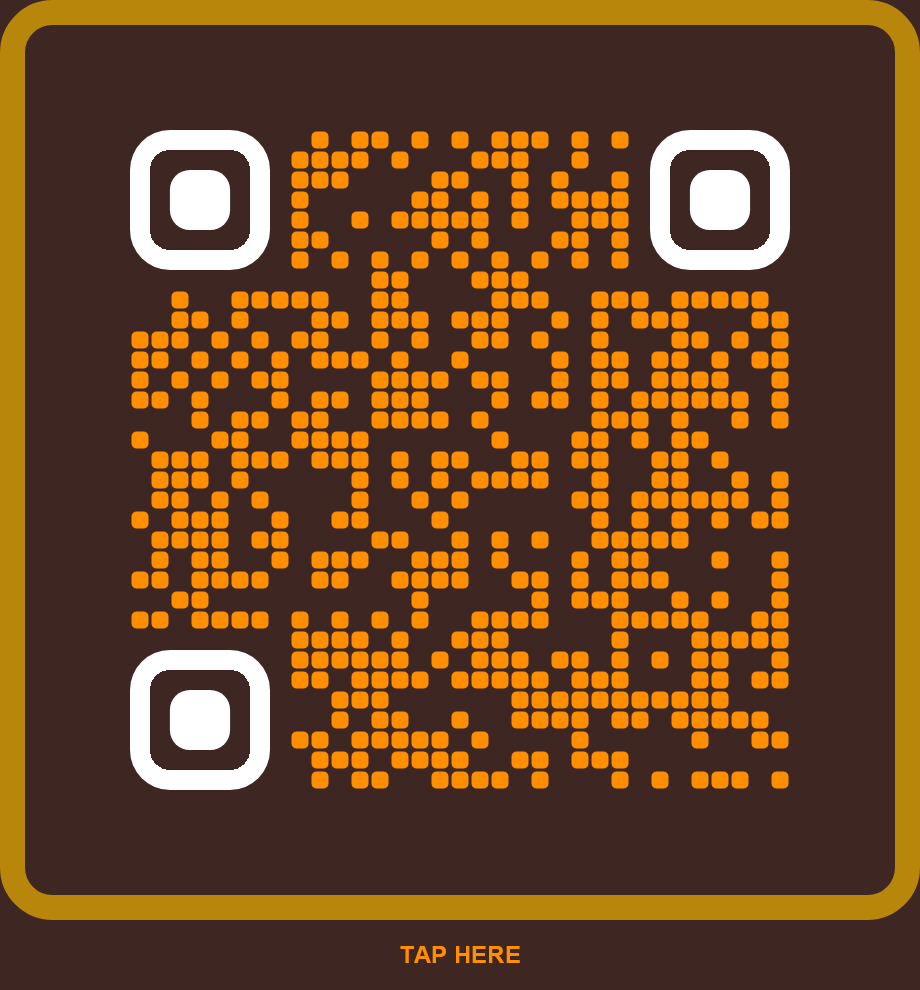
craft-brewery
Fun
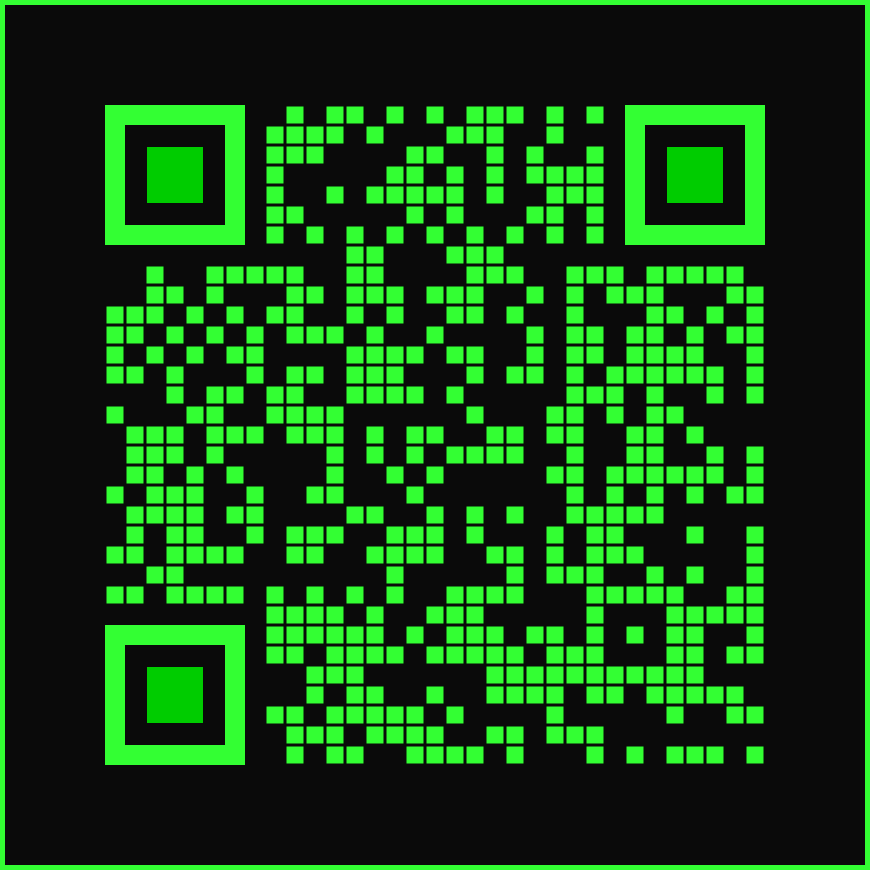
retro-8bit
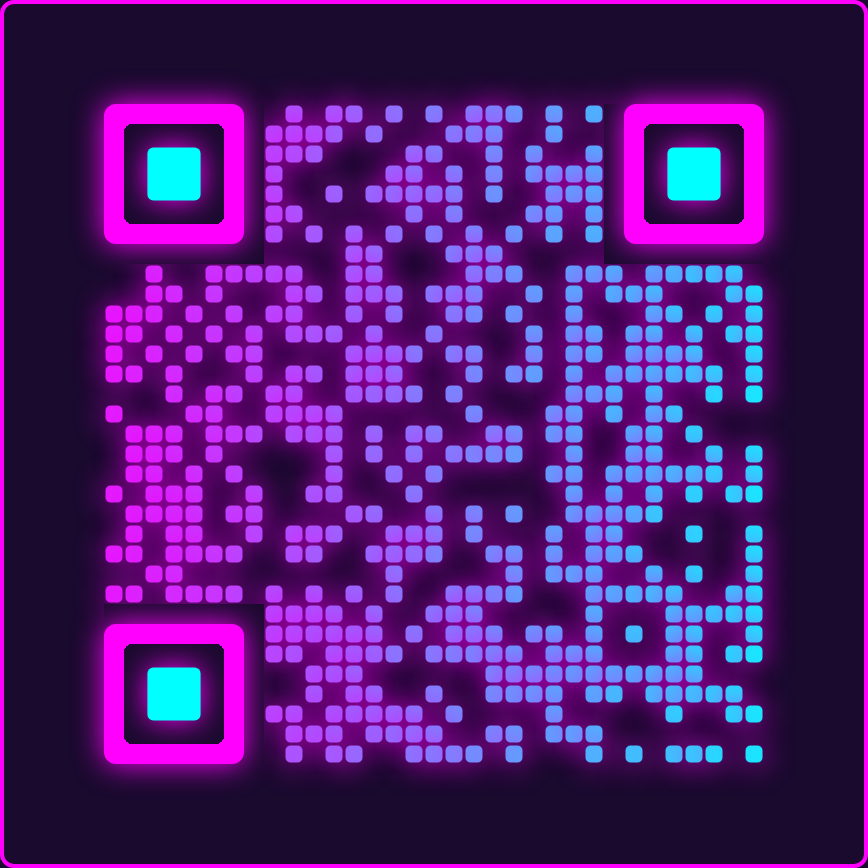
neon-nights
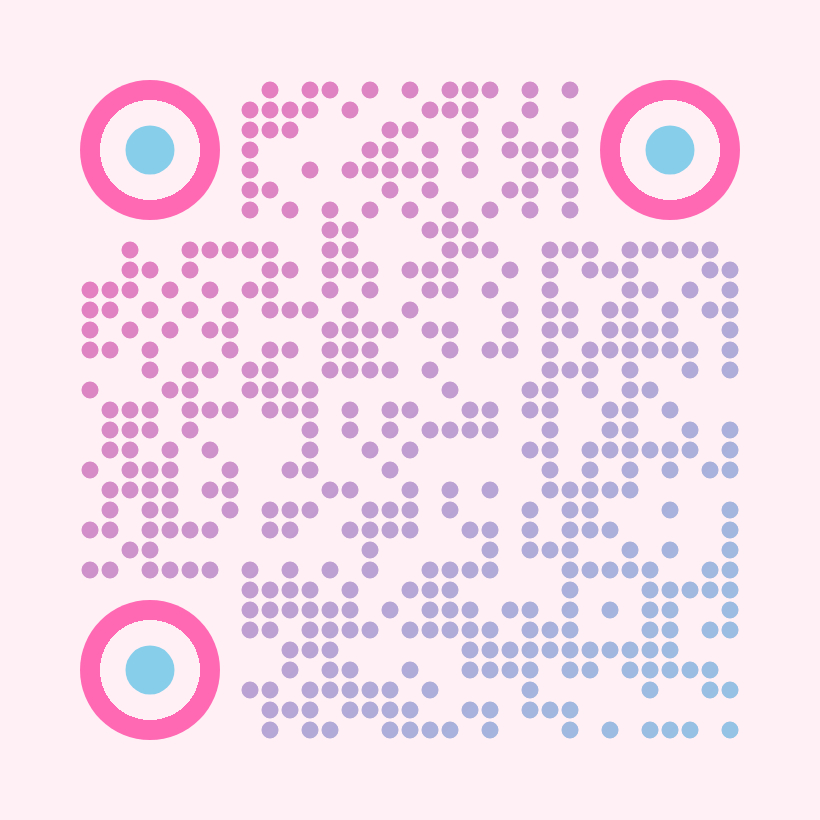
bubblegum-pop
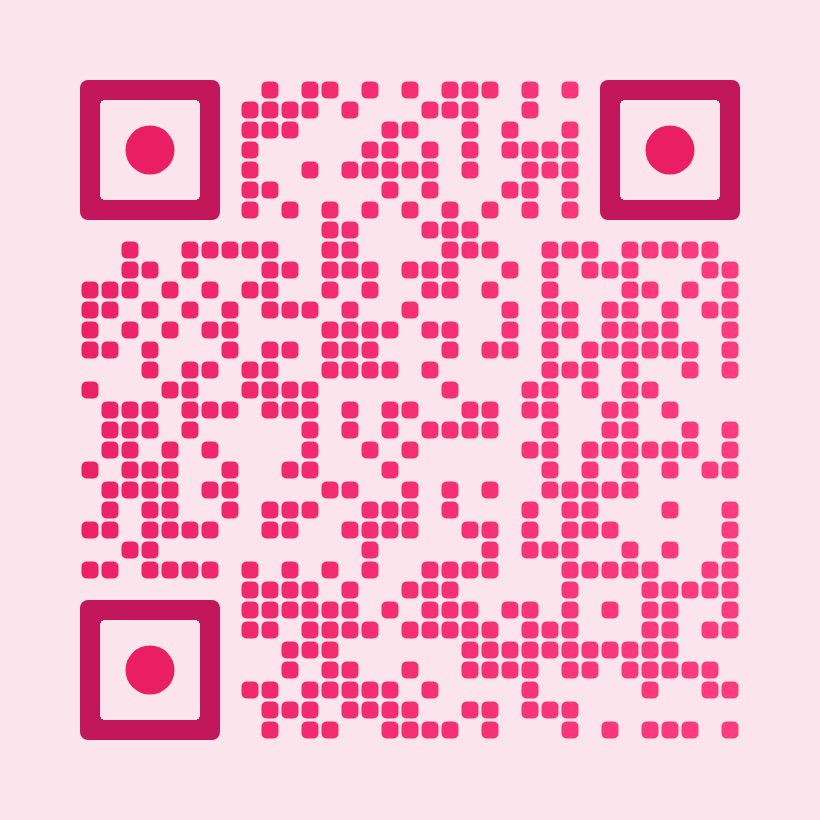
wiggle-fun
Health
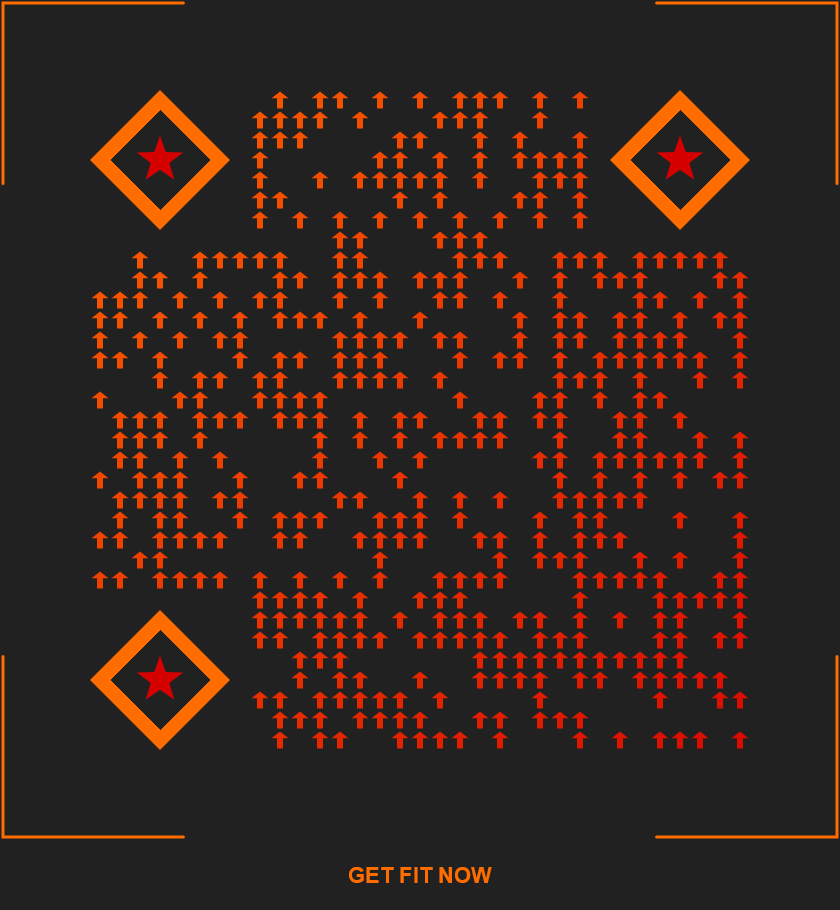
gym-fitness
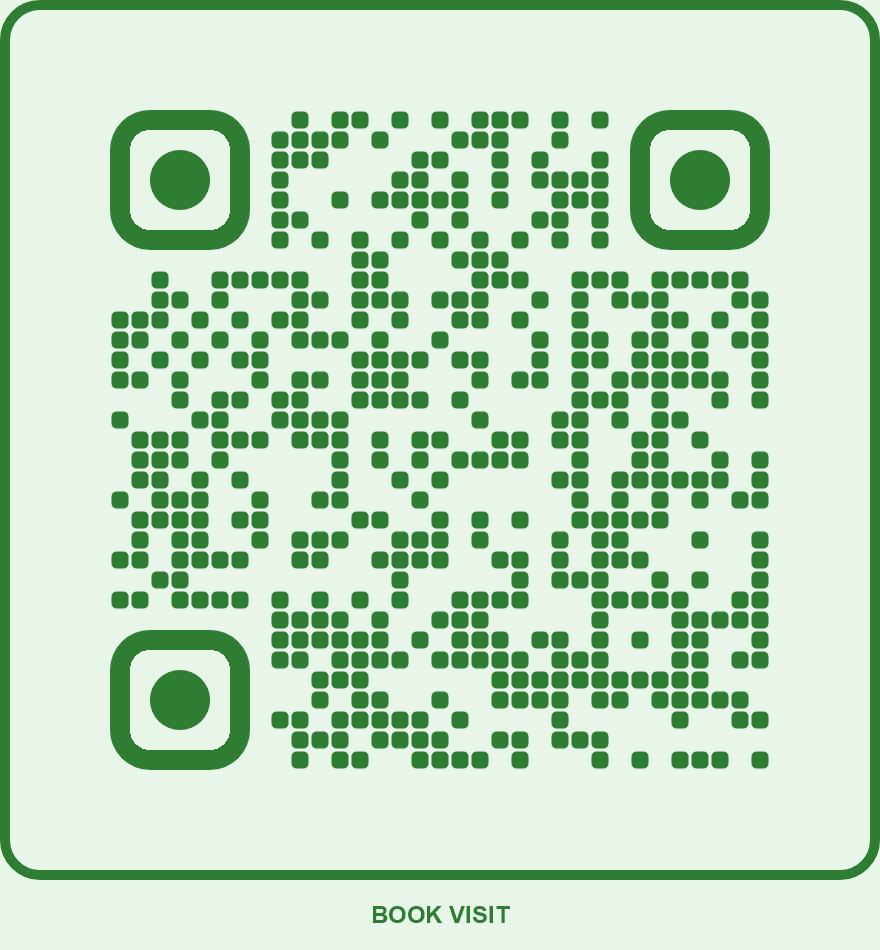
pet-veterinary
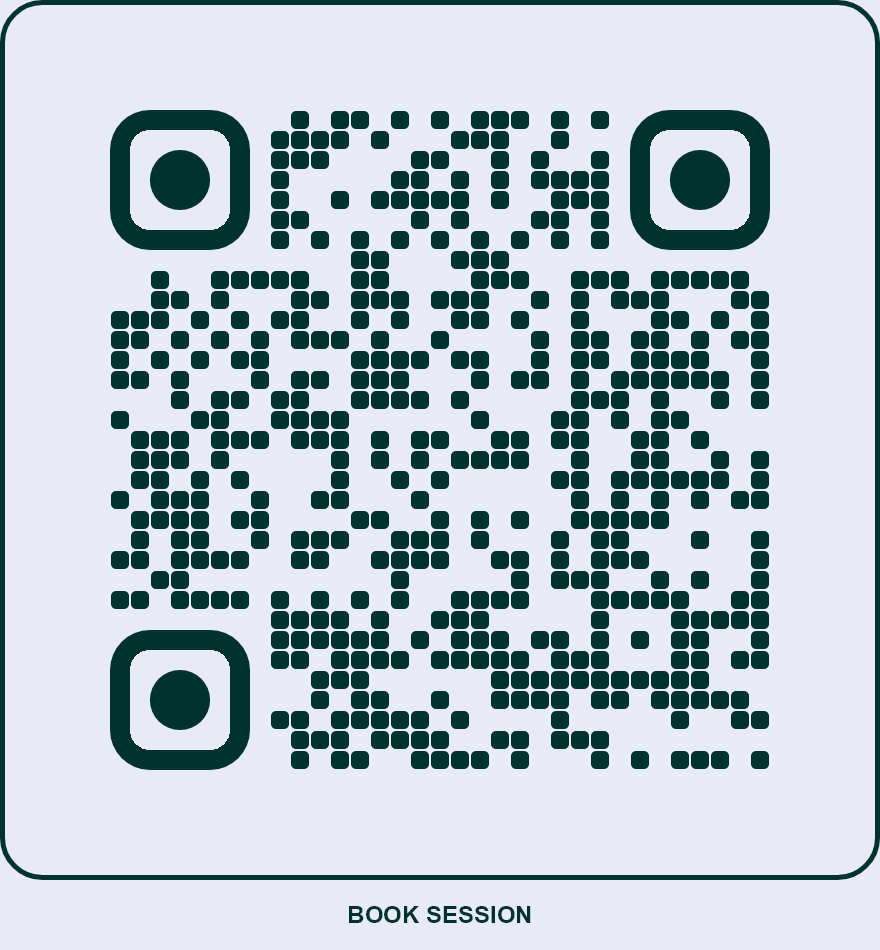
spa-wellness
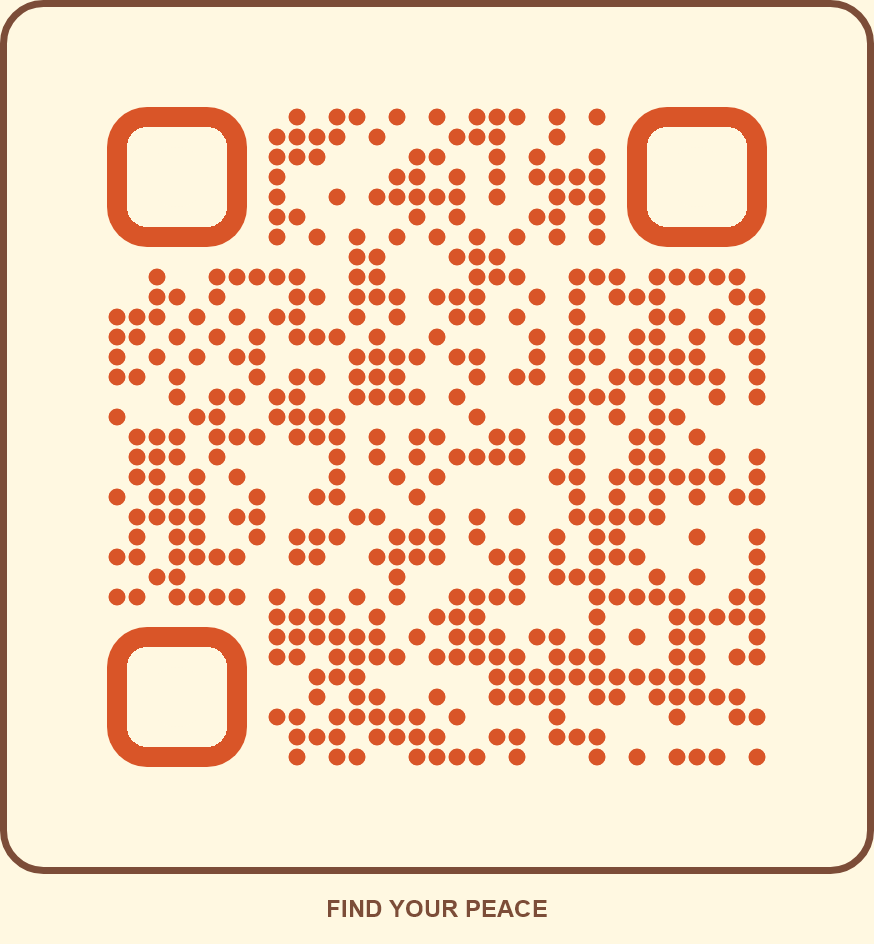
yoga-meditation
Healthcare
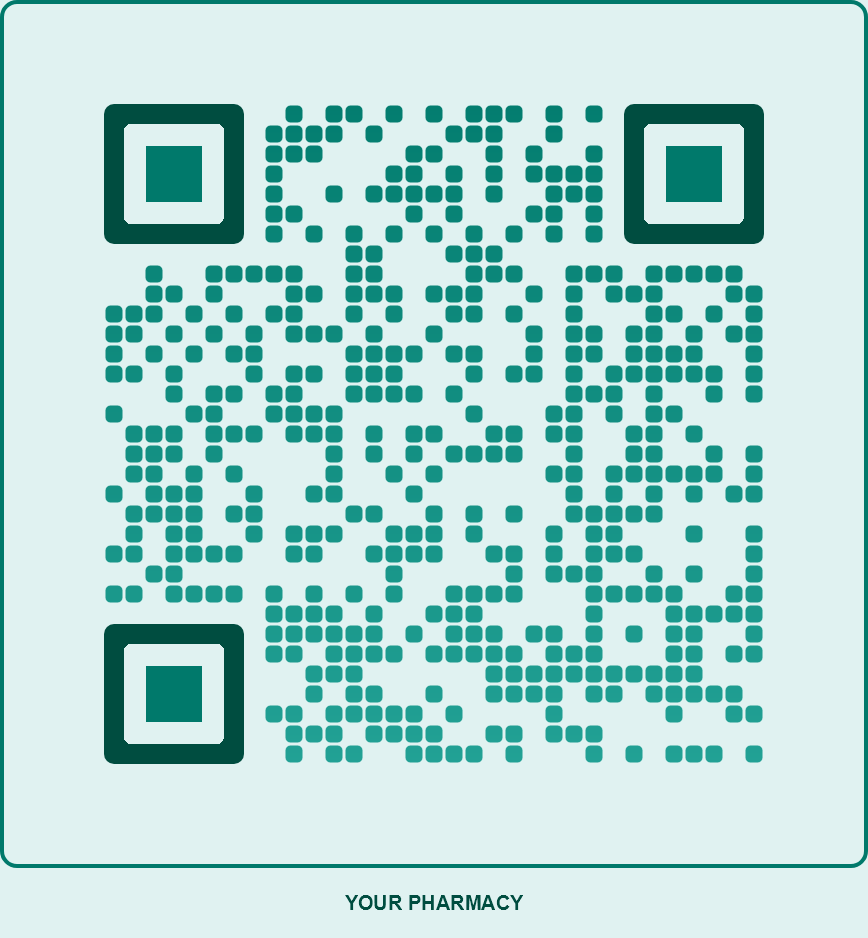
pharmacy-trust
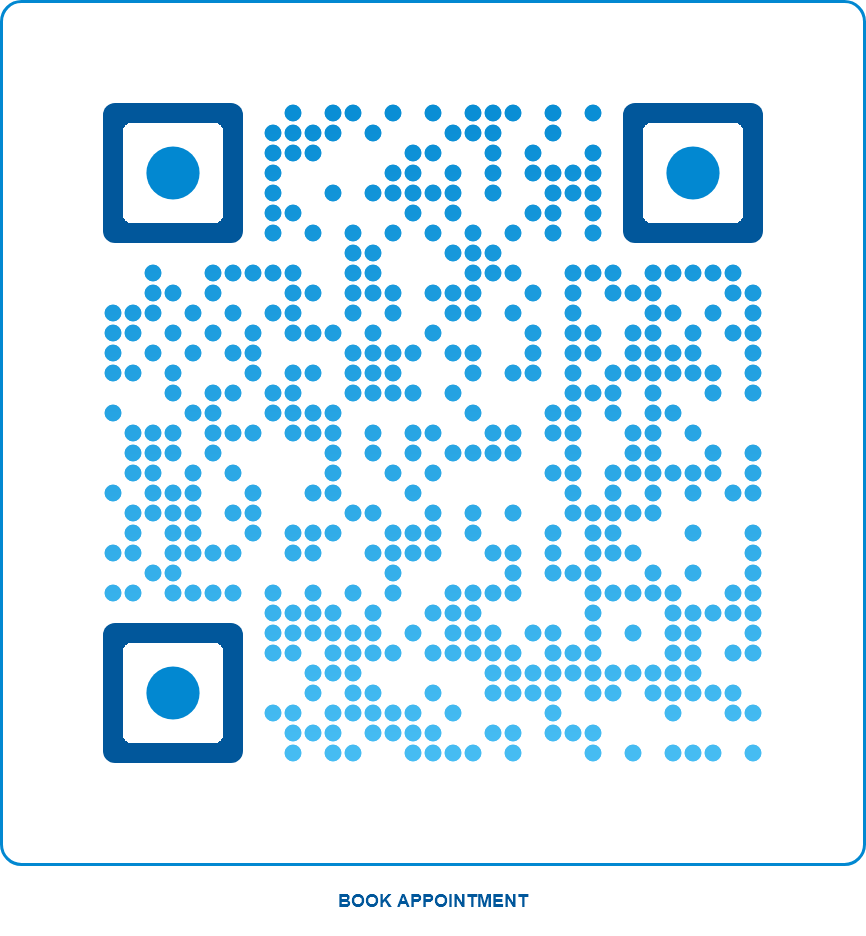
dental-clean
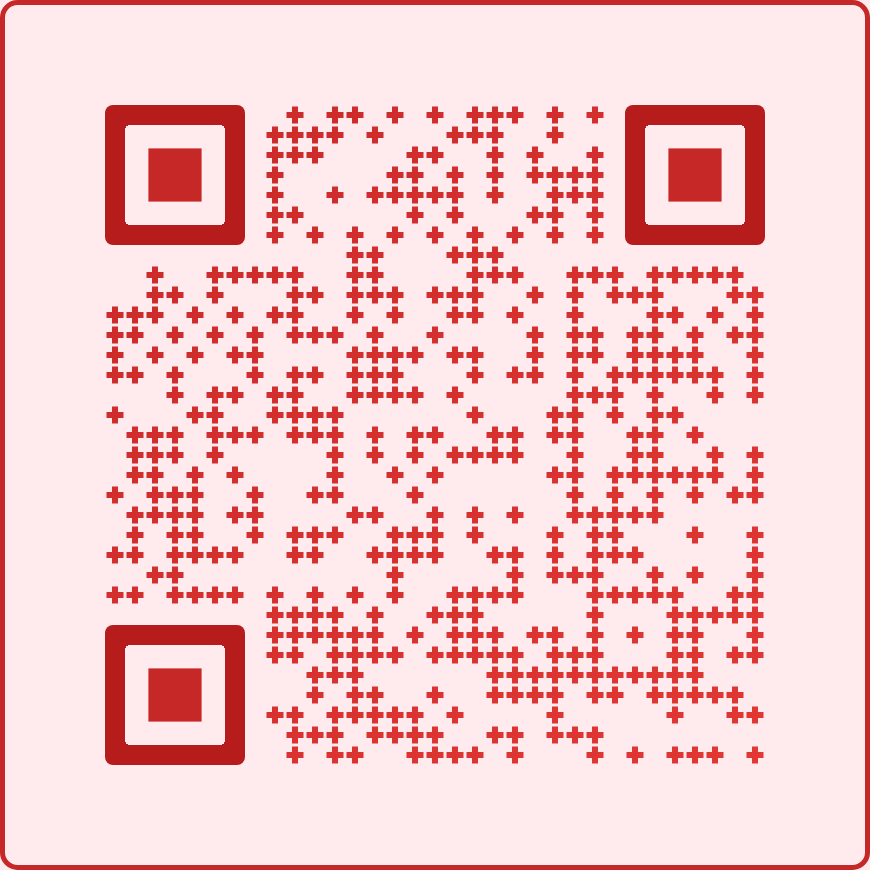
hospital-emergency
Industry
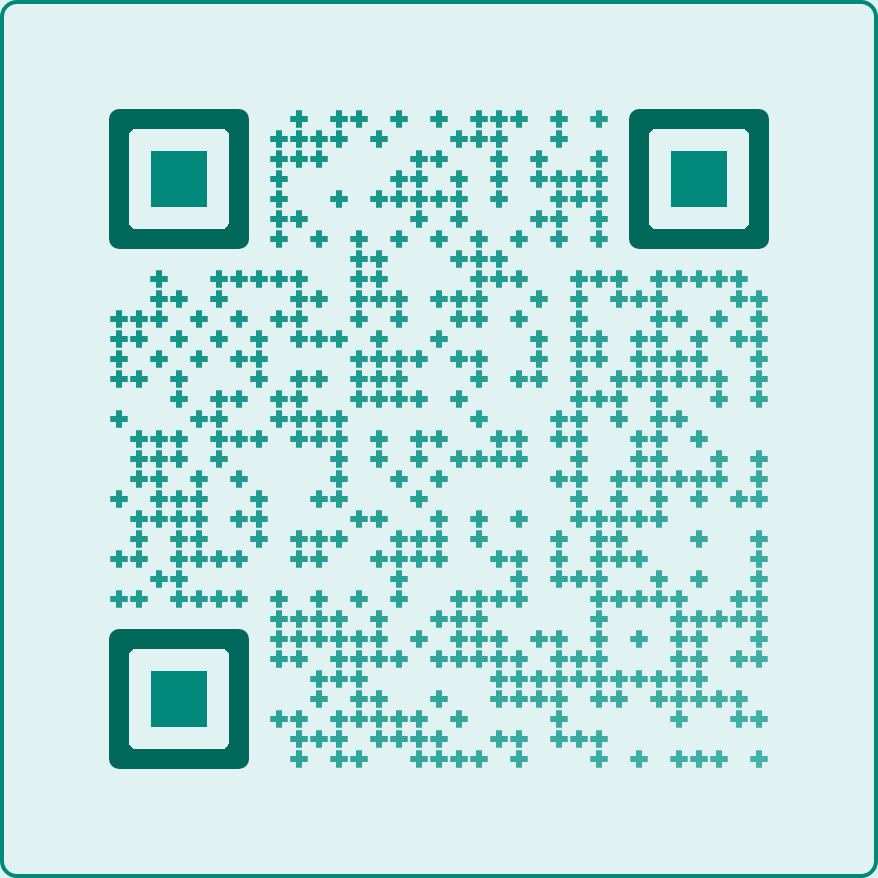
healthcare-clean
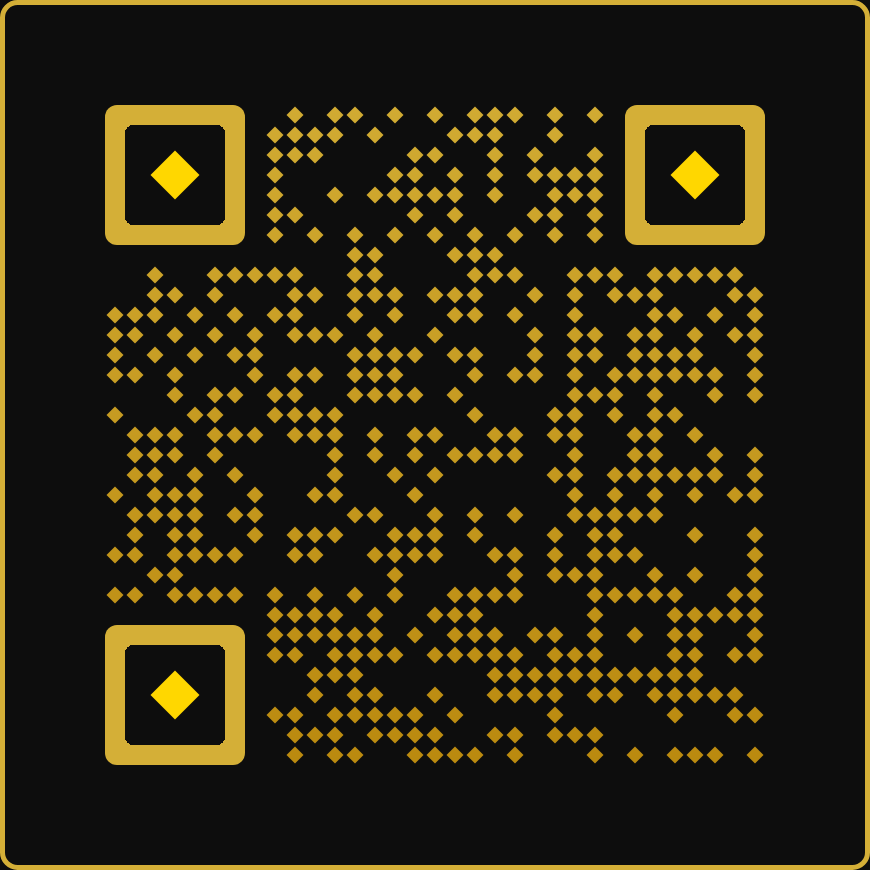
real-estate-premium
Legal
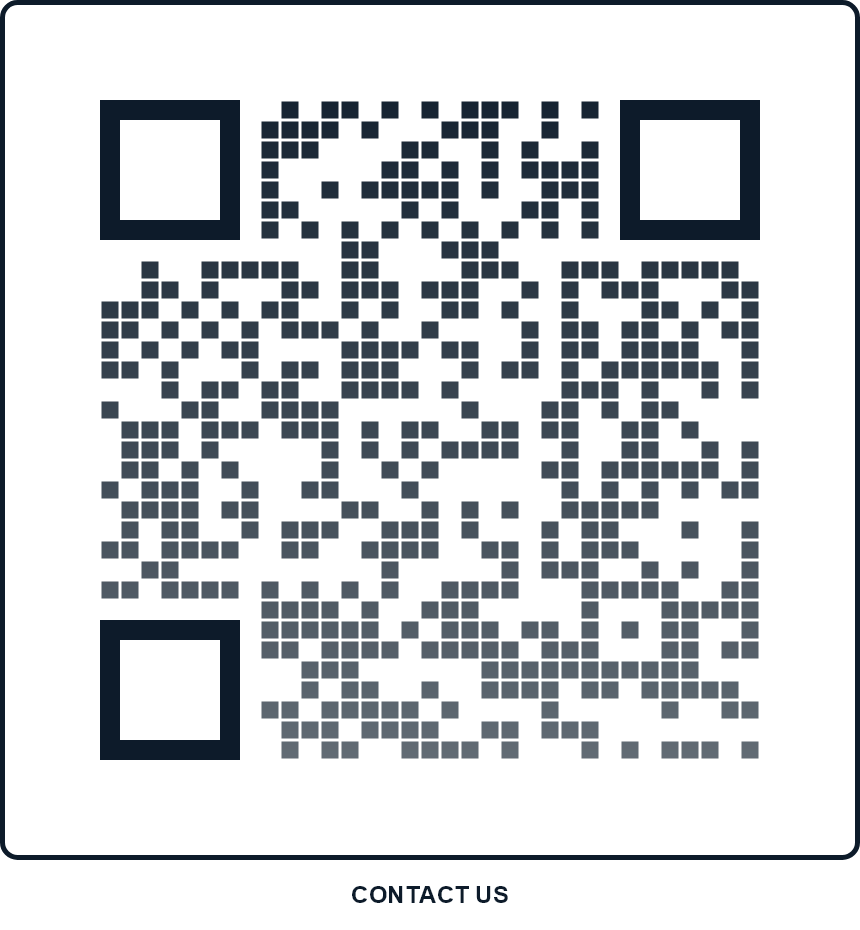
law-firm-classic
Luxury
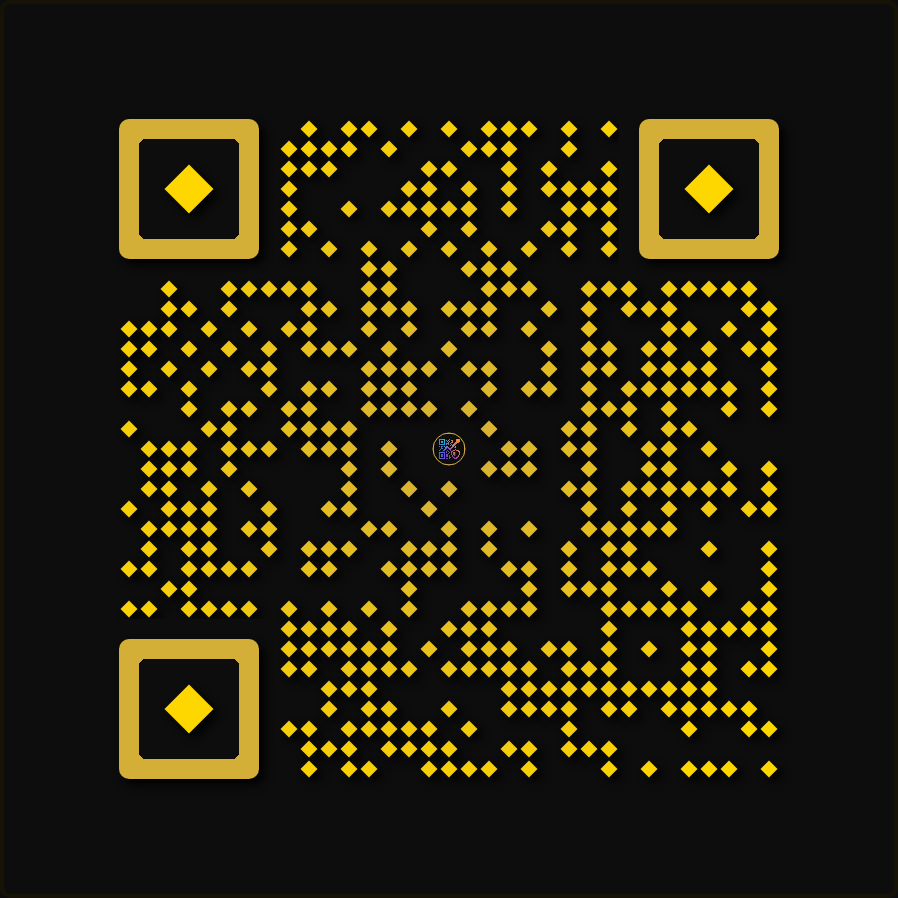
premium-gold
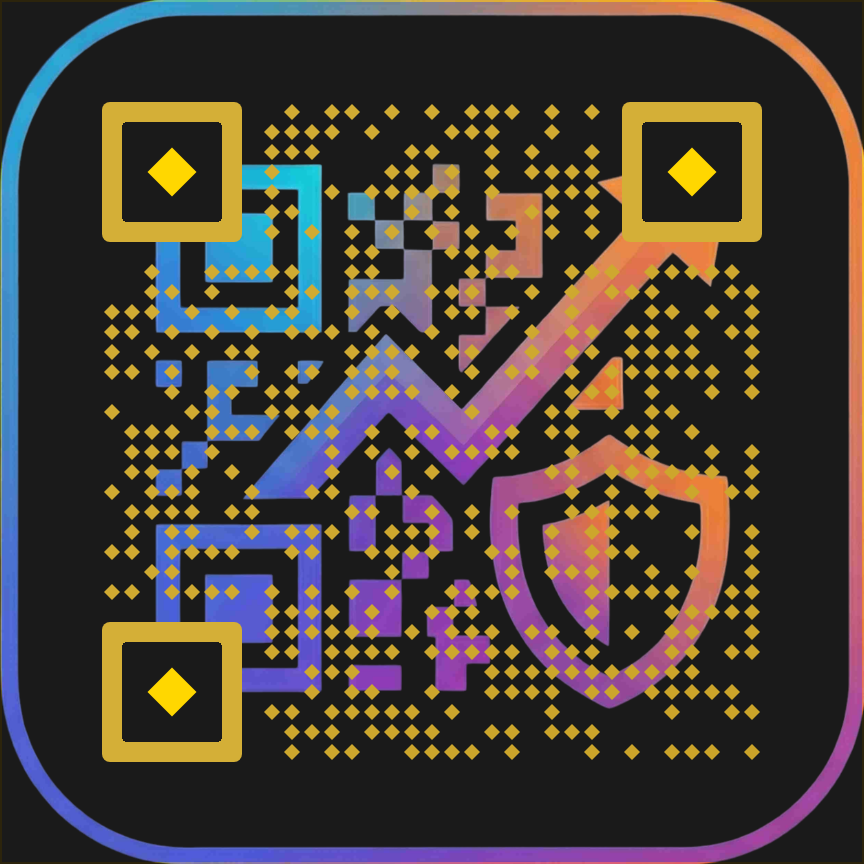
luxury-overlay
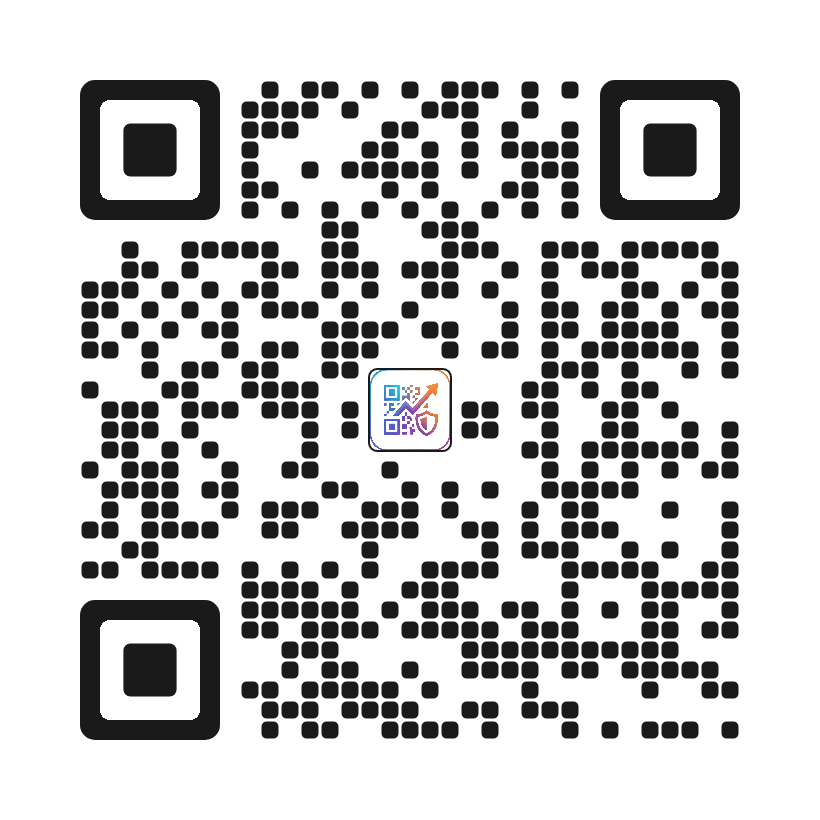
minimalist
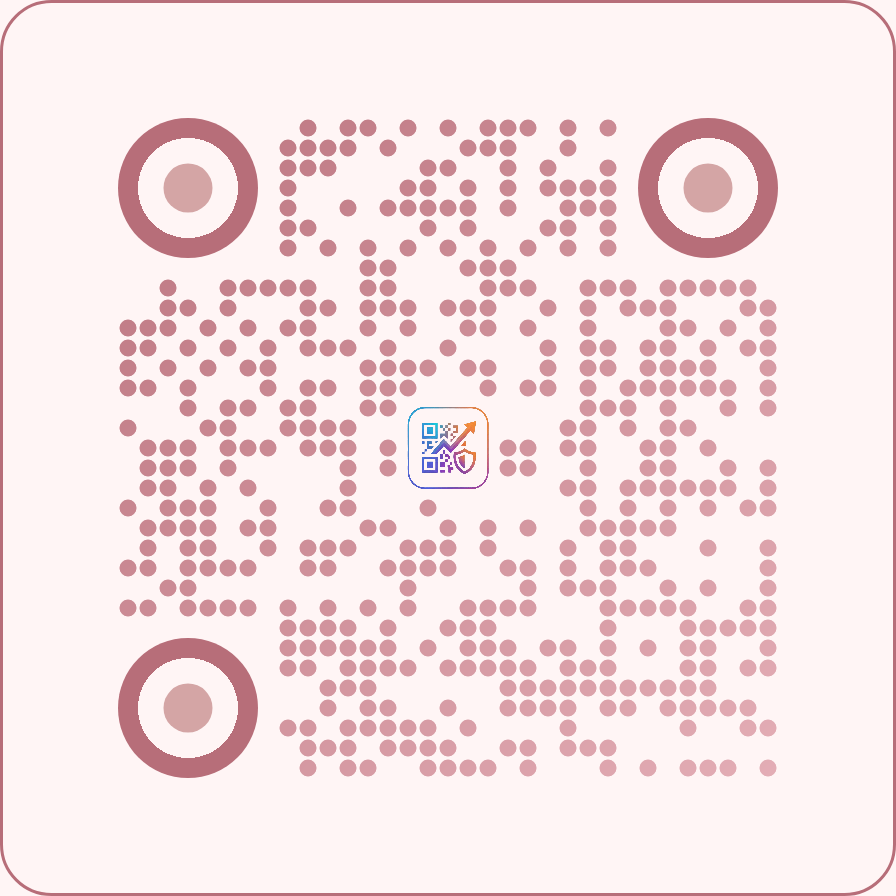
rose-gold
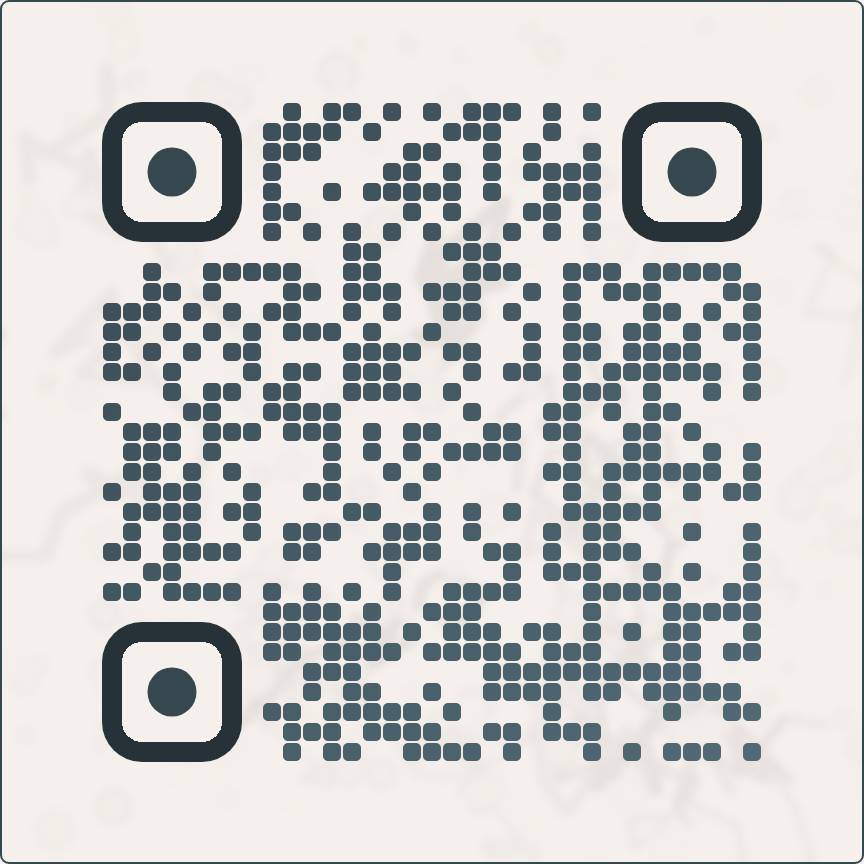
marble-luxury
Marketing
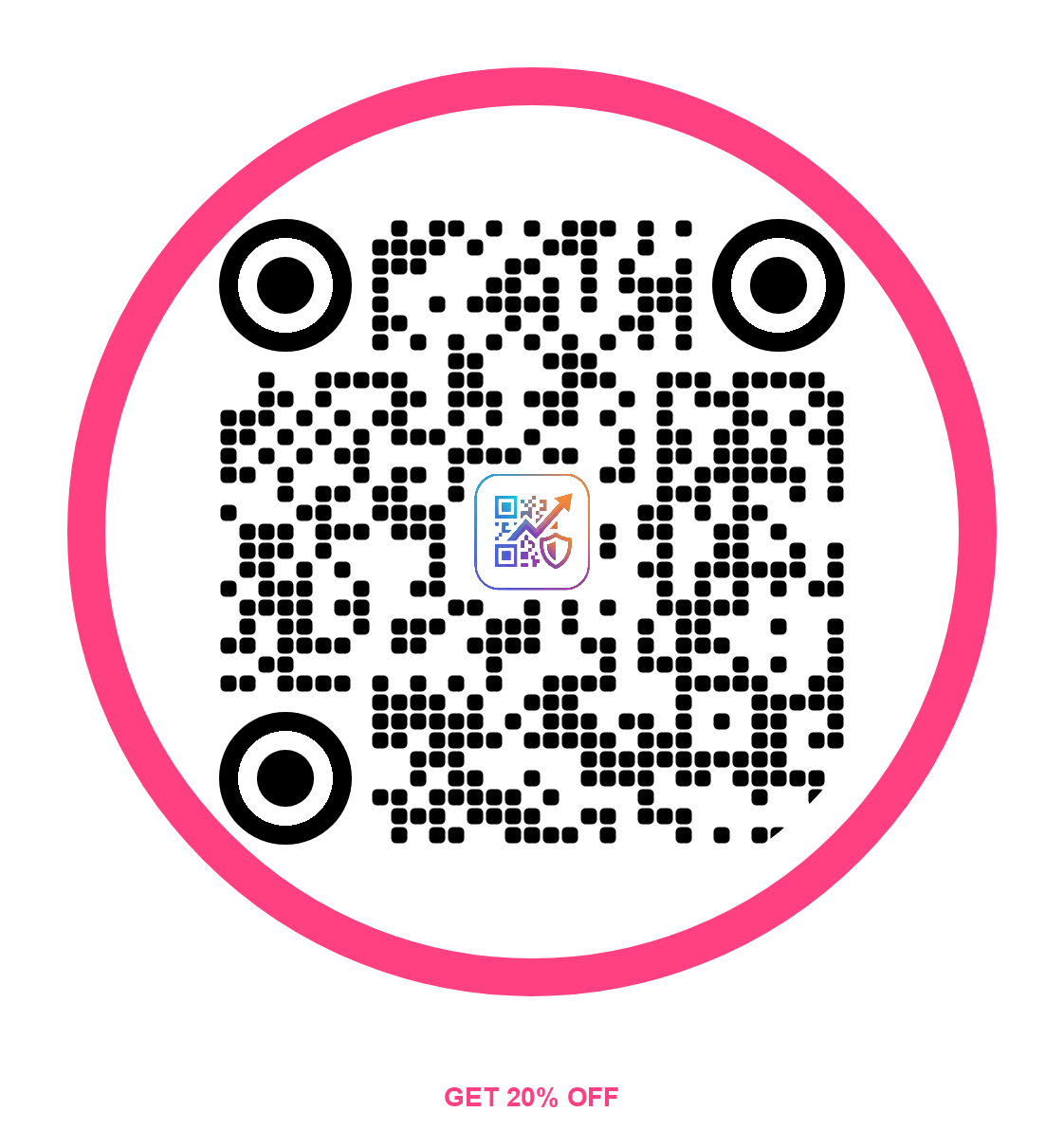
scan-me-badge
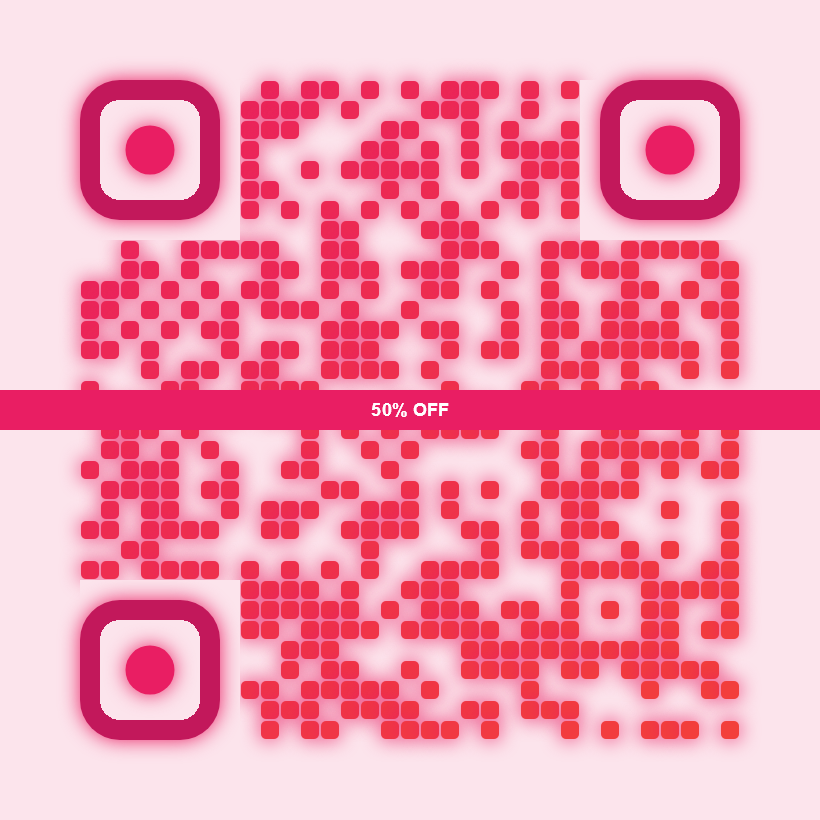
center-promo
Music
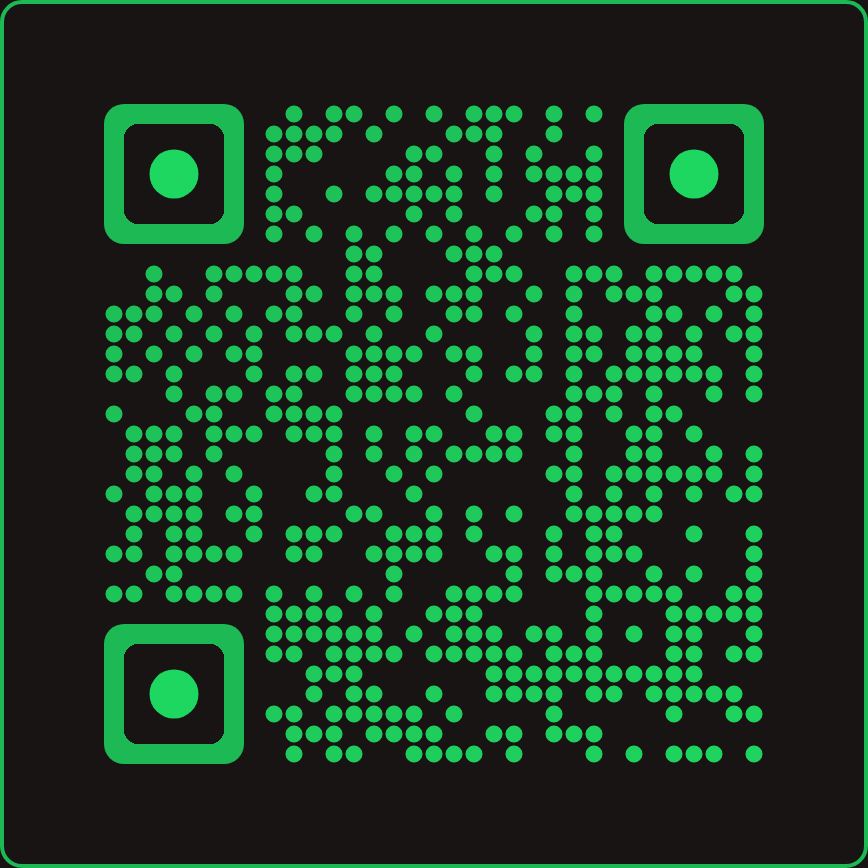
spotify-vibes
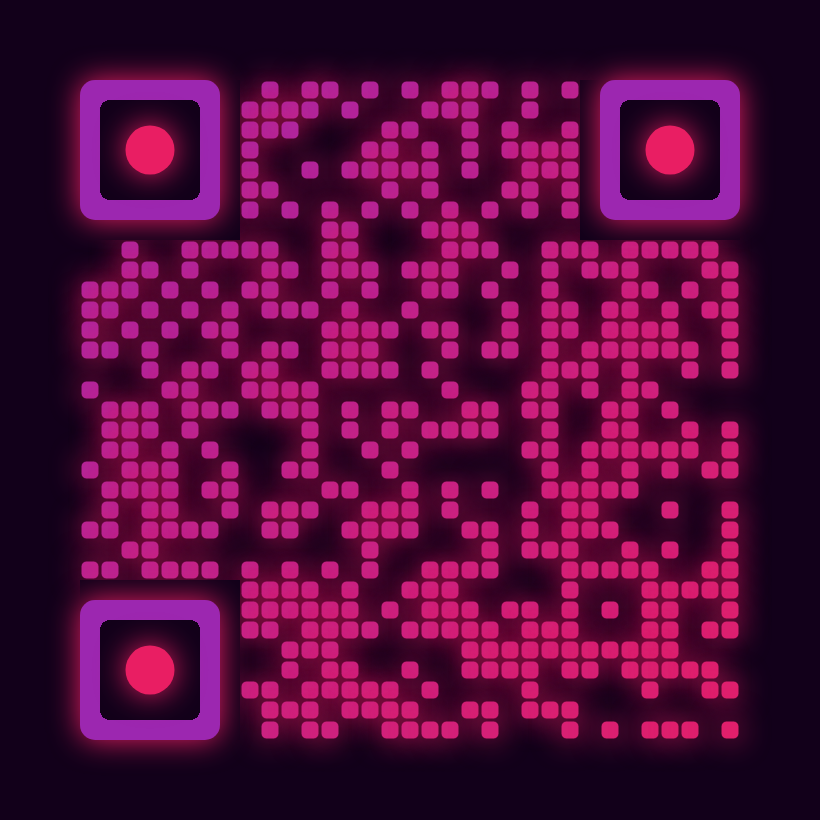
soundwave-purple
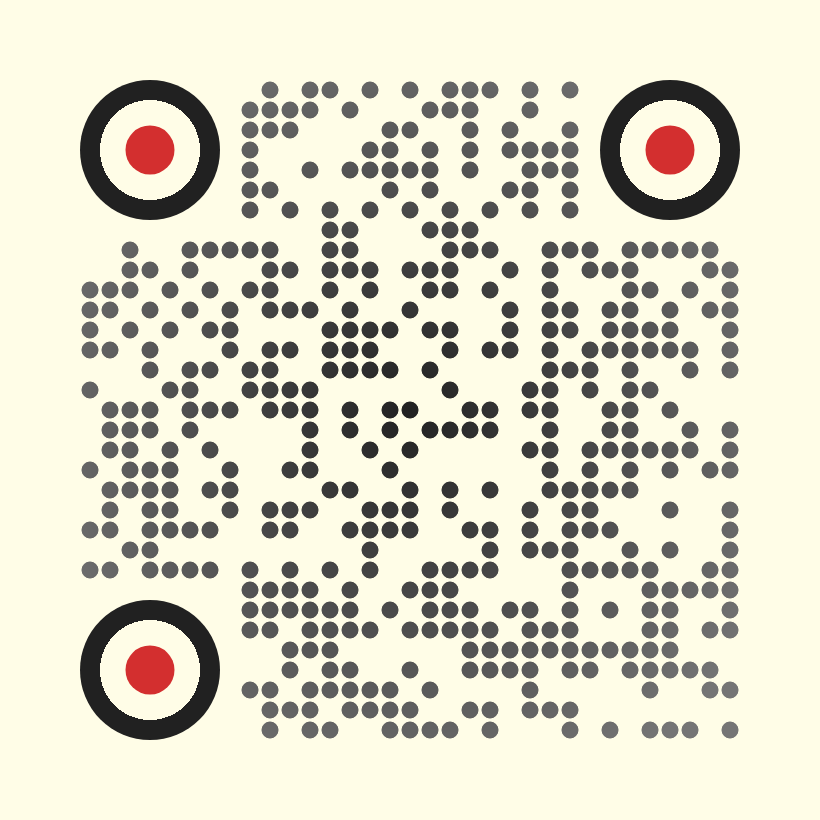
vinyl-classic
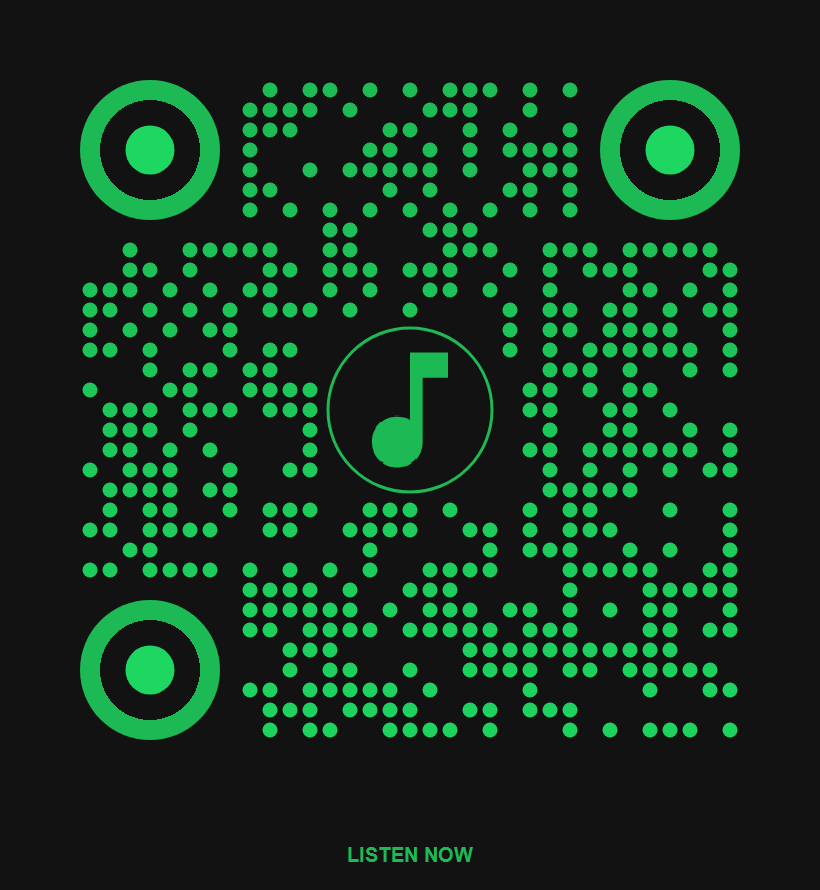
music-stream
Nature
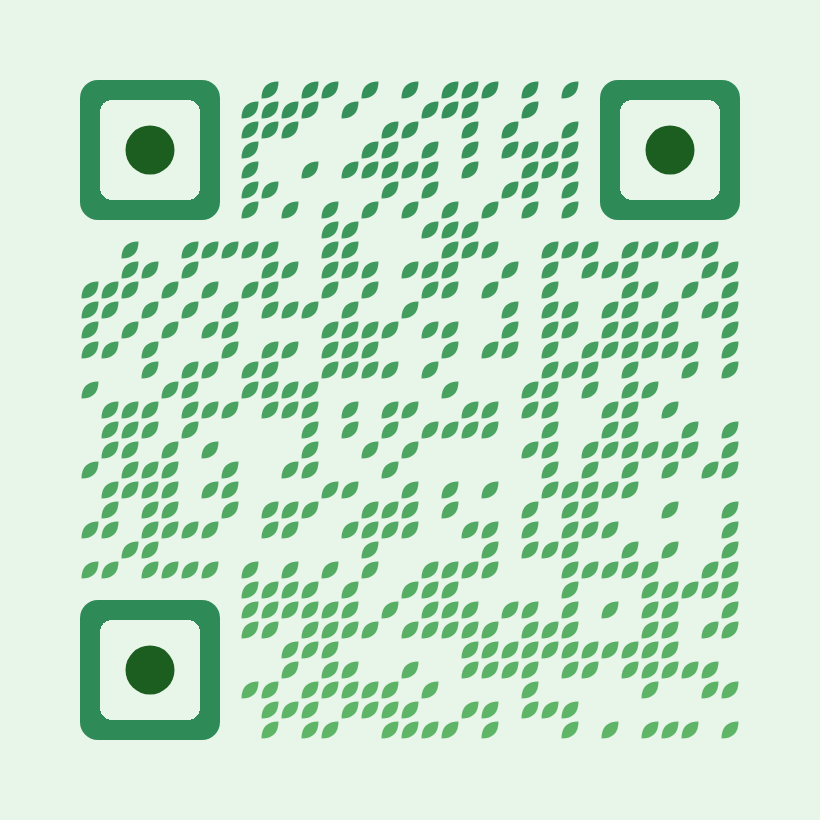
organic-leaf
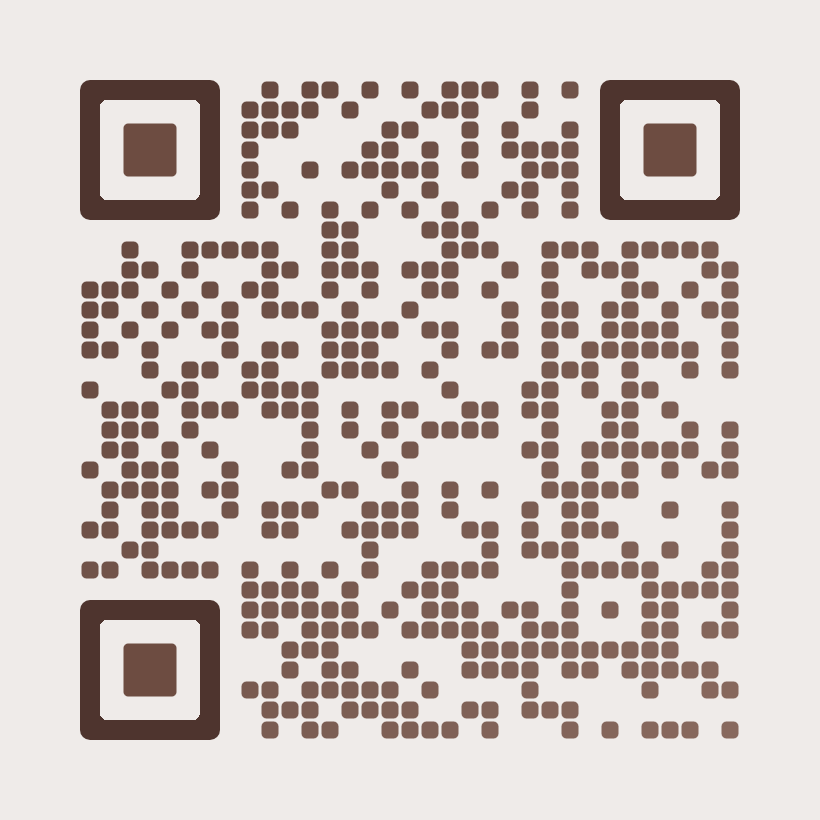
forest-wood
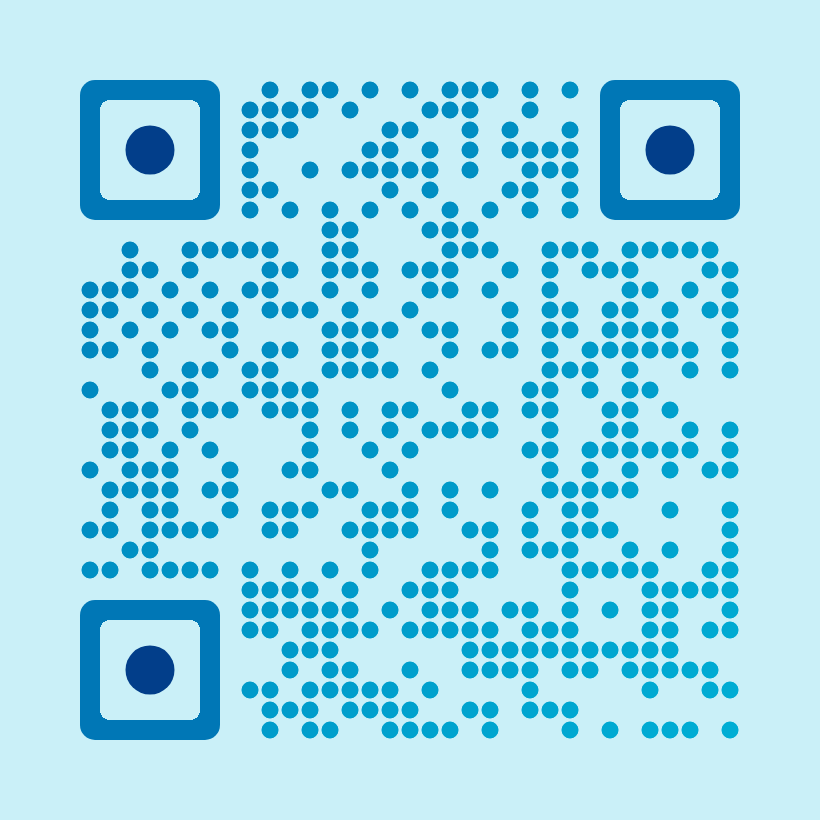
ocean-breeze
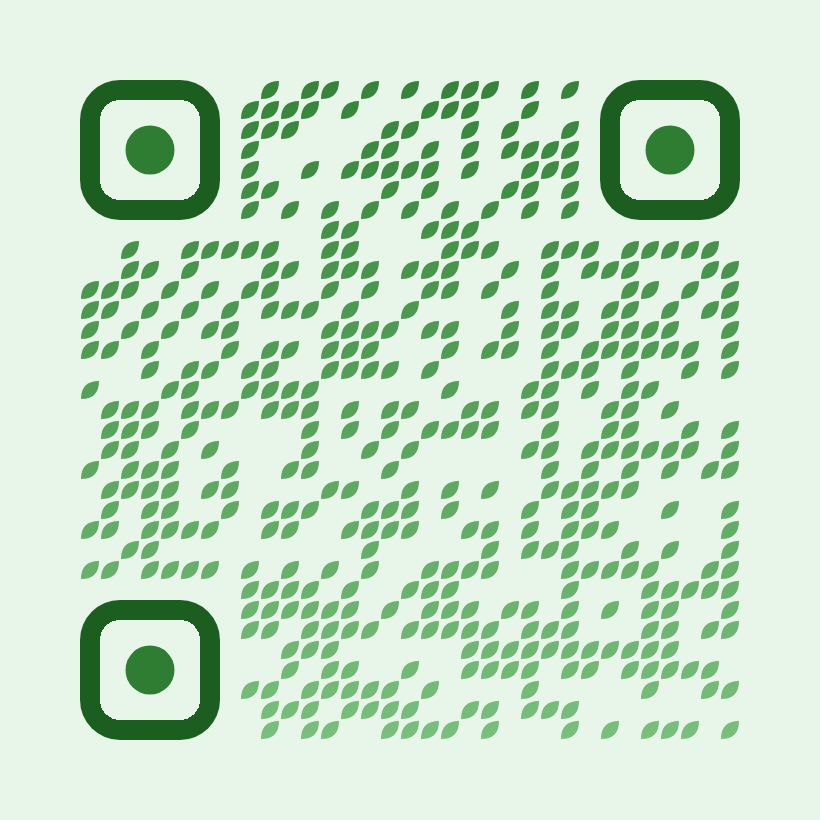
organic-flow
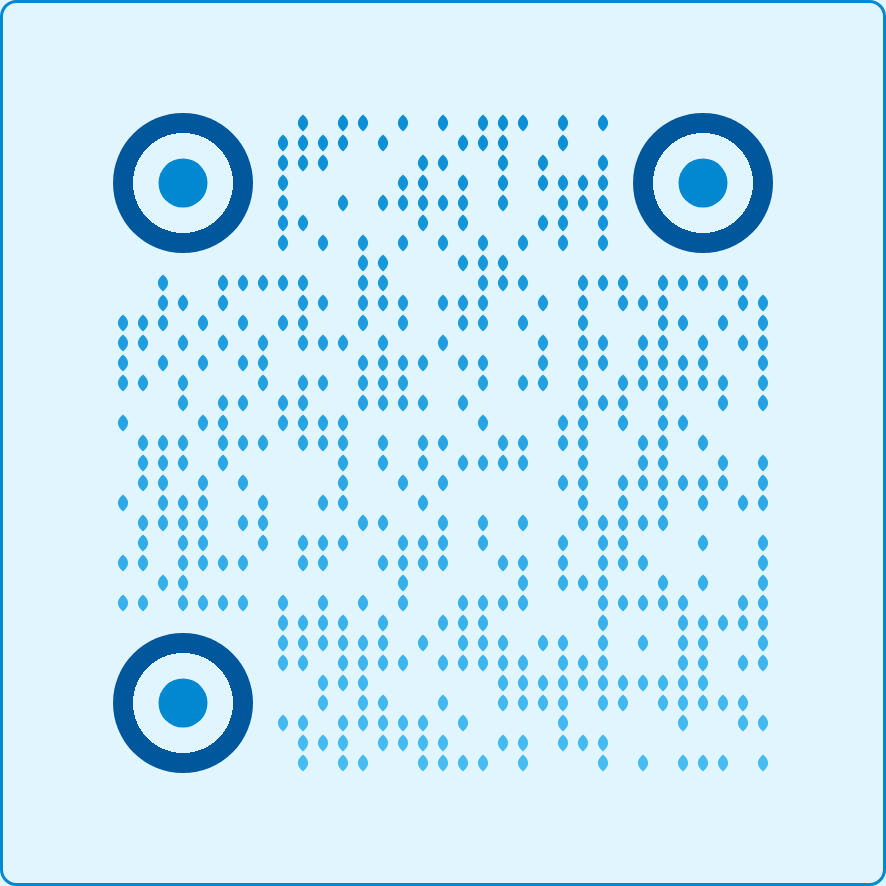
drop-water
Non-Profit
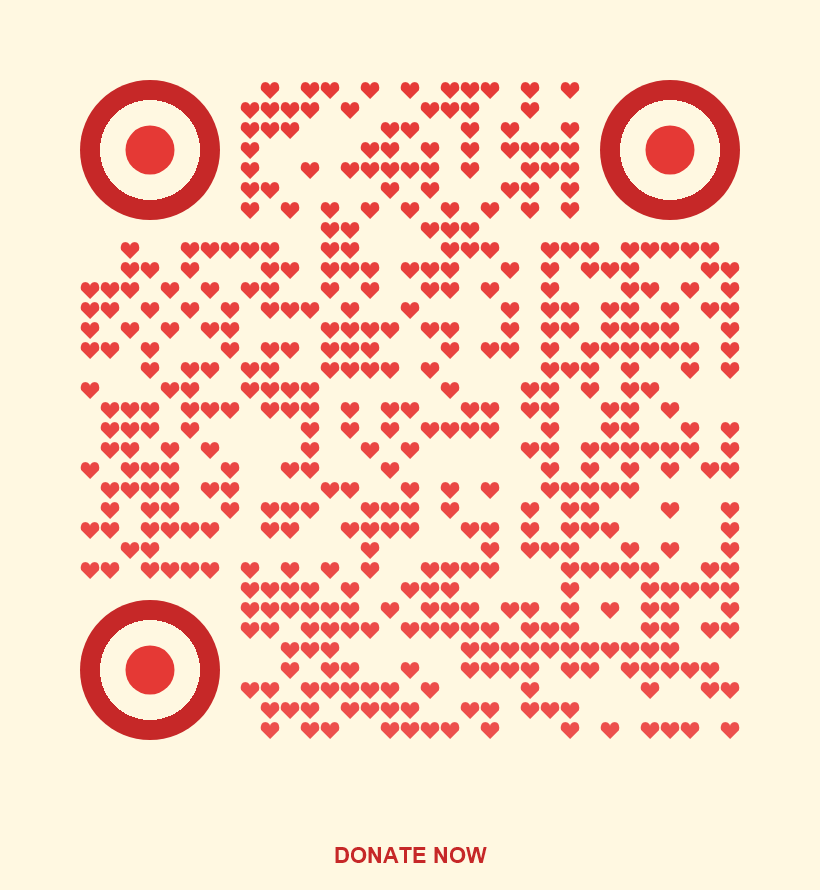
charity-donate
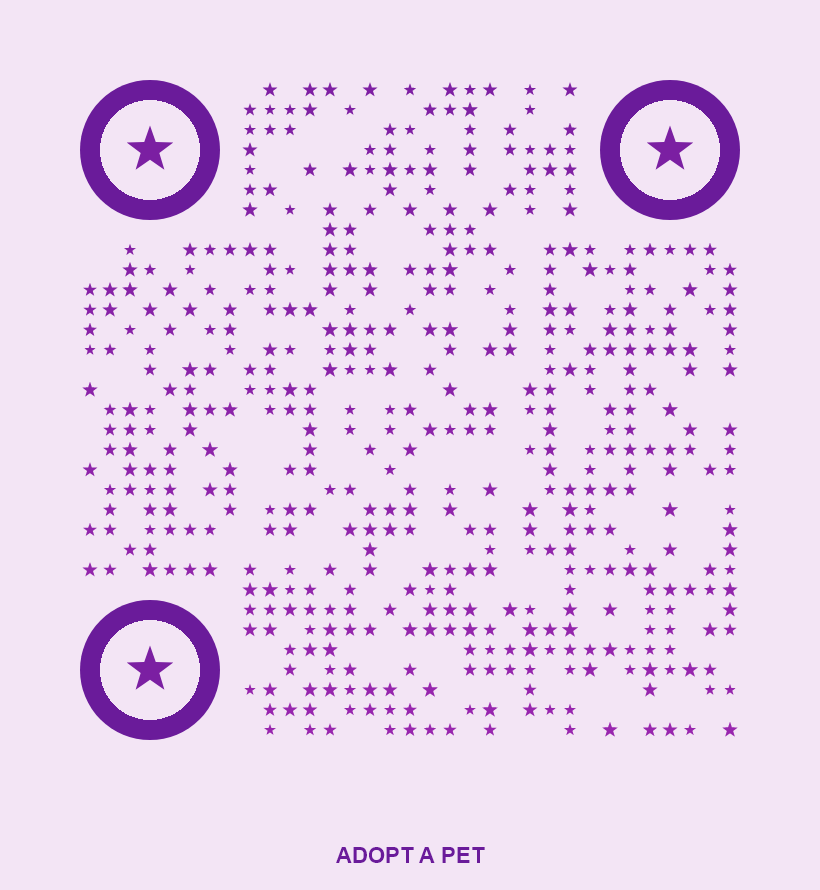
pet-adoption
Real Estate
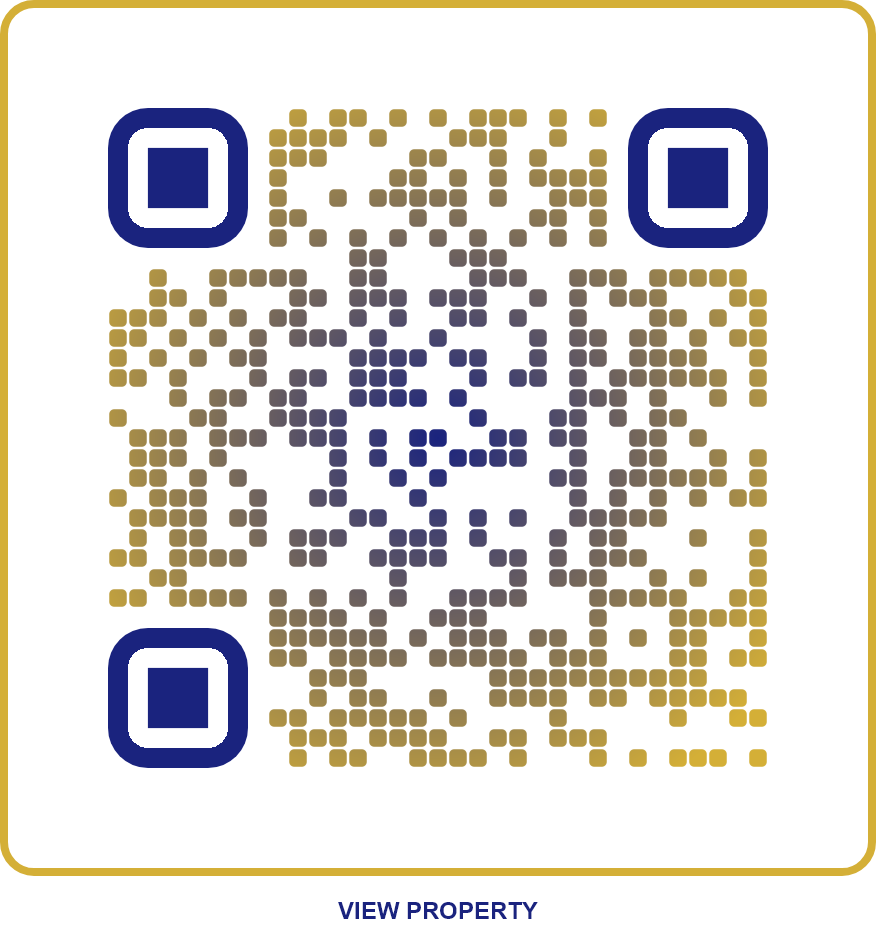
real-estate-luxury
Restaurant
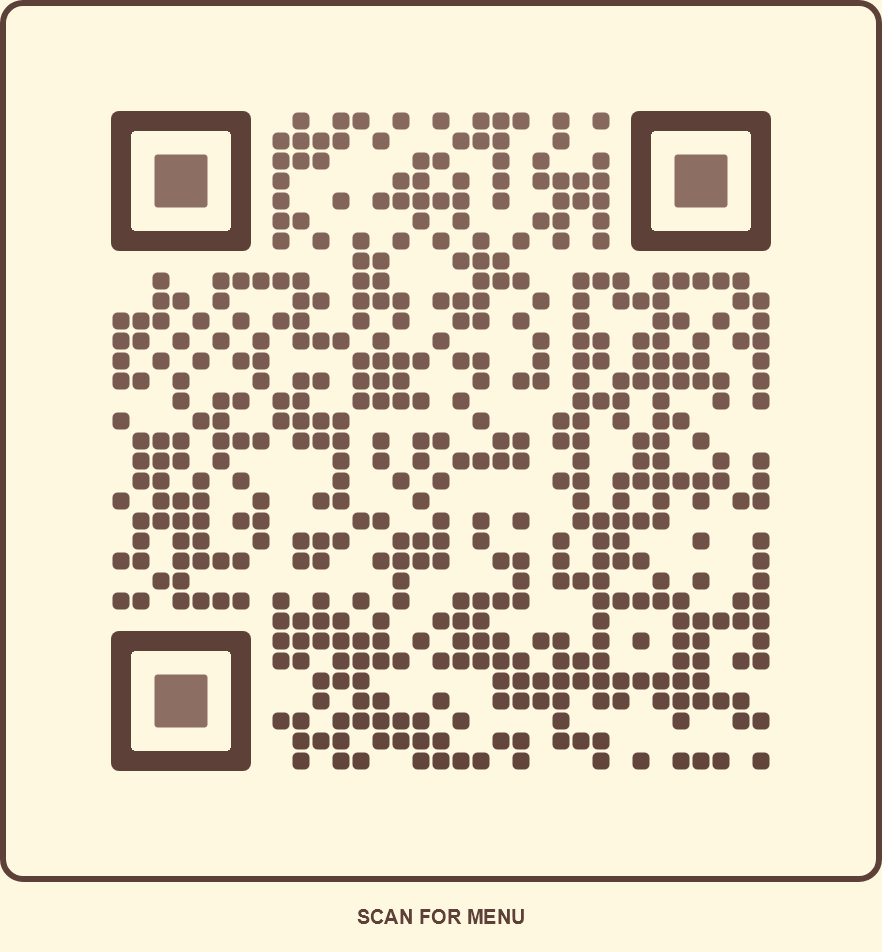
restaurant-menu
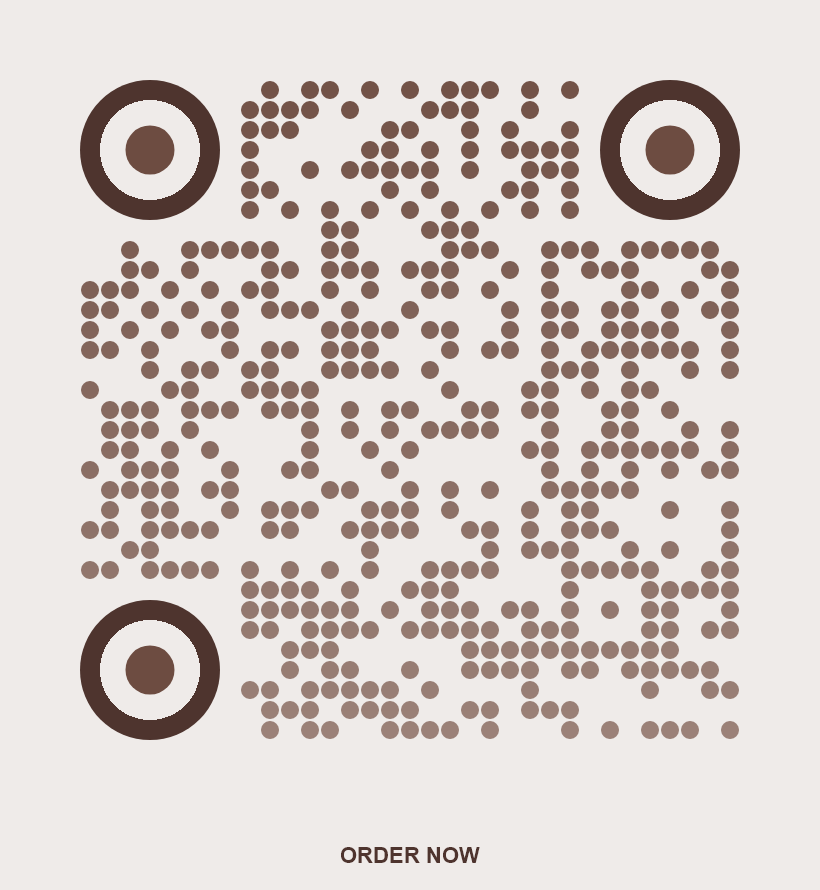
coffee-shop
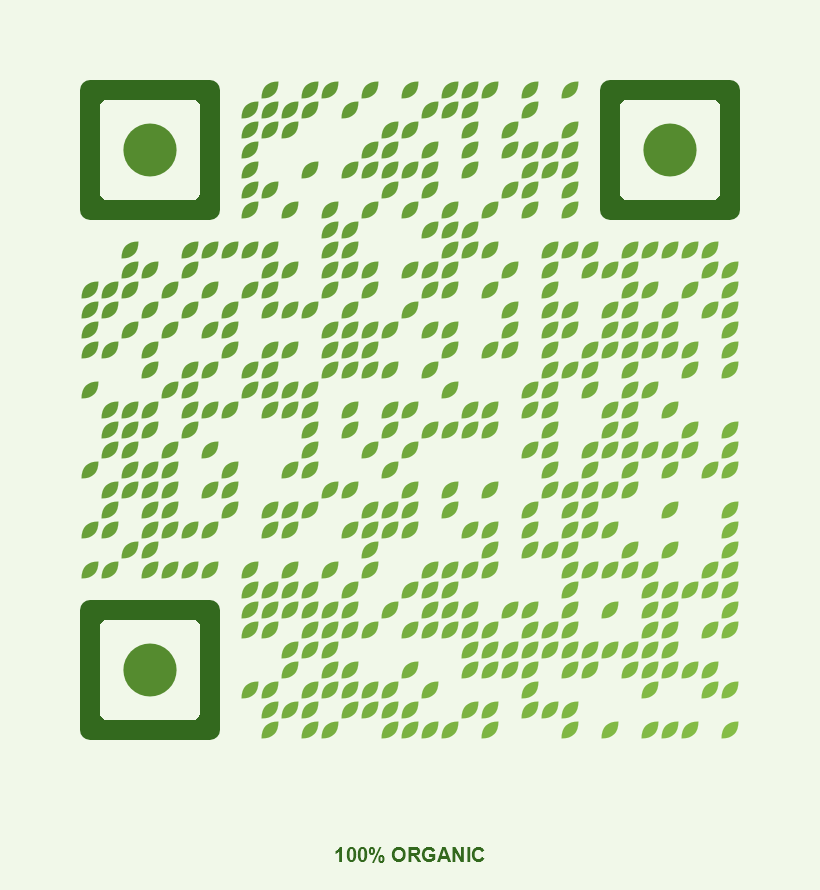
organic-food
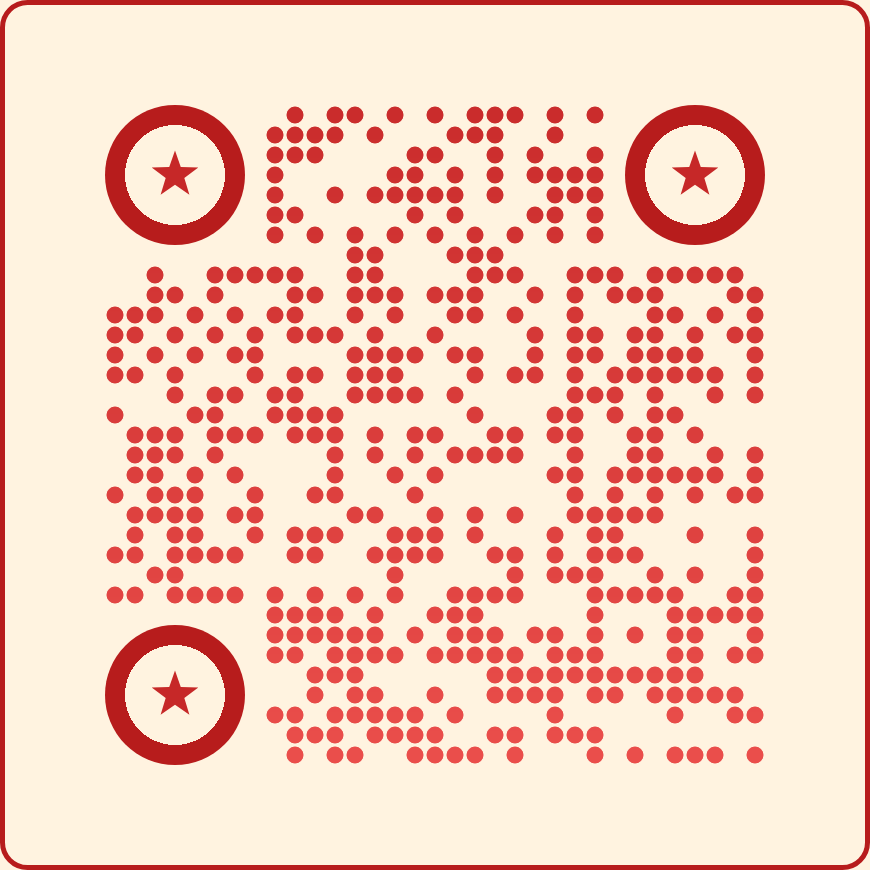
pizzeria
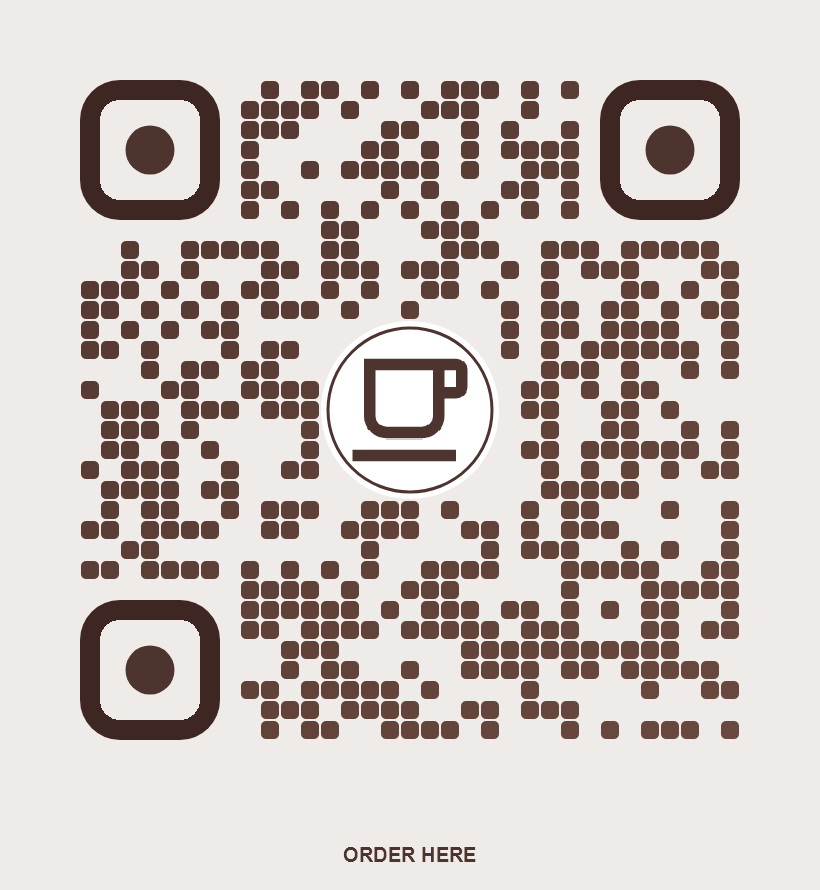
coffee-logo
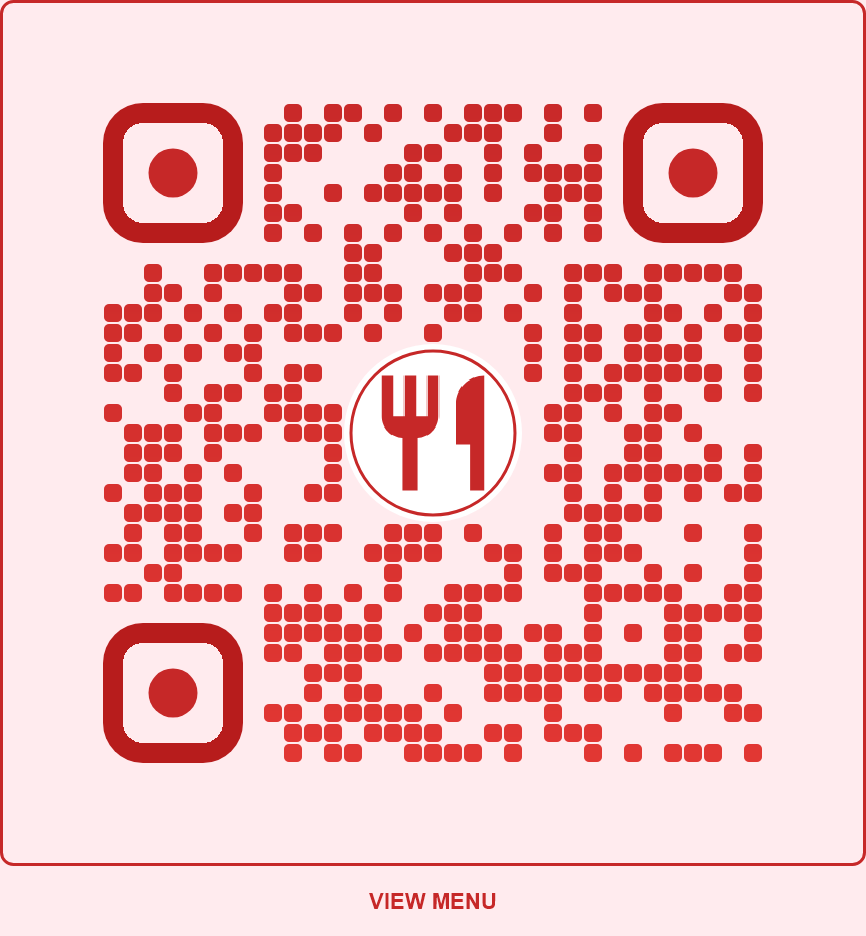
restaurant-logo
Retail
black-friday
summer-sale
boutique-chic
discount-code
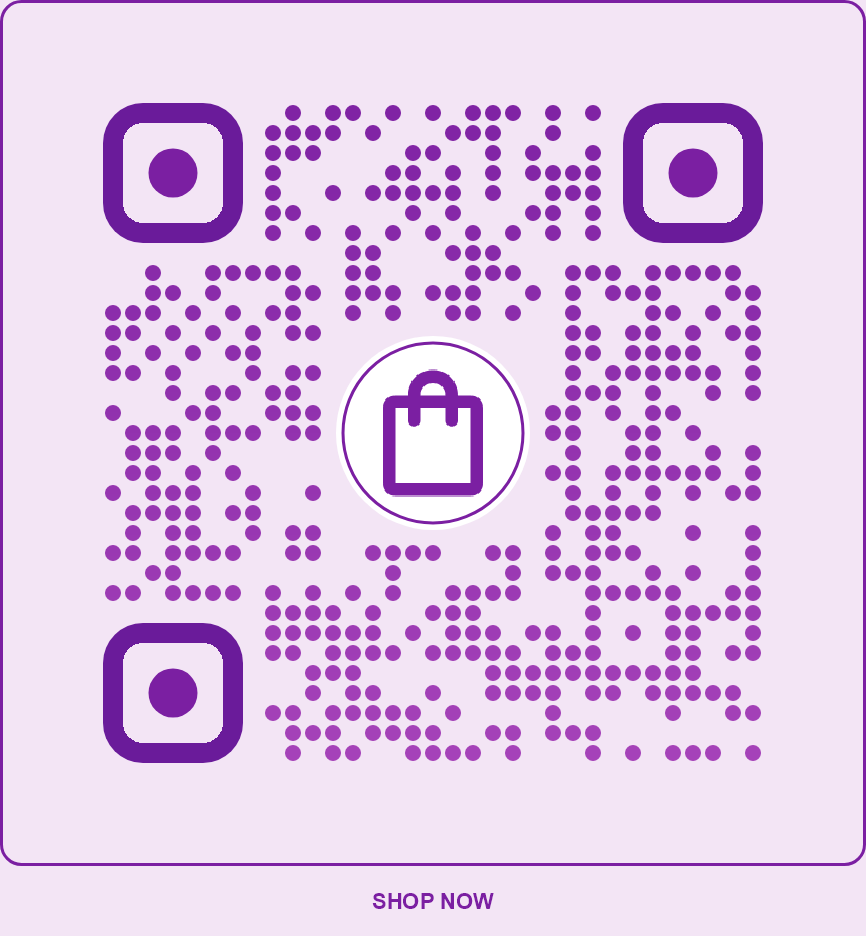
retail-shop
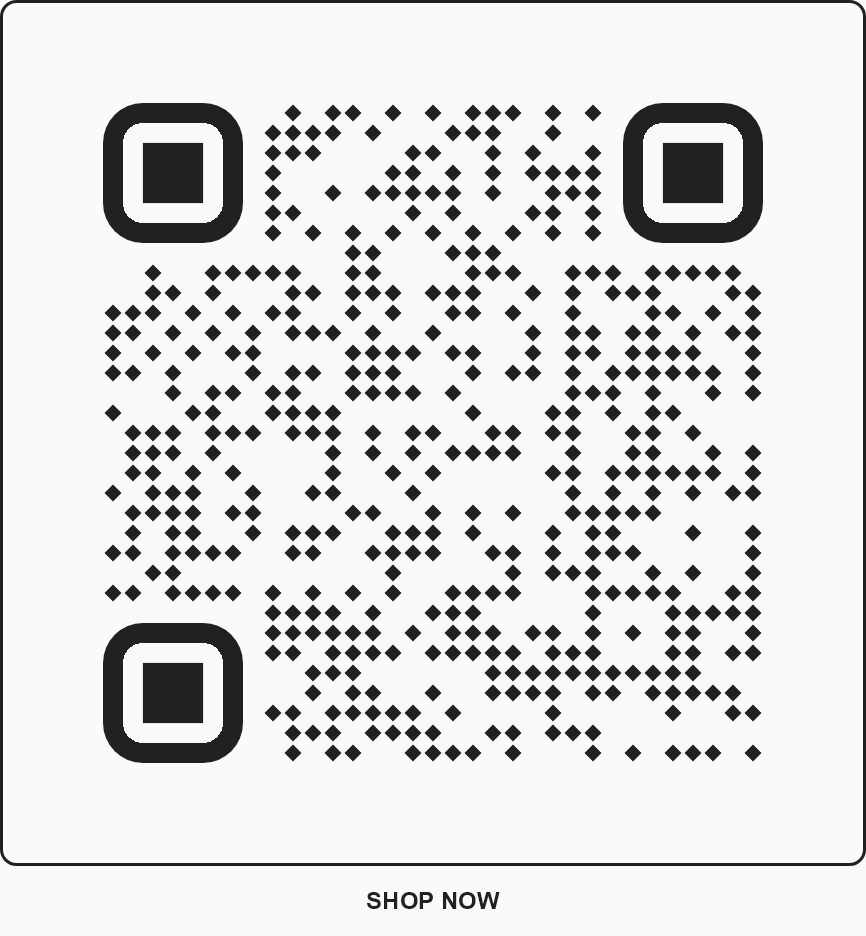
fashion-minimal
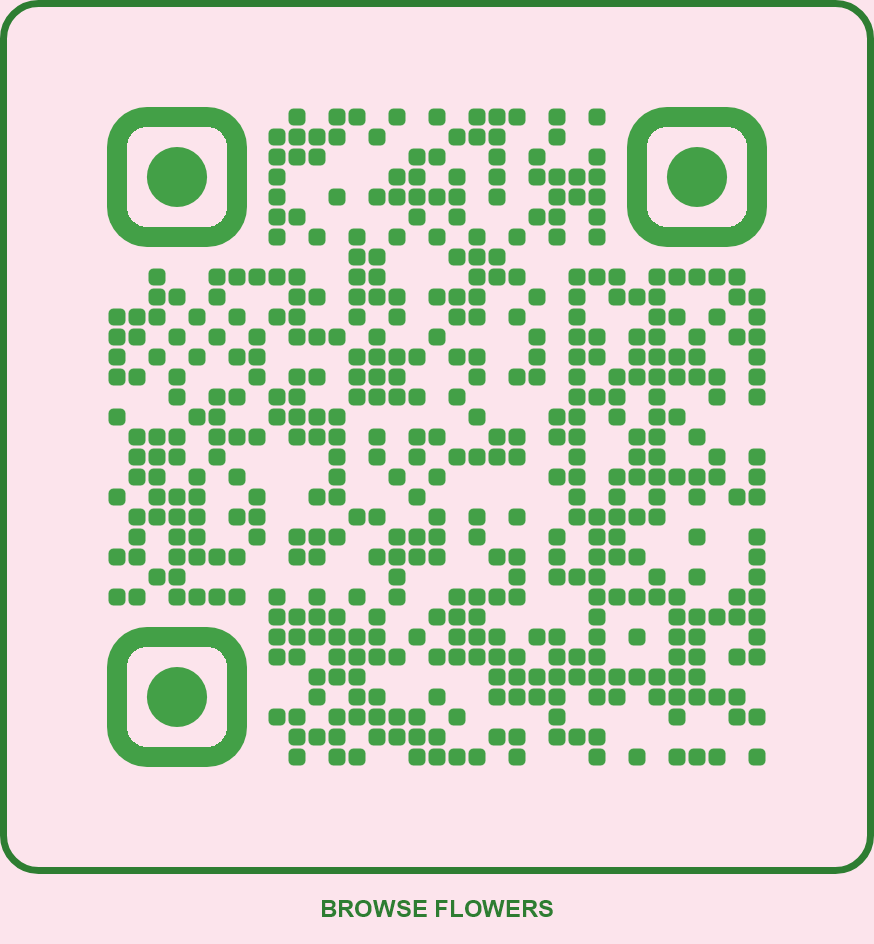
florist-garden
Social
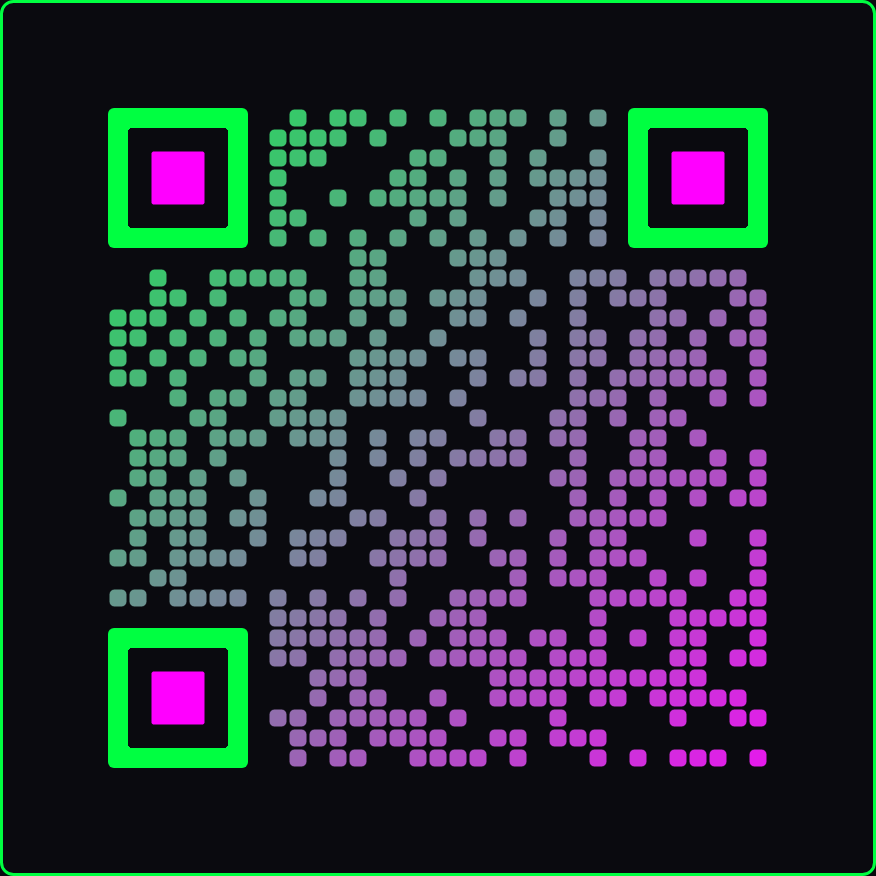
neon-cyberpunk
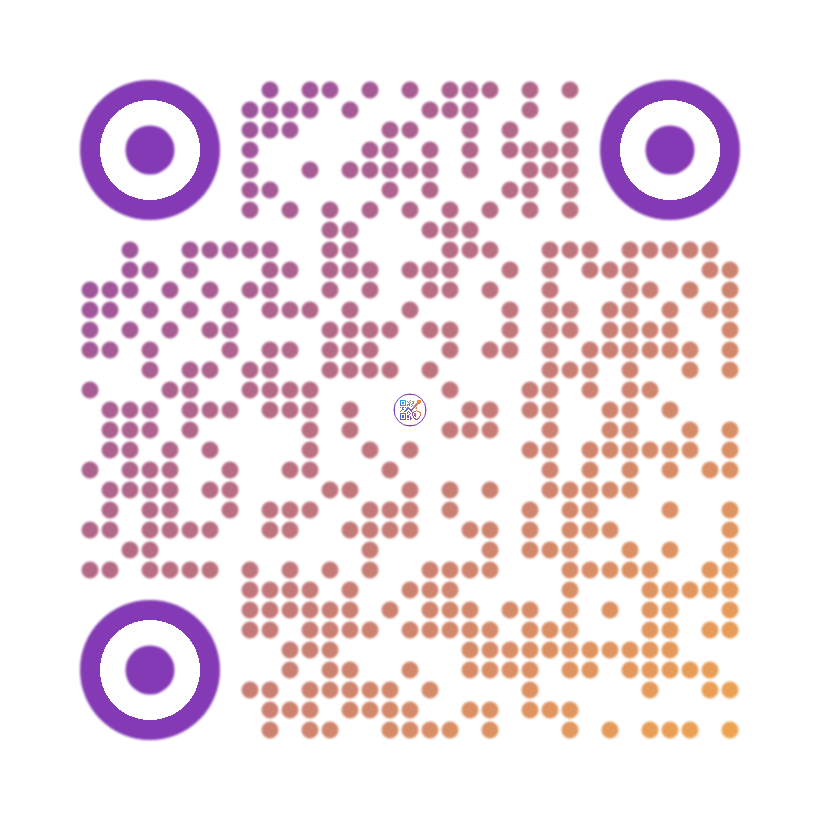
influencer-gradient
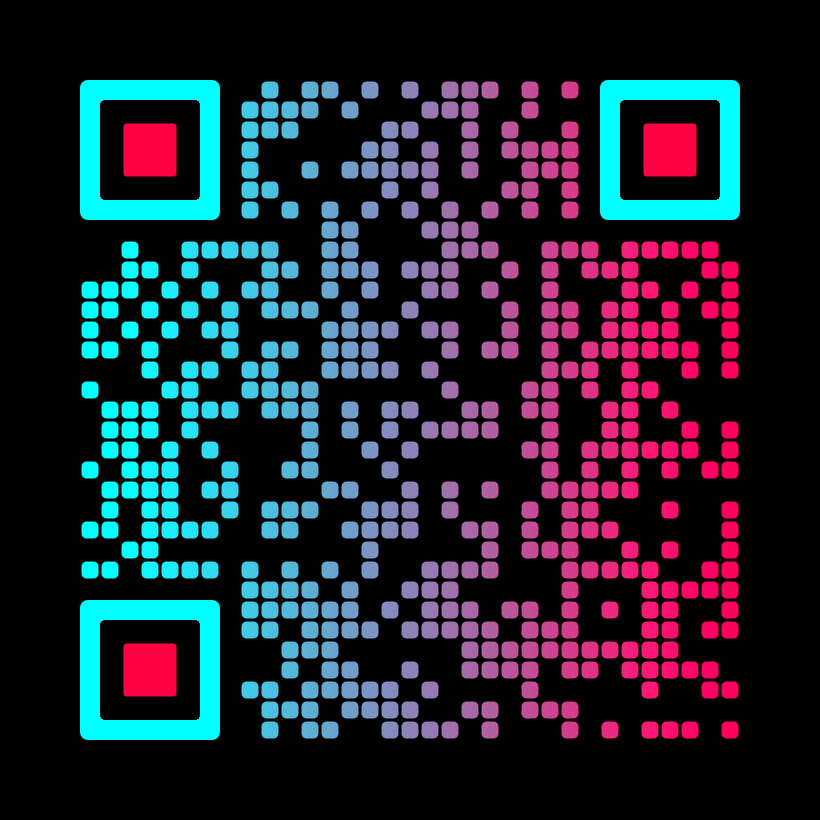
tiktok-viral
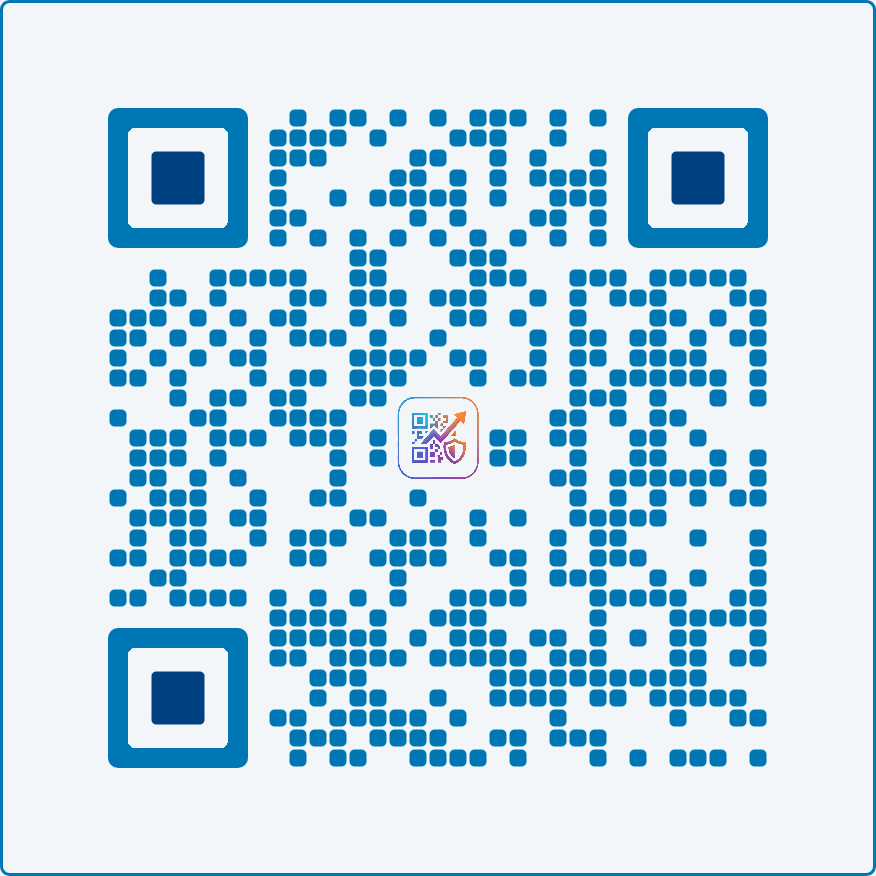
linkedin-pro
Social Media
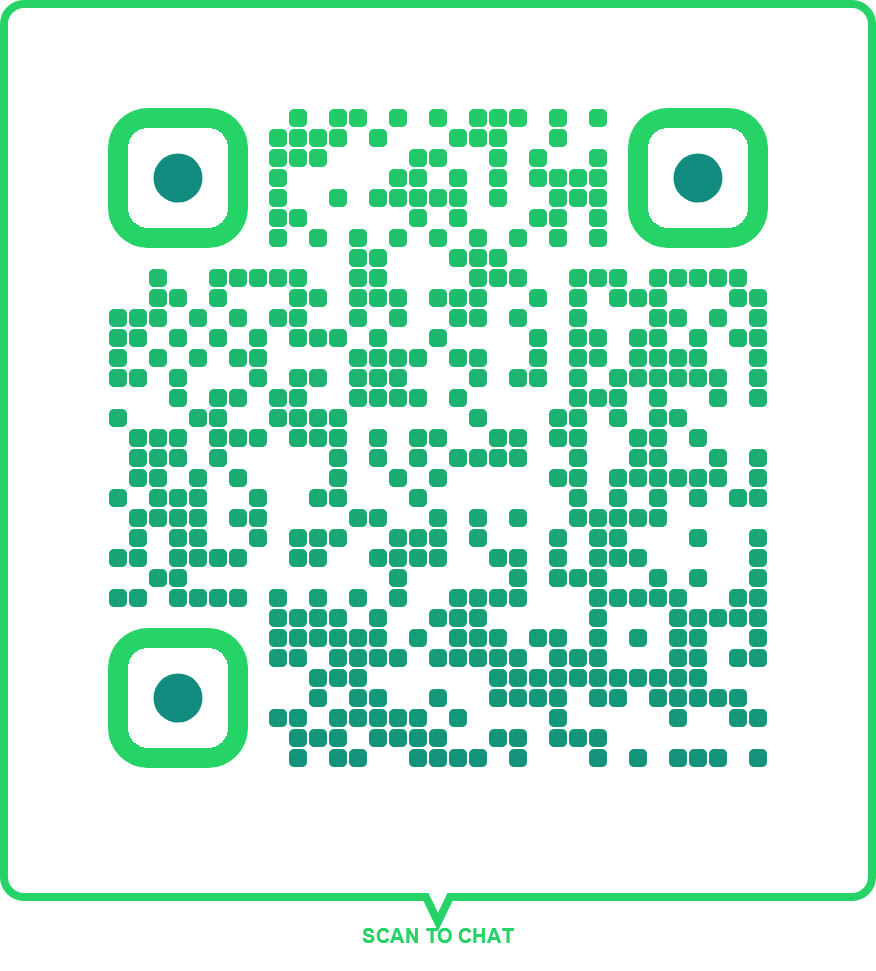
speech-bubble-chat
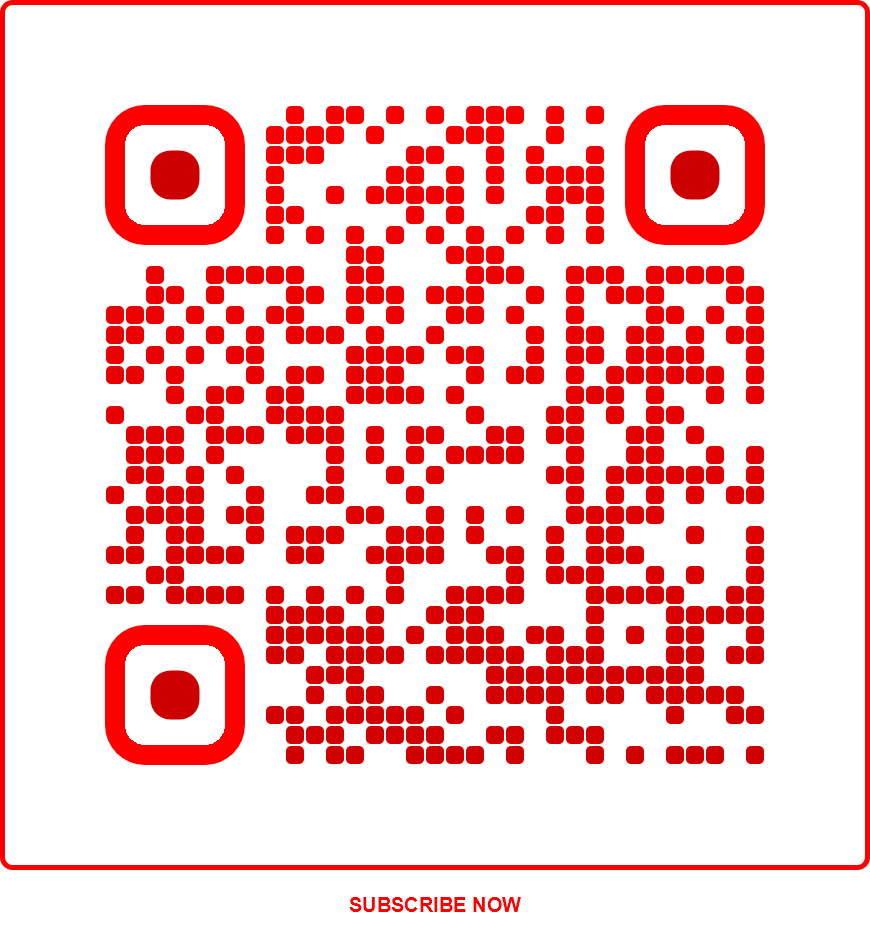
youtube-subscribe
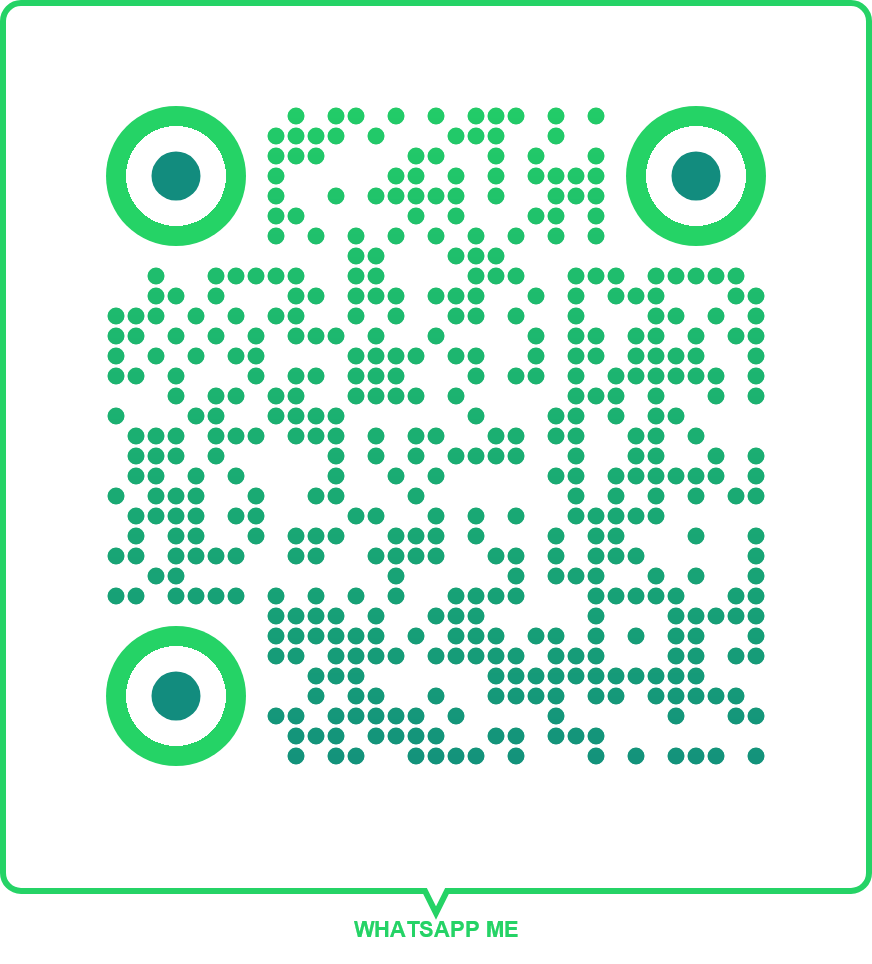
whatsapp-contact
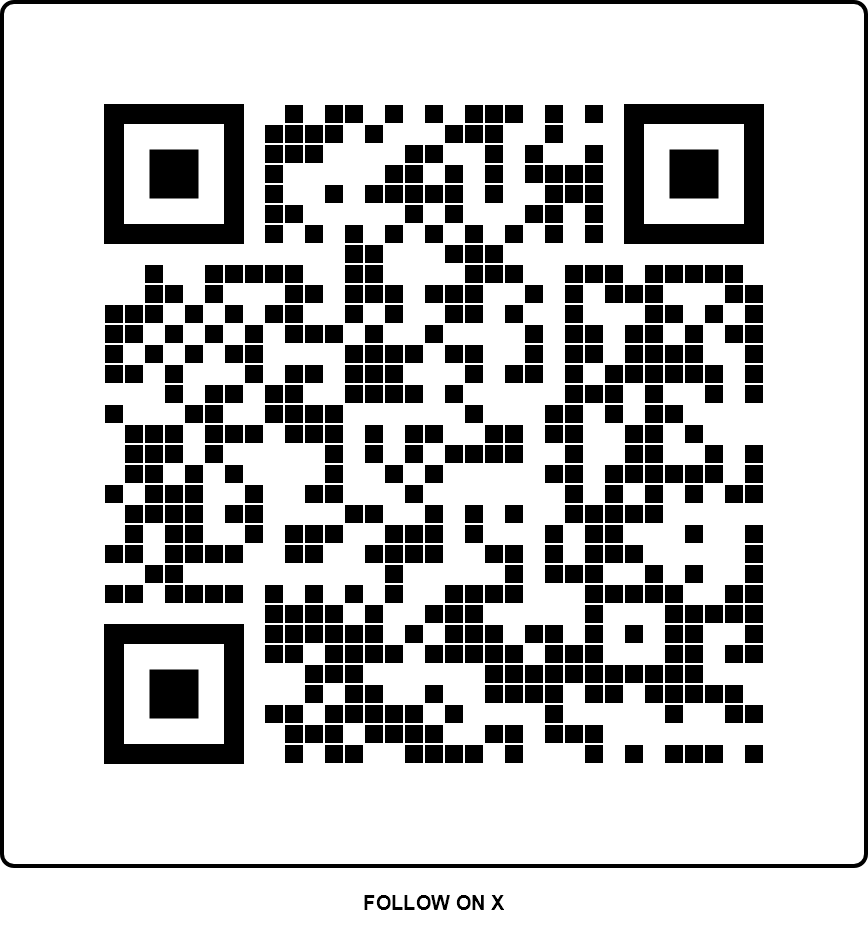
twitter-x-follow
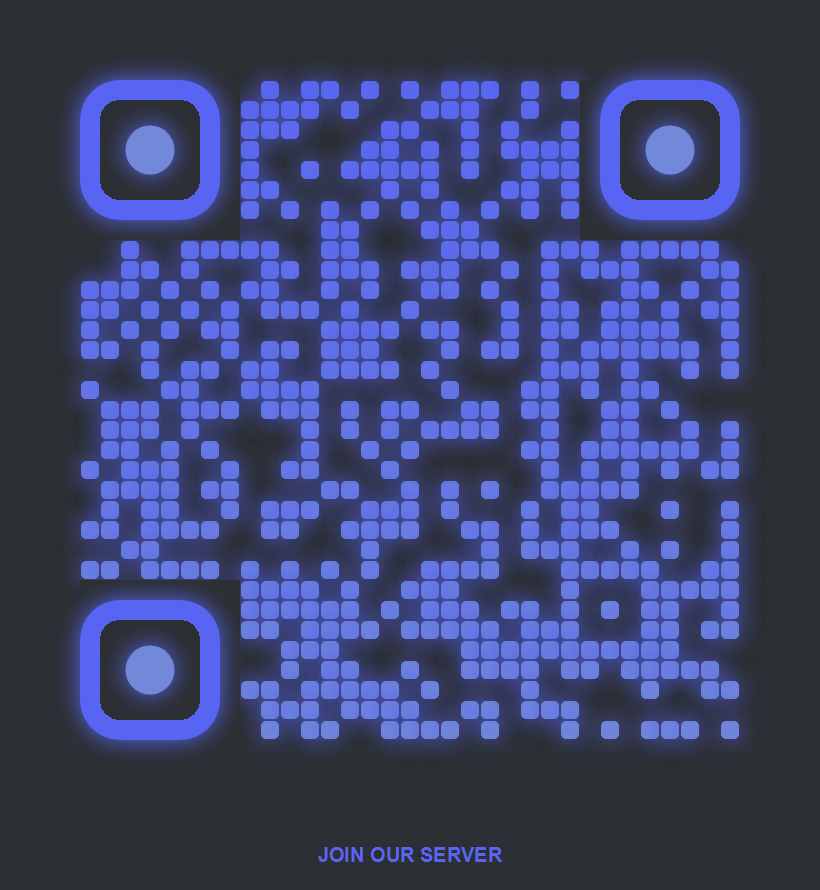
discord-server
Technology
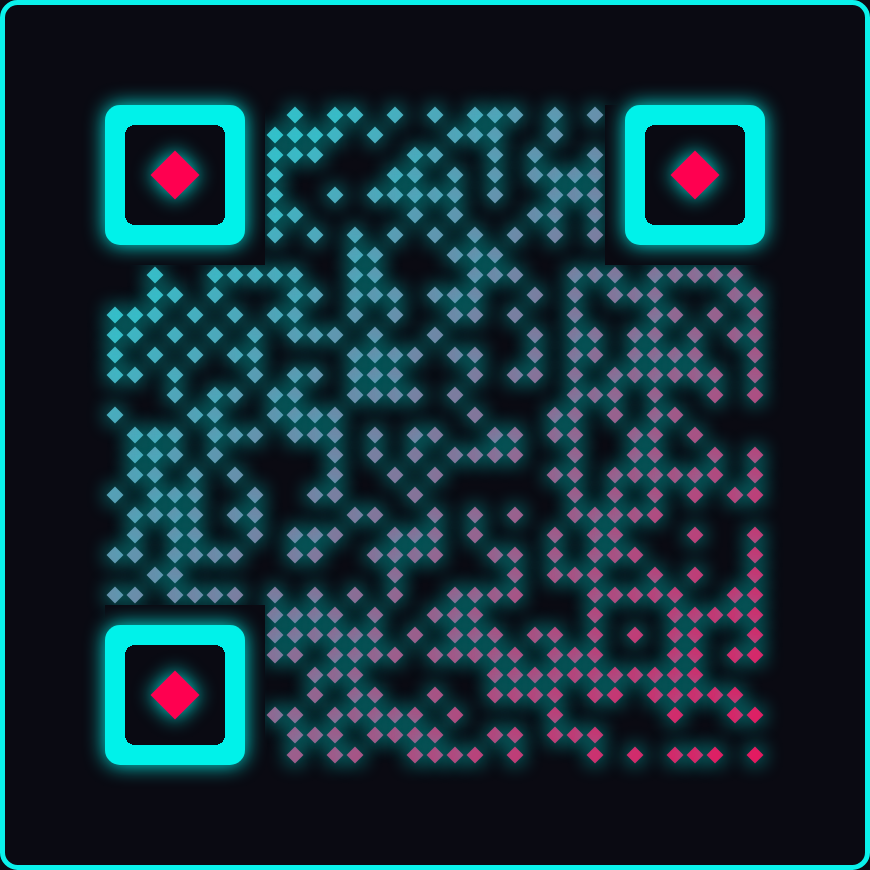
cyber-neon
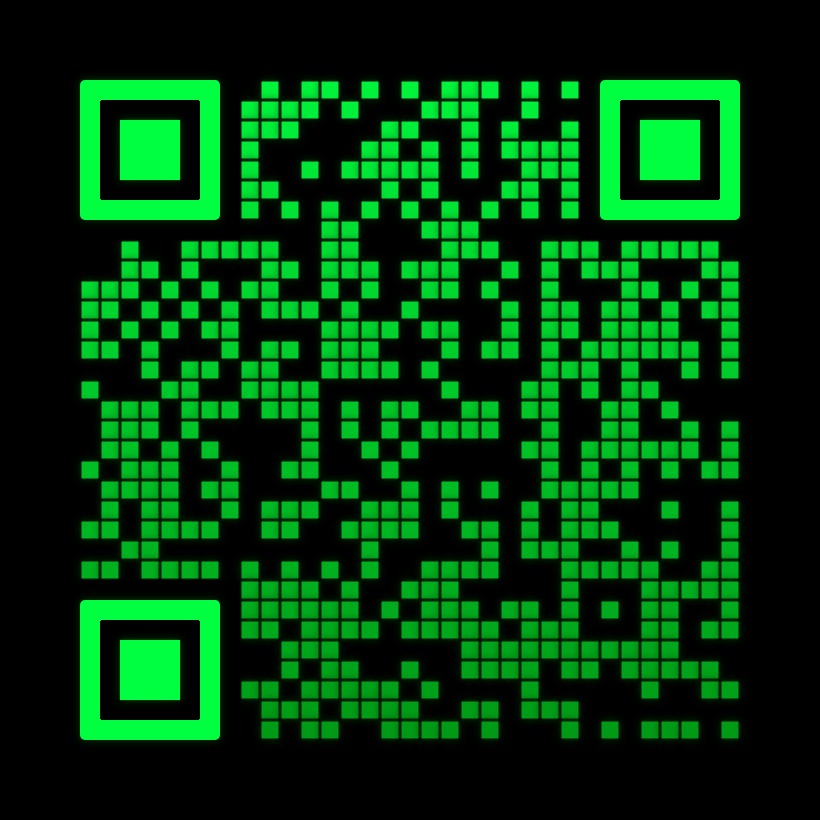
matrix-code
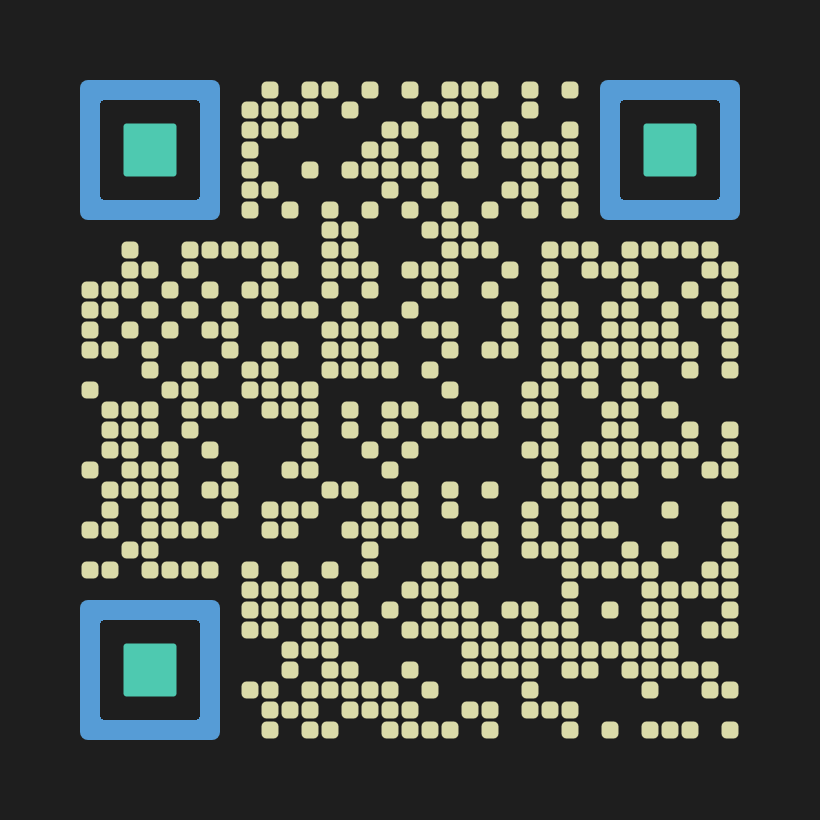
developer-dark
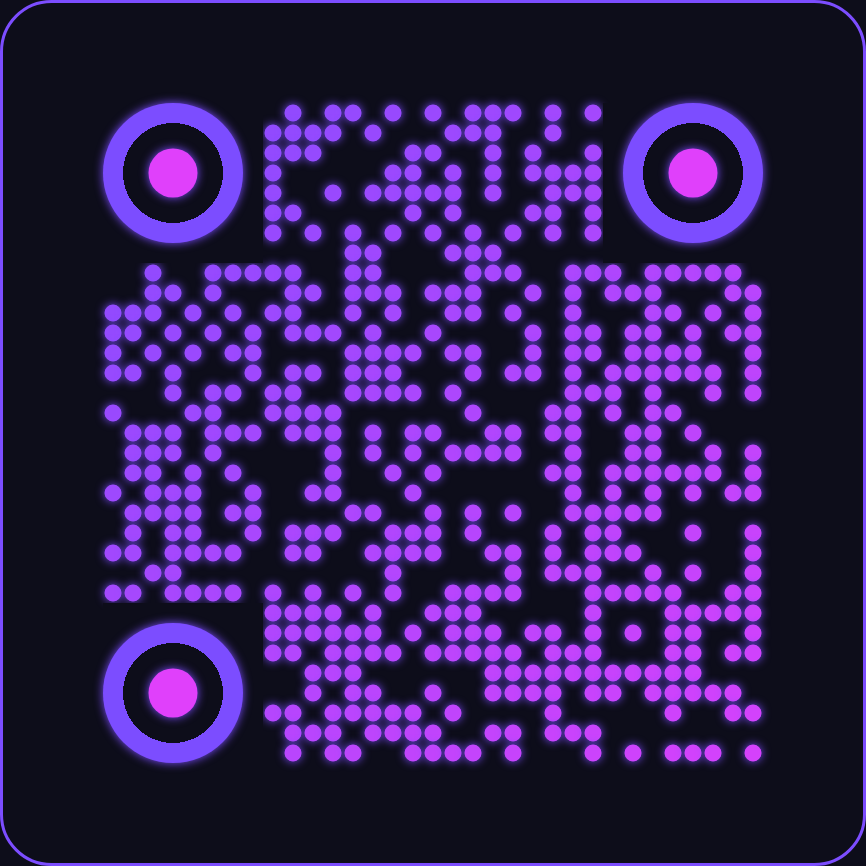
ai-neural
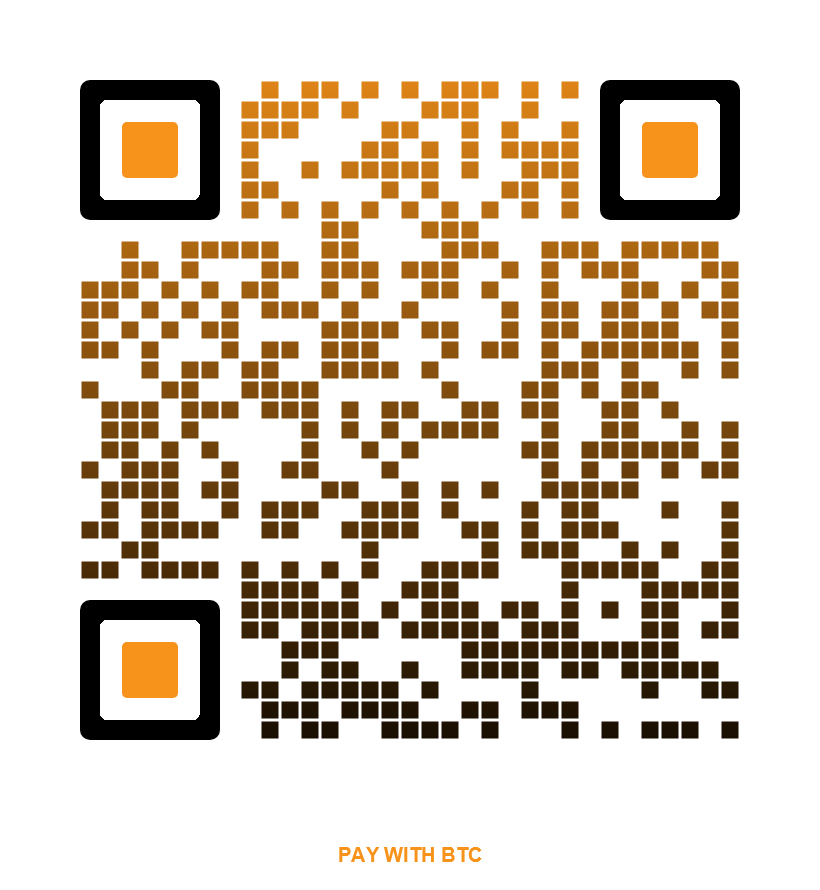
bitcoin-classic
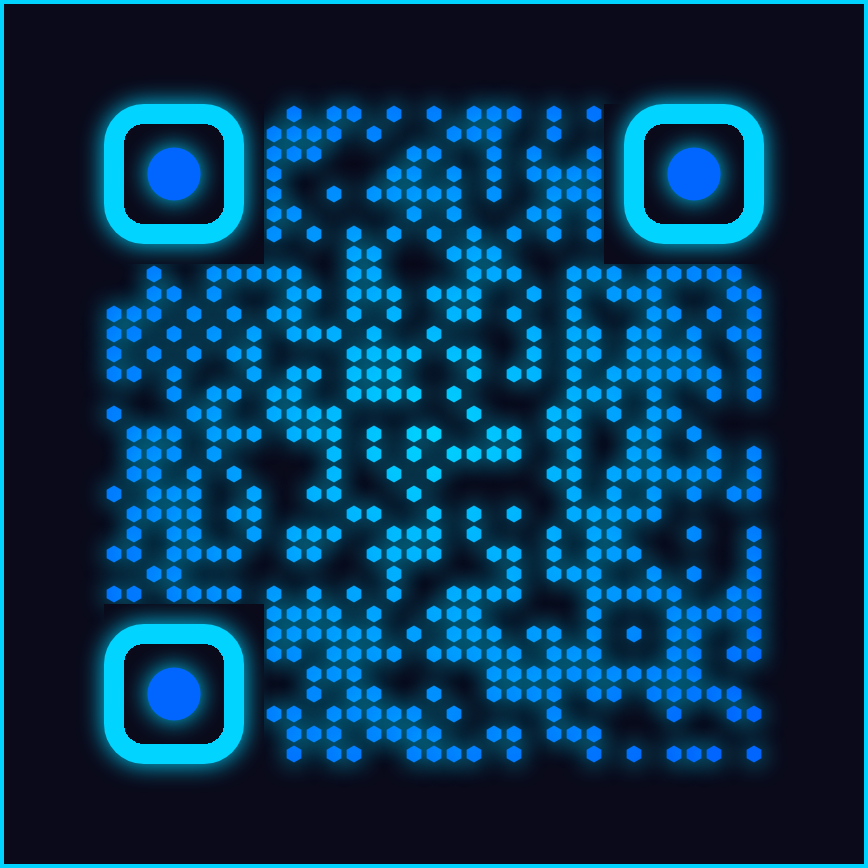
hextech-grid
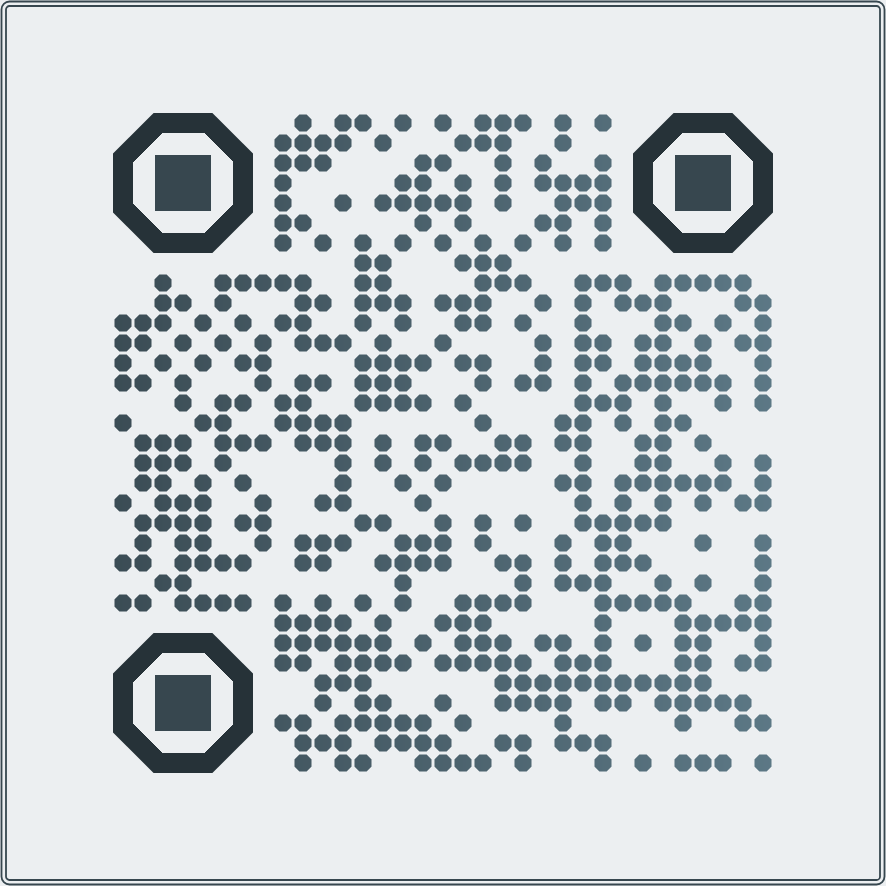
octagon-tech
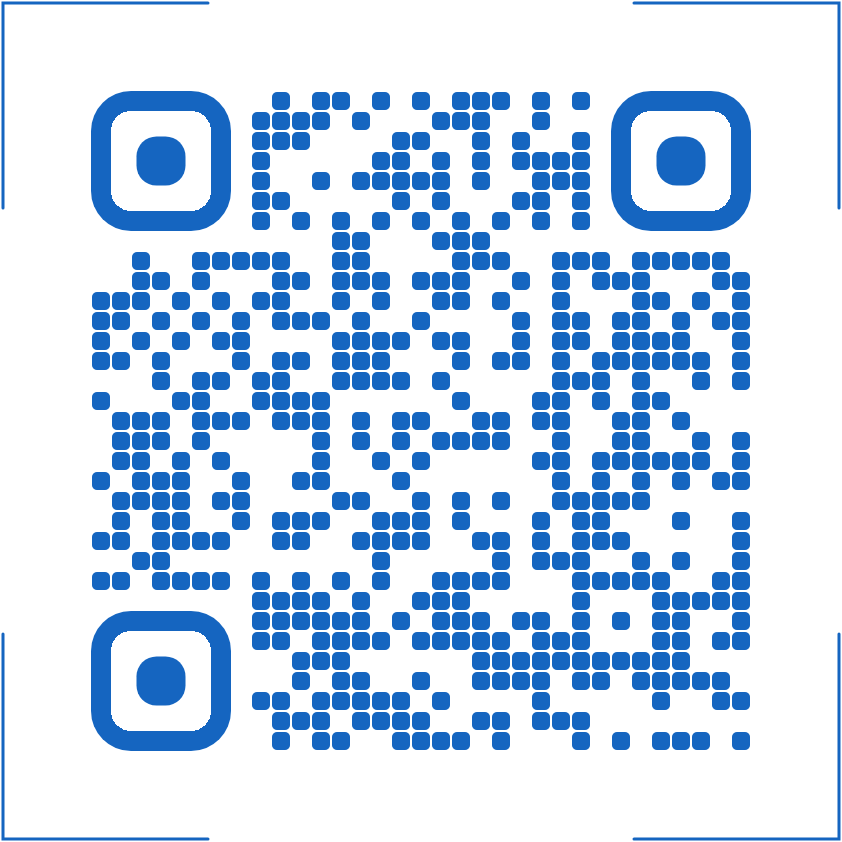
scan-bracket
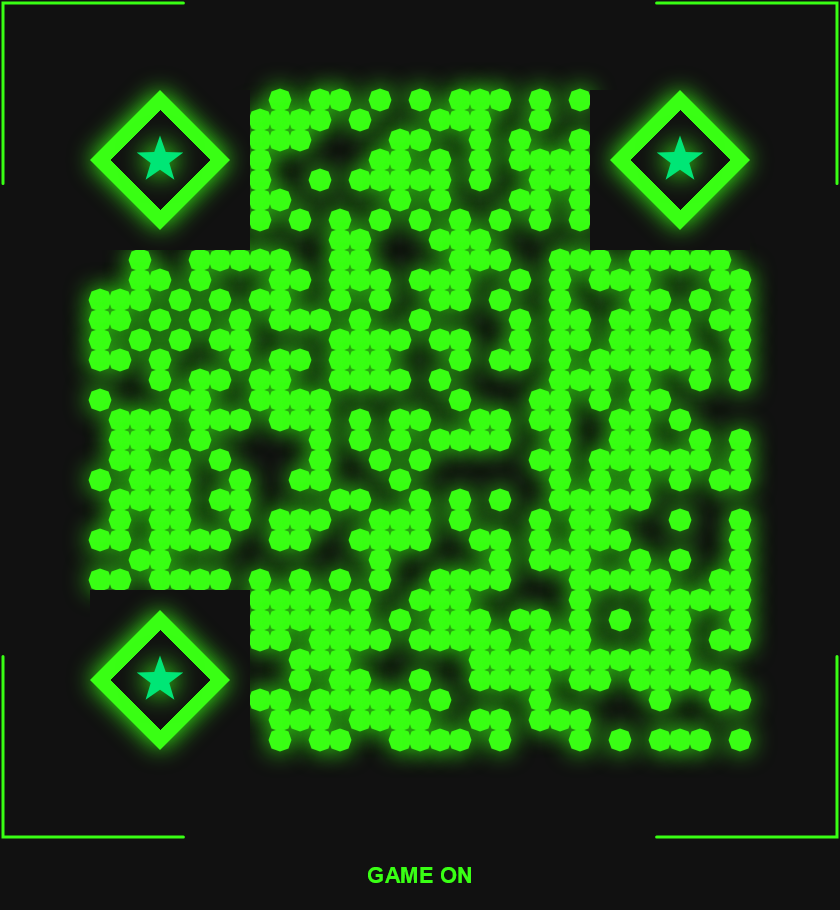
gaming-esports
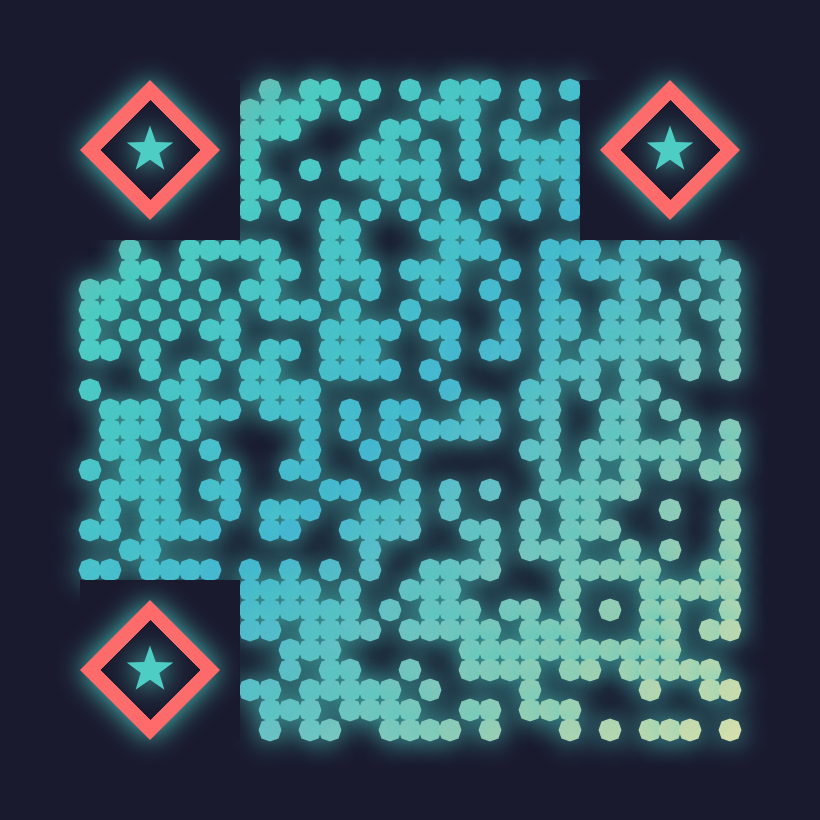
nft-mint
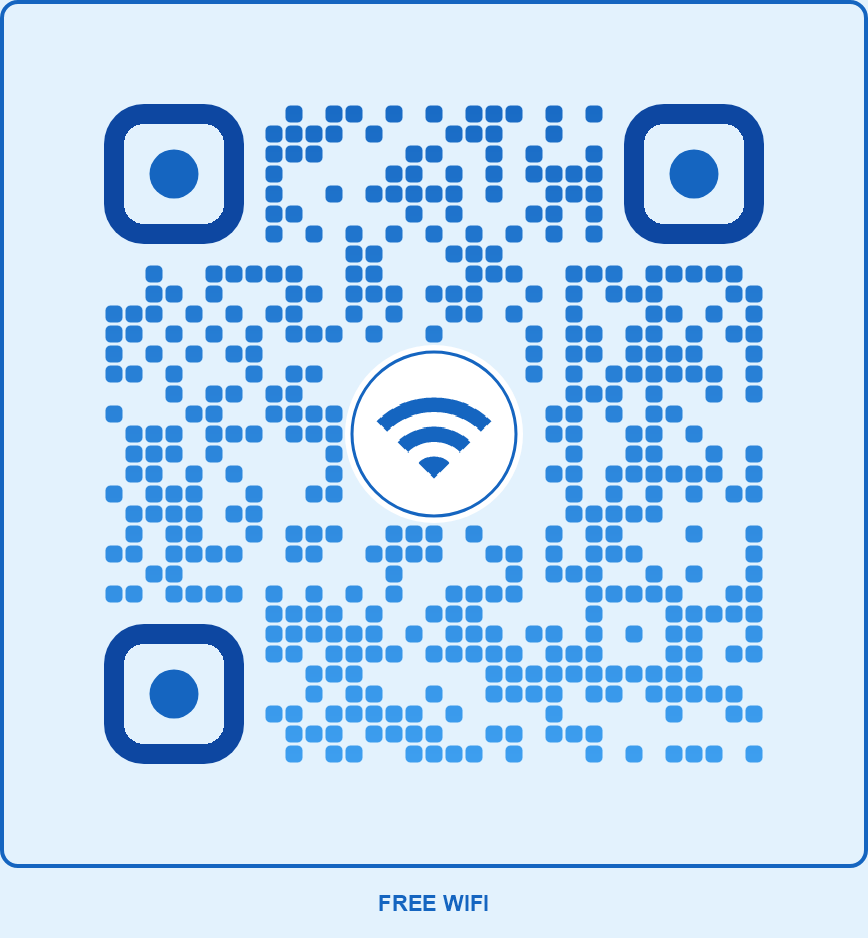
wifi-hotspot
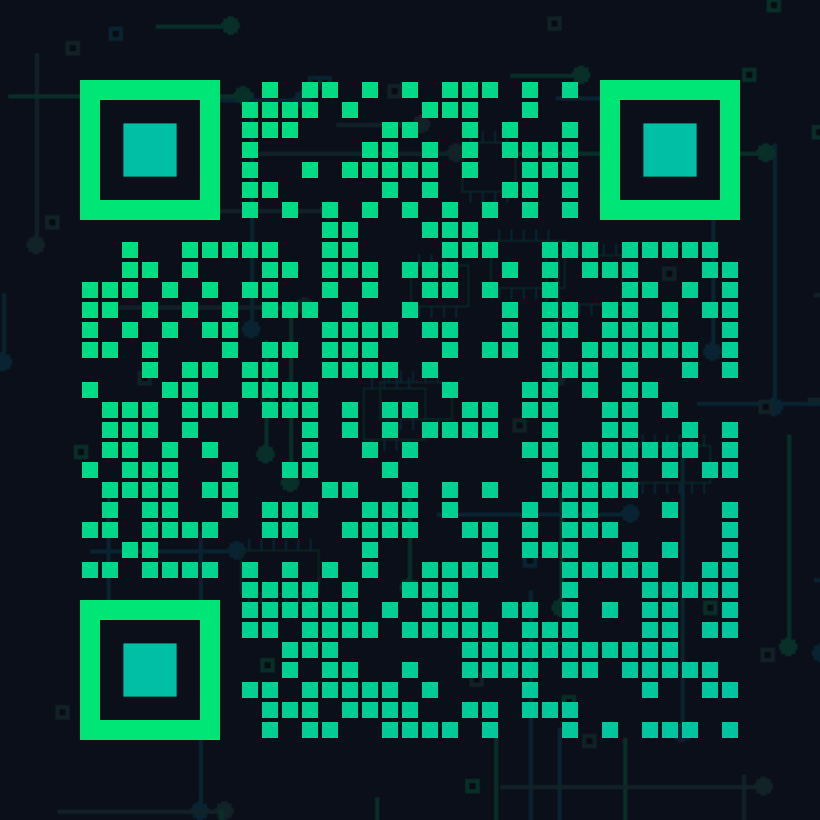
circuit-tech
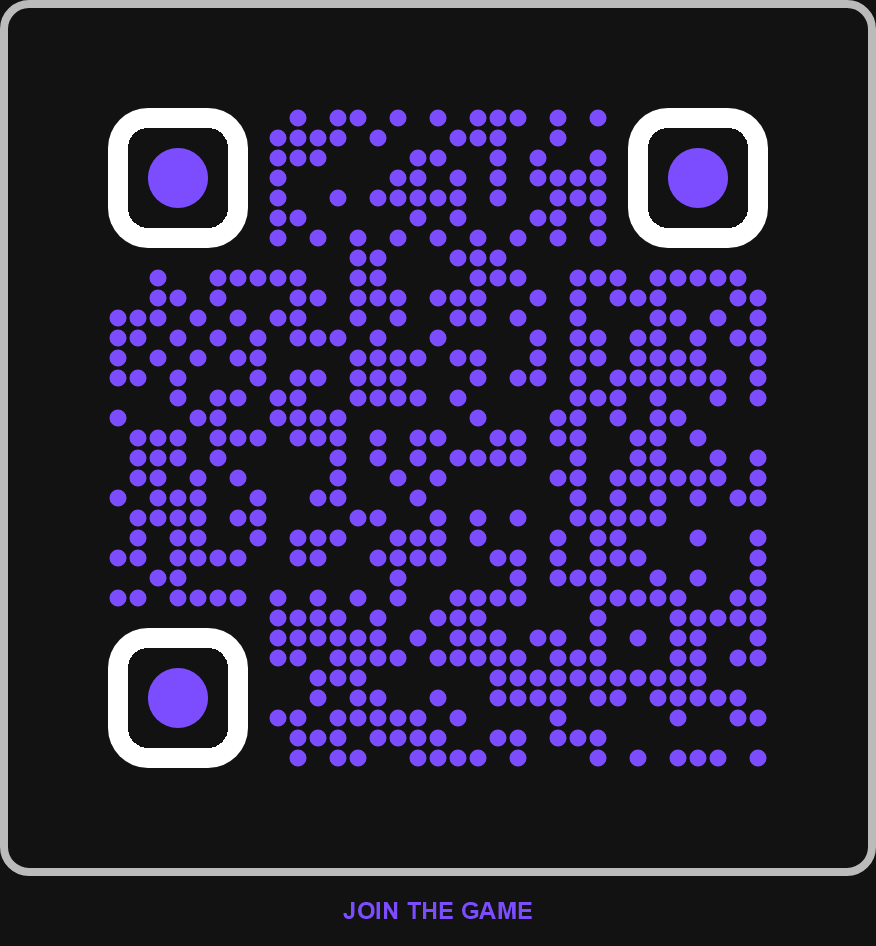
esports-gaming
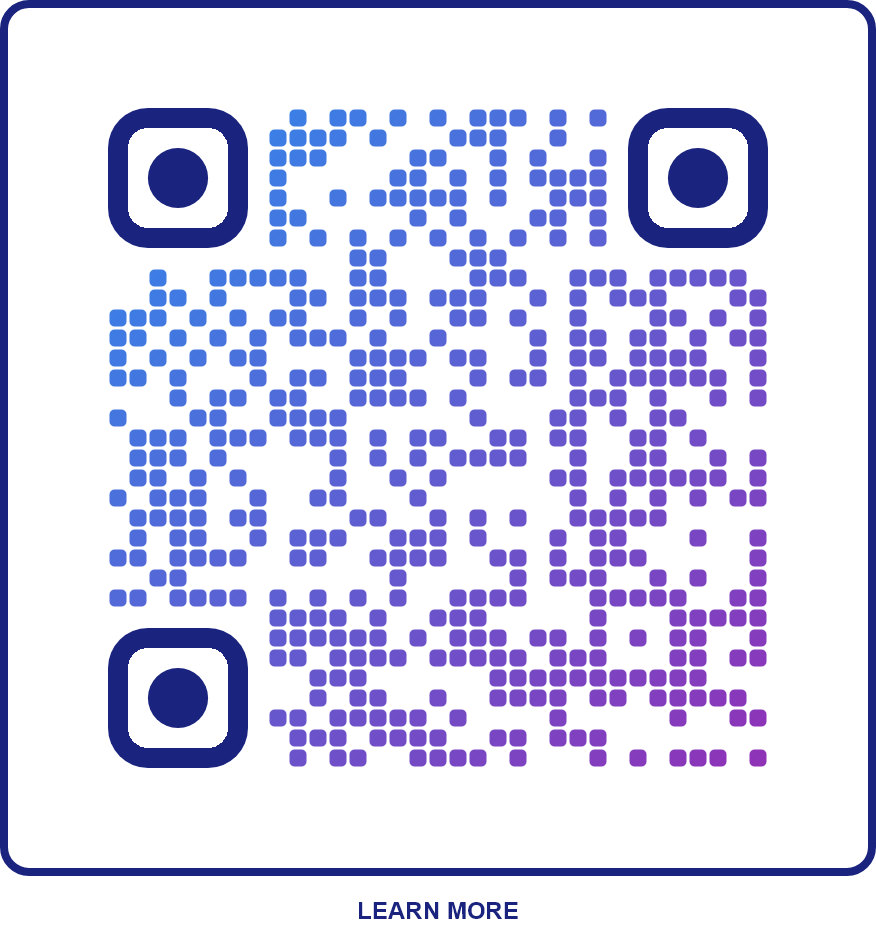
startup-tech
Travel
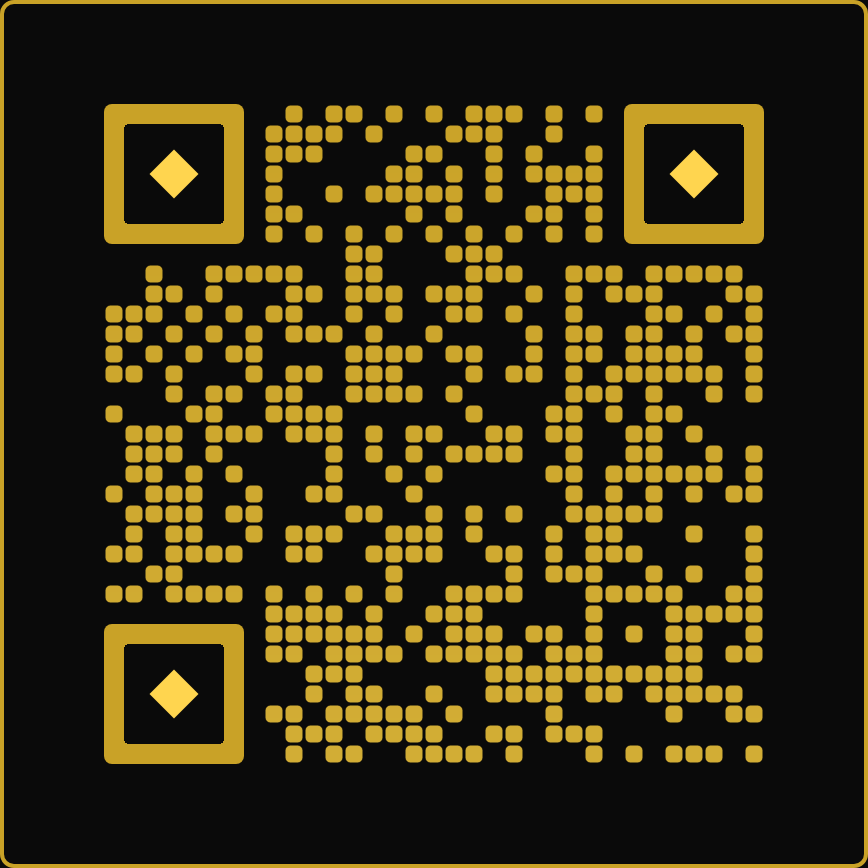
hotel-luxury
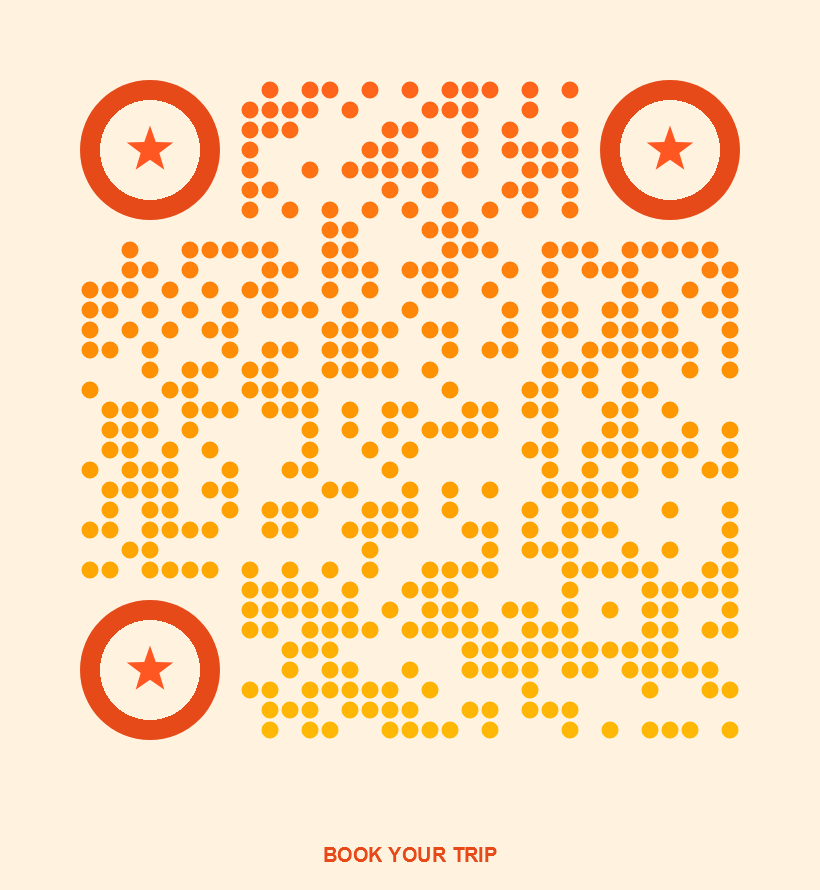
travel-adventure
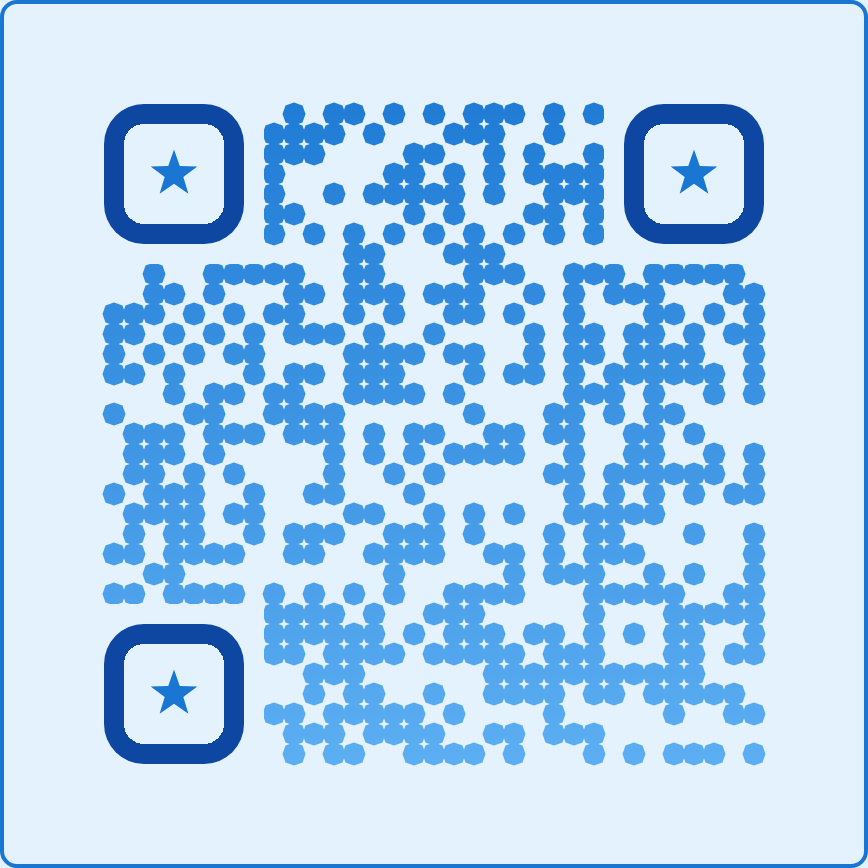
airline-modern
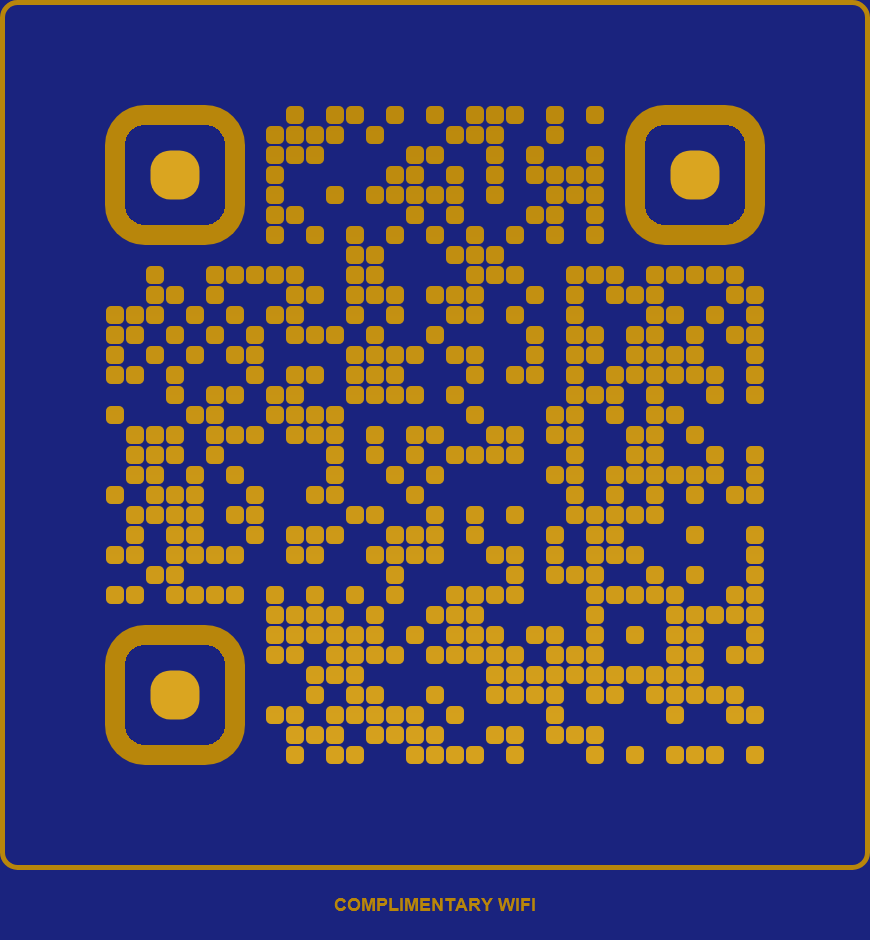
wifi-hotel
🤖 AI-Powered QR Generation
Generate a custom QR code by describing it in natural language. The AI will interpret your description and create the perfect configuration using all available styling options. Just describe the style, colors, mood, and brand identity - the AI handles the rest!
Supported LLM Providers
| Provider | ID | Available Models |
|---|---|---|
| OpenAI | openai | gpt-5.2, gpt-4.1, gpt-4.1-mini, gpt-4.1-nano, o3, o3-mini, o4-mini |
| Anthropic | anthropic | claude-opus-4-6, claude-sonnet-4-6, claude-haiku-4-5 |
| Google Gemini | gemini-3.1-pro-preview, gemini-2.5-pro, gemini-2.5-flash, gemini-2.0-flash | |
| Mistral AI | mistral | mistral-large-latest, mistral-medium-latest, mistral-small-latest, magistral-medium-2509 |
| Cohere | cohere | command-a-03-2025, command-r-plus-08-2024 |
| Groq | groq | llama-3.3-70b-versatile, llama-4-scout-17b, deepseek-r1-distill-llama-70b, qwen3-32b |
Request Body
| Parameter | Type | Default | Description |
|---|---|---|---|
| prompt REQ | string | — | Natural language description of how you want the QR to look. Be specific about colors, style, mood, shapes, effects, etc. |
| content REQ | string | — | The data to encode (URL, text, etc.) |
| llmProvider REQ | string | — | LLM provider ID: openai, anthropic, google, mistral, cohere, groq |
| llmApiKey REQ | string | — | Your API key for the selected LLM provider |
| llmModel OPT | string | varies | Specific model to use. If not provided, uses the provider's default model. |
| fileFormat OPT | string | "png" | Output format: png, jpg, svg, pdf, etc. |
| responseType OPT | string | "base64" | Response type: base64 or binary |
| outputWidth OPT | int | 0 | Output width in pixels (0 = auto) |
| outputHeight OPT | int | 0 | Output height in pixels (0 = auto) |
| logoUrl OPT | string | null | URL of logo to embed in QR center |
| logoBase64 OPT | string | null | Base64-encoded logo image |
| backgroundImageUrl OPT | string | null | URL of background image |
| backgroundImageBase64 OPT | string | null | Base64-encoded background image |
| ctaText OPT | string | null | Call-to-action text (e.g., "SCAN ME") |
| creativity OPT | float | 0.5 | AI creativity level (0.0-1.0). 0 = conservative/minimal, 1 = highly creative/artistic. Affects LLM temperature and design decisions. |
| strictScannability OPT | boolean | true | When true, AI prioritizes QR readability over visual creativity. Recommended for production use. |
| stylePreset OPT | string | "balanced" | Style preset to guide AI: minimal, balanced, artistic, corporate, playful, luxury, tech, nature |
Example Request
curl -X POST "https://qr-branding-api.p.rapidapi.com/api/qr/ai/generate" \
-H "X-RapidAPI-Key: YOUR_RAPIDAPI_KEY" \
-H "X-RapidAPI-Host: qr-branding-api.p.rapidapi.com" \
-H "Content-Type: application/json" \
-d '{
"prompt": "Create a modern tech startup QR code with a gradient from electric blue to purple, circular modules, neon glow effect, dark background, and rounded finder patterns. Make it look futuristic and premium.",
"content": "https://mycompany.com",
"llmProvider": "openai",
"llmApiKey": "sk-your-openai-api-key",
"llmModel": "gpt-4.1-mini",
"logoUrl": "https://mycompany.com/logo.png",
"ctaText": "SCAN TO CONNECT"
}'
Example Response
{
"success": true,
"qrBase64": "iVBORw0KGgoAAAANSUhEUgAAA...",
"format": "png",
"contentType": "image/png",
"sizeBytes": 45892,
"generatedConfig": {
"primaryColor": "#0066FF",
"secondaryColor": "#9933FF",
"foregroundStyle": "linearGradient",
"gradientDirection": "diagonal",
"backgroundColor": "#0a0a12",
"moduleShape": "circle",
"finderOuterShape": "roundedsquare",
"finderInnerShape": "circle",
"finderBorderRadius": 15,
"effects": {
"glow": true,
"glowColor": "#0066FF",
"glowIntensity": 12
}
},
"aiExplanation": "Created a futuristic design with blue-to-purple gradient, circular modules for a modern feel, and neon glow effect on a dark background to achieve the premium tech aesthetic.",
"llmProviderUsed": "openai",
"llmModelUsed": "gpt-4.1-mini"
}
Prompt Tips
- Be specific about colors: "electric blue", "rose gold", "forest green"
- Describe the mood: "professional", "playful", "luxurious", "minimalist"
- Mention your industry: "tech startup", "wedding invitation", "restaurant menu"
- Request specific effects: "neon glow", "drop shadow", "3D emboss"
- Specify shapes: "circular modules", "heart-shaped finders", "diamond pattern"
- Reference styles: "Instagram-like gradient", "Spotify green theme", "TikTok colors"
📋 List AI Providers
Get the list of supported LLM providers and their available models.
Example Request
curl -X GET "https://qr-branding-api.p.rapidapi.com/api/qr/ai/providers" \ -H "X-RapidAPI-Key: YOUR_RAPIDAPI_KEY" \ -H "X-RapidAPI-Host: qr-branding-api.p.rapidapi.com"
Example Response
{
"success": true,
"count": 6,
"providers": [
{
"id": "openai",
"name": "OpenAI",
"defaultModel": "gpt-4.1-mini",
"availableModels": ["gpt-5.2", "gpt-4.1", "gpt-4.1-mini", "gpt-4.1-nano", "o3", "o3-mini", "o4-mini"]
},
{
"id": "anthropic",
"name": "Anthropic",
"defaultModel": "claude-sonnet-4-6",
"availableModels": ["claude-opus-4-6", "claude-sonnet-4-6", "claude-haiku-4-5"]
},
{
"id": "google",
"name": "Google Gemini",
"defaultModel": "gemini-2.5-flash",
"availableModels": ["gemini-3.1-pro-preview", "gemini-2.5-pro", "gemini-2.5-flash", "gemini-2.0-flash"]
}
]
}
🤖 AI Generation Gallery
Real examples generated using our AI endpoint. See the prompt that created each design.

Aurora Borealis Magic
NatureView Prompt
Create a mesmerizing aurora borealis inspired QR code. Use a gradient flowing from electric teal (#00ffd5) to ethereal green (#39ff14). Circular modules. Dark midnight background (#050510). Add a magical glow effect with the teal color. Finder patterns should be roundedsquare with bright cyan (#00ffd5) for visibility.
💬 A mesmerizing aurora borealis design with a vertical gradient flowing from electric teal to ethereal green, evoking the natural curtains of northern lights against a deep midnight sky. Circular modules mimic celestial particles, while the teal glow and diffused shadow create an otherworldly luminescence. Bright cyan finder patterns in roundedsquare form ensure excellent contrast and reliable scanning against the dark background.

Liquid Metal Chrome
IndustrialView Prompt
Design a futuristic liquid metal chrome QR code. Dark steel (#333333) to metallic gray (#555555) radial gradient. Diamond-shaped modules for crystalline tech feel. Light silver background (#E8E8E8). Add emboss effect for 3D depth. Rounded square finders in dark charcoal (#222222). Include a sleek frame.
💬 Futuristic liquid metal design using a dark steel-to-metallic gray radial gradient with diamond modules for a crystalline tech aesthetic. The emboss effect adds convincing 3D depth mimicking chrome relief, while the subtle drop shadow enhances the metallic illusion. Dark charcoal rounded-square finders ensure strong contrast against the light silver background for reliable scanning, and the sleek gradient frame with soft corners completes the polished industrial look.

Bioluminescent Ocean
NatureView Prompt
Create a deep sea bioluminescent QR code. Gradient from electric cyan (#00ffff) to glowing blue (#0066ff). Circle modules like plankton particles. Very dark ocean background (#000022). Glow effect with cyan color. Finder patterns with bright cyan outer (#00ffff).
💬 Deep sea bioluminescent design featuring circular plankton-like modules with a cyan-to-blue gradient drifting downward like light through ocean depths. The cyan glow effect and soft luminous shadow simulate the ethereal bioluminescence of deep-sea organisms against the near-black ocean abyss background. Finder patterns use bright cyan for maximum contrast and scanner reliability.

Neon Tokyo Night
TechView Prompt
Design a cyberpunk neon Tokyo QR code. Gradient from electric pink (#FF0080) to neon blue (#0080FF). Roundedsquare modules. Very dark background (#0A0A1A). Glow effect with pink color. Finder patterns roundedsquare with neon pink outer (#FF0080) and cyan inner (#00FFFF). Add a solid frame with rounded corners.
💬 Cyberpunk Tokyo-inspired design featuring an electric pink-to-neon blue diagonal gradient on an ultra-dark background, with glowing pink aura and neon finder patterns in hot pink and cyan for that authentic night-city holographic feel. The gradient frame and rounded shapes complete the futuristic aesthetic while maintaining strong contrast for reliable scanning.

Synthwave Sunset
CreativeView Prompt
Create an 80s synthwave sunset QR code. Gradient: hot pink (#FF1493), electric orange (#FF4500). Hexagon modules for retro-futuristic feel. Deep purple-black background (#1a0033). Glow effect with pink. Rounded square finders with bright pink (#FF1493).
💬 80s synthwave sunset design with a hot pink-to-electric orange gradient flowing top to bottom like a retro sunset horizon. Hexagon modules deliver that retro-futuristic grid aesthetic against the deep purple-black void. Pink neon glow radiates off the modules for authentic synthwave atmosphere, while bright pink rounded-square finders ensure strong contrast against the dark background for reliable scanning. A gradient frame ties the whole vaporwave vibe together.

Volcanic Ember
CreativeView Prompt
Design a volcanic lava themed QR code. Gradient from bright orange (#FF6600) to crimson (#CC0000). Diamond-shaped modules like sparks. Very dark charcoal background (#111111). Shadow effect for depth. Finder patterns with bright orange outer (#FF6600) and yellow inner (#FFCC00).
💬 Volcanic lava design with a bright orange-to-crimson gradient flowing downward like molten lava, diamond-shaped modules evoking flying sparks, and a subtle fiery glow against the dark charcoal background. The warm orange and yellow finder patterns ensure strong contrast and reliable scanning, while the shadow and glow effects add smoldering depth to the composition.

Arctic Frost
CreativeView Prompt
Create an icy arctic frost QR code. Gradient from deep blue (#1E90FF) to navy (#000080). Diamond modules like ice crystals. White background (#FFFFFF). Emboss for frozen 3D texture. Finder patterns with dark navy (#000066).
💬 Arctic frost design with diamond-shaped modules evoking ice crystals, a deep blue-to-navy vertical gradient mimicking frozen depths, emboss for a 3D icy texture, and a subtle blue shadow for a frosty glow. Dark navy finder patterns ensure strong contrast against the white background for reliable scanning.

Tropical Paradise
CreativeView Prompt
Create a vibrant tropical paradise QR code. Gradient from turquoise (#00CED1) to coral (#FF6F61). Circle modules. White background (#FFFFFF). Finder patterns roundedsquare with deep teal outer (#008080) and coral inner (#FF6F61). Solid frame in teal with rounded corners.
💬 A vibrant tropical paradise design featuring a turquoise-to-coral diagonal gradient across circular modules, evoking ocean waters meeting sunset skies. Deep teal rounded-square finder patterns with coral inner dots anchor the design, while a matching teal frame with smooth rounded corners frames the whole composition like a postcard from paradise.

Quantum Hologram
CreativeView Prompt
Design a quantum holographic QR code. Gradient from cyan (#00FFFF) to magenta (#FF00FF). Hexagonal modules like data particles. Near-black background (#050510). Glow effect with cyan. Target-style finder patterns with bright cyan outer.
💬 Quantum holographic design featuring hexagonal data-particle modules with a cyan-to-magenta diagonal gradient on a near-black void background. Target-style finder patterns in bright cyan and magenta ensure strong scanner detection against the dark field. A subtle cyan glow and zero-offset shadow create the holographic light-emission effect, while light embossing adds dimensional depth to the particle grid.

Art Deco Elegance
ArtisticView Prompt
Design an Art Deco inspired QR code. Gradient from deep black (#1A1A2E) to midnight blue (#16213E). Diamond modules for geometric precision. Champagne gold background (#F5E6CC). Finder patterns square with black outer (#1A1A2E) and gold inner (#D4AF37). Elegant double frame in gold. Emboss effect.
💬 An Art Deco–inspired design pairing deep black-to-midnight-blue diamond modules against a warm champagne gold background for strong contrast and geometric elegance. The gold inner finder dots and double gold frame evoke the opulence of the 1920s, while the subtle emboss and shadow effects add dimensional depth reminiscent of engraved metalwork.

Nebula Cosmos
CreativeView Prompt
Create a cosmic nebula QR code. Gradient from deep purple (#4A0080) to electric violet (#8B00FF). Circle modules like stars. Very dark background (#050510). Glow effect with violet color. Finder patterns circle with bright purple outer (#9B30FF) and white inner.
💬 A cosmic nebula design using a radial gradient from electric violet to deep purple, mimicking the swirling glow of a nebula. Circle modules evoke distant stars scattered across the ultra-dark space background (#050510). The violet glow effect creates a luminous aura, while bright purple finder outers with white inners ensure strong contrast and reliable scanning against the dark void.

Steampunk Gears
CreativeView Prompt
Design a steampunk mechanical QR code. Gradient from bronze (#CD7F32) to dark copper (#8B4513). Hexagon modules like gear teeth. Aged parchment background (#F5DEB3). Emboss effect for 3D metallic depth. Finder patterns roundedsquare with dark brown outer (#5C3317) and bronze inner (#CD7F32). Solid frame in dark brown.
💬 Steampunk mechanical design featuring a bronze-to-dark-copper vertical gradient over hexagonal gear-tooth modules on an aged parchment background. The emboss effect with a subtle drop shadow creates convincing 3D metallic depth, while dark brown finder patterns and a matching solid frame evoke the look of a Victorian brass instrument. Contrast between the dark copper/bronze modules and the light parchment ensures reliable scanning.

Underwater Coral
CreativeView Prompt
Create a coral reef themed QR code. Gradient from ocean blue (#006994) to seafoam green (#2E8B57). Circle modules like bubbles. Light aqua background (#E0F7FA). Finder patterns circle with deep blue outer (#003366) and coral inner (#FF7F50). Solid frame in deep blue with rounded corners.
💬 A coral reef-inspired design with circular bubble-like modules flowing from ocean blue to seafoam green, evoking underwater currents. The deep navy finder patterns with coral-colored centers mimic the vibrant contrast of a reef, while the light aqua background and rounded deep blue frame create the feel of peering through a porthole into the ocean. A subtle shadow adds depth to the underwater atmosphere.

Desert Mirage
CreativeView Prompt
Design a desert sunset mirage QR code. Gradient from warm amber (#FF8C00) to terracotta (#E2725B). Diamond modules like sand crystals. Light sand background (#FFF8DC). Shadow effect for depth. Finder patterns roundedsquare with burnt sienna outer (#A0522D) and amber inner (#FFBF00). Solid frame in terracotta.
💬 A desert sunset mirage design featuring a warm amber-to-terracotta vertical gradient evoking the horizon at dusk, with diamond-shaped modules reminiscent of glittering sand crystals against a light cornsilk sand background. Burnt sienna and amber finder patterns anchor the composition like desert rock formations, while a terracotta frame and subtle warm shadow add depth and the illusion of heat shimmer.

Digital Rain
TechView Prompt
Create a Matrix-style digital rain QR code. Gradient from bright green (#00FF41) to dark emerald (#004D00). Square modules. Very dark background (#000800). Glow effect with green color. Finder patterns square with neon green outer (#00FF41) and dark green inner (#003300). Scan corners with green brackets.
💬 Matrix digital rain aesthetic achieved with a vertical bright-to-dark green gradient simulating cascading code on an ultra-dark background. The neon green glow and matching scan corner brackets reinforce the cyberpunk terminal feel, while square modules evoke the iconic monospace character grid of the Matrix. High contrast between #00FF41 finders and the #000800 background ensures reliable scanning.
📶 Generate WiFi String
Generate a WiFi connection string that users can scan to auto-connect to a network.
Request Parameters
| Parameter | Type | Default | Description |
|---|---|---|---|
| ssid REQ | string | — | Network name (SSID). |
| password REQ | string | — | Network password. |
| encryption | string | "WPA" |
Encryption type.
WPA
WPA2
WEP
nopass
|
| hidden | bool | false | Whether the network SSID is hidden. |
{
"ssid": "MyNetwork",
"password": "secret123",
"encryption": "WPA",
"hidden": false
}
{
"text": "WIFI:S:MyNetwork;T:WPA;P:secret123;H:false;;"
}
👤 Generate vCard String
Generate a vCard contact string that adds contact info directly to the scanner's address book.
Request Parameters
| Parameter | Type | Description |
|---|---|---|
| firstName | string | First name |
| lastName | string | Last name |
| phone | string | Phone number (include country code) |
| string | Email address | |
| org | string | Organization/Company name |
| url | string | Website URL |
{
"firstName": "John",
"lastName": "Doe",
"phone": "+1234567890",
"email": "john@example.com",
"org": "Acme Inc",
"url": "https://example.com"
}
{
"text": "BEGIN:VCARD\nVERSION:3.0\nN:Doe;John\nFN:John Doe\nORG:Acme Inc\nTEL:+1234567890\nEMAIL:john@example.com\nURL:https://example.com\nEND:VCARD"
}
📍 Generate Geo String
Generate a geographic location string that opens the location in the user's maps app.
Request Parameters
| Parameter | Type | Description |
|---|---|---|
| lat REQ | double | Latitude coordinate |
| lng REQ | double | Longitude coordinate |
{
"lat": 40.7128,
"lng": -74.0060
}
{
"text": "geo:40.7128,-74.006"
}
⚠️ Error Codes Reference
The API uses standardized error responses across all endpoints. Every error response includes a structured JSON body with detailed information to help you debug and handle errors gracefully.
Error Response Format
{
"success": false,
"error": {
"code": "ERROR_CODE",
"message": "Human-readable error description",
"field": "fieldName", // Optional: affected field
"details": [...] // Optional: multiple validation errors
}
}
HTTP Status Codes
| Code | Status | Description |
|---|---|---|
| 200 | OK | Request successful |
| 400 | Bad Request | Invalid input, validation error, or malformed JSON |
| 401 | Unauthorized | Missing or invalid API authentication |
| 404 | Not Found | Resource or endpoint not found |
| 500 | Internal Error | Server-side error during processing |
Validation Errors (400)
These errors occur when input data doesn't meet the required format or constraints.
| Error Code | Description | Example |
|---|---|---|
| VALIDATION_ERROR | General validation failure (may contain multiple errors) | Validation failed with 3 errors. |
| INVALID_JSON | Request body is not valid JSON | Invalid JSON body: Unexpected character at position 45 |
| MISSING_REQUIRED_FIELD | A required field is missing or empty | The 'content' field is required and cannot be empty. |
| INVALID_FIELD_VALUE | Field value is not one of the allowed values | Invalid logo shape 'triangle'. Allowed: square, circle. |
| INVALID_COLOR_FORMAT | Color is not a valid hex format | Invalid color format for 'primaryColor': 'red'. Use hex format (#RGB, #RRGGBB, or #RRGGBBAA). |
| INVALID_FILE_FORMAT | Unsupported file format requested | Invalid file format 'xyz'. Allowed: png, jpg, jpeg, webp, svg, pdf. |
| CONTENT_TOO_LONG | QR content exceeds maximum length | Content length (5000) exceeds maximum allowed (4296 characters). |
| FILE_TOO_LARGE | Uploaded file exceeds size limit | Logo file size (15728640 bytes) exceeds maximum allowed (10MB). |
| INVALID_URL | URL format is invalid | Invalid URL format for 'logoUrl'. URL must start with http:// or https://. |
| INVALID_ECC_LEVEL | Invalid error correction level | Invalid ECC level 'X'. Allowed values: L, M, Q, H. |
| INVALID_MODULE_SHAPE | Invalid module shape specified | Invalid module shape 'triangle'. Allowed: square, circle, roundedsquare, diamond, star, heart, hexagon, leaf. |
| INVALID_GRADIENT_TYPE | Invalid gradient type | Invalid gradient type 'conic'. Allowed: linear, radial. |
| INVALID_RESPONSE_TYPE | Invalid response type requested | Invalid response type 'file'. Allowed: base64, binary. |
| VALUE_OUT_OF_RANGE | Numeric value outside allowed range | PixelsPerModule (150) must be between 1 and 100. |
| MULTIPART_CONFIG_MISSING | Multipart request missing config field | Multipart request requires a 'config' field containing JSON configuration. |
Authentication Errors (401)
| Error Code | Description | Example |
|---|---|---|
| UNAUTHORIZED | Authentication failed or missing | Missing authentication header. Please use RapidAPI to access this API. |
| INVALID_API_KEY | API key is invalid or expired | Invalid authentication. Please use RapidAPI to access this API. |
| LLM_API_KEY_INVALID | LLM provider API key is invalid (AI endpoint only) | OpenAI API error: 401 - Invalid API key provided. |
🤖 AI Generation Errors
These errors are specific to the AI-powered QR generation endpoint.
| Error Code | HTTP | Description | Example |
|---|---|---|---|
| INVALID_LLM_PROVIDER | 400 | Unsupported LLM provider specified | Unsupported LLM provider 'chatgpt'. Supported providers: openai, anthropic, google, mistral, cohere, groq |
| INVALID_LLM_MODEL | 400 | Model not available for the selected provider | Model 'gpt-6' is not available for OpenAI. Available models: gpt-5.2, gpt-4.1, gpt-4.1-mini, gpt-4.1-nano, o3, o3-mini, o4-mini |
| LLM_API_KEY_INVALID | 401 | The provided LLM API key is invalid | OpenAI API error: 401 - Invalid API key provided. |
| AI_GENERATION_FAILED | 500 | AI failed to generate a valid configuration | Failed to generate QR configuration from AI. Please check your API key and try again. |
| AI_CONFIG_INVALID | 500 | AI generated an invalid QR configuration | AI generated an invalid configuration. Validation errors: Invalid color format... |
| AI_REQUEST_TIMEOUT | 500 | LLM API request timed out | Request timed out. Please try again. |
Server Errors (500)
| Error Code | Description | Example |
|---|---|---|
| INTERNAL_ERROR | Unexpected server error | An unexpected error occurred while processing your request. Please try again later. |
| QR_GENERATION_FAILED | QR code generation engine failed | Failed to generate QR code. Please check your configuration and try again. |
Error Response Examples
Missing Required Field
{
"success": false,
"error": {
"code": "MISSING_REQUIRED_FIELD",
"message": "The 'content' field is required and cannot be empty.",
"field": "content"
}
}
Invalid Color Format
{
"success": false,
"error": {
"code": "INVALID_COLOR_FORMAT",
"message": "Invalid color format for 'primaryColor': 'blue'. Use hex format (#RGB, #RRGGBB, or #RRGGBBAA).",
"field": "primaryColor"
}
}
Multiple Validation Errors
{
"success": false,
"error": {
"code": "VALIDATION_ERROR",
"message": "Validation failed with 3 errors.",
"details": [
{
"field": "content",
"code": "MISSING_REQUIRED_FIELD",
"message": "The 'content' field is required and cannot be empty."
},
{
"field": "primaryColor",
"code": "INVALID_COLOR_FORMAT",
"message": "Invalid color format for 'primaryColor': 'red'.",
"value": "red"
},
{
"field": "pixelsPerModule",
"code": "VALUE_OUT_OF_RANGE",
"message": "PixelsPerModule (200) must be between 1 and 100.",
"value": 200
}
]
}
}
Invalid JSON
{
"success": false,
"error": {
"code": "INVALID_JSON",
"message": "Invalid JSON body: 'c' is an invalid start of a property name. Expected a '\"'. LineNumber: 2 | BytePositionInLine: 2."
}
}
Authentication Error
{
"success": false,
"error": {
"code": "UNAUTHORIZED",
"message": "Missing authentication header. Please use RapidAPI to access this API."
}
}
Server Error
{
"success": false,
"error": {
"code": "QR_GENERATION_FAILED",
"message": "Failed to generate QR code. Please check your configuration and try again."
}
}
success field first, then parse the error.code to programmatically handle specific error cases. The error.field property helps identify which input parameter caused the error.
Field Validation Constraints
| Field | Constraints |
|---|---|
| content | Required. Max 4,296 characters |
| eccLevel | Must be: L, M, Q, H |
| pixelsPerModule | 1 - 100 |
| fileFormat | png, jpg, jpeg, webp, svg, pdf |
| responseType | base64, binary |
| outputWidth/Height | 0 - 4,096 pixels |
| backgroundOpacity | 0.0 - 1.0 |
| Colors (all) | Hex format: #RGB, #RRGGBB, #RRGGBBAA |
| foregroundStyle | solid, linearGradient, radialGradient |
| gradientType | linear, radial |
| gradientDirection | vertical, horizontal, diagonal, diagonal-reverse, radial, custom |
| qrShape | square, circle, roundedsquare |
| moduleShape | square, circle, roundedsquare, diamond, star, heart, hexagon, leaf, cross, dot, mosaic, clipped, clippedsmooth, pointed, pointedinward, pointedsmooth, pill, rounded, roundedinward, rounded-in, roundedpointed, rounded-pointed, circlestripe, circle-zebra, circlestripevertical, circle-zebra-vertical, japanese, octagon, shield, arrow, drop, vertical-line, horizontal-line, edgecut, teardrop, plus |
| modulePattern | standard, vertical-lines, horizontal-lines, diagonal-lines, dots-random, dots-gradient |
| moduleStyle | solid, outline, dotted |
| moduleBlendMode | normal, multiply, screen, overlay, darken, lighten, colorburn, colordodge, hardlight, softlight, difference, exclusion |
| finderOuterShape | square, circle, roundedsquare, diamond, octagon, target, double |
| finderInnerShape | square, circle, roundedsquare, diamond, star, dot |
| finderStyle | standard, concentric-circles, target, logo |
| finderInnerPattern | none, cross, star, dot |
| finderBorderRadius | 0 - 50 |
| finderInnerScale | 0.25 - 0.55 |
| moduleScale | 0.5 - 1.0 |
| logoShape | square, circle |
| logoBackground | none, solid, blur |
| logoBorderWidth | 0 - 50 |
| logoSizePercent | 3 - 40 |
| logoPadding | 0+ |
| frame.shape | rectangle, speechbubble, badge, shield |
| frame.style | solid, dashed, dotted, double |
| scanCorners.style | lines, brackets, dots |
| effects.edgeFadeType | size, opacity, both |
| ctaPosition | bottom, top |
| ctaFontSize | 1 - 200 |
| frame.width | 0 - 100 |
| frame.cornerRadius | 0 - 500 |
| frame.padding | 0 - 200 |
| frame.style | solid, dashed, dotted, double |
| centerText.fontSize | 1 - 200 |
| centerText.height | 1 - 500 |
| centerText.orientation | horizontal, vertical-rotated, vertical-stacked |
| URLs (logo, background) | Must start with http:// or https://. Max 2,048 characters |
| Logo file (multipart) | Max 10 MB |
| WiFi ssid | Required. Max 32 characters |
| WiFi password | Required unless encryption is 'nopass'. Max 63 characters |
| WiFi encryption | WPA, WPA2, WPA3, WEP, nopass |
| Geo latitude | -90 to 90 |
| Geo longitude | -180 to 180 |